Developer Program Updates

ANNOUNCEMENT – The virtual world There.com has made several updates to documents in the Developer Program. We have also added the updates to the Peer Review item summary page. We kindly ask that all There Developers and Peer Reviewers read the updated documents and familiarize themselves with the changes.
The following Developer Program documents have been updated. To view the internal documents, you must first log into your There.com account and copy and paste the links into your browser window.
Developer Submission Guidelines
Below you’ll find a quick summary of the Developer Program changes. Please refer to the actual documents for full details regarding the recent changes in guidelines.
Expanded education about finding and tracking comments and reviews on cancelled submissions.
It is the Developer’s and the Peer Reviewer’s responsibility to know how to track comments left by Staff and other members on cancelled submissions.
- Every time a comment is left on a submission an autogenerated email is sent by the Developer Program to the Developer and all reviewers.
- The email is sent to your Avatar’s registered email address. You must have a valid email address on file to receive the system wide Theremail.
- The autogenerated email will include a link to the cancelled submission. Click on the link to access the submission comments, approvals and rejections.
The subject of the email will look something like this for example:
(Username)’s Review of (Designer’s Name) (Title of Item) received (pid 12345678)
Example Subject Line:
Pyrena_Zosime’s Review of Vash’s Frivolous Shirt received pid 1132830
If you are not receiving the autogenerated emails from the Developer Program in your inbox, make sure that your Avatar’s registered email address is up to date. You can update your email address in your Profile under Member Info. The next step is to check your email spam folder. The emails from the Developer program are sent from noreply@prod.there.com to your Avatar’s registered email address.
IMPORTANT: Add noreply@prod.there.com to your list of email contacts. This will help prevent the emails from landing in your spam folder.
There is a small possibility that your email provider will block all system wide emails sent from noreply@prod.there.com. In this case, you may want to create a new email address with a different email provider and make sure to update your Avatar’s registered email address.
Lowered the number of negative reviews from 5 to 3 required for submission cancellation.
If a submission item receives three (3) or more negative reviews, the Designer is REQUIRED to CANCEL the submission. It is the responsibility of the Designer to remove the rejected item from Product Submissions. If the item was rejected for technical reasons, it can be corrected and relisted back in Product Submissions. If the item was rejected due to a violation of the Developer Guidelines or the Terms of Service the submission may not be listed again.
New requirements for test item identification. Test items are now only allowed 14 days in Submissions.
Test items must clearly be marked that the product submission is in fact a test item.
- Mark the Title as a test item. Example: Test Item (Product Type) or Test Item Blue Shirt
- Mark the Description as a test item. Example: This blue shirt is a test item only.
- Mark the Thumbnail image as a test item. Example: The text overlay on the thumbnail image should explicitly say test item.
Test items can only remain in Peer Review for a maximum of two (2) weeks. It is the Designer’s responsibility to remove the test item after fourteen (14) days. If a test item is left in Peer Review for more than a fortnight it will be removed by Staff which will result in a loss of points for the Designer and any Peer Reviewer who left feedback.
Test items are not supposed to be approved. They are for testing purposes only. Peer Reviewers who consistently approve test only items will be issued an educational warning.
Guideline addition – No imagery of children allowed in the Developer Program.
Do not submit images of minor children to the There Developer Program. This includes real-life photos, filtered photos, AI photos or artwork of any person under the age of 18.
Please read and review the Developer Program guidelines and FAQs for a full detailed explanation of the 2024 updates.
Egg-citing Adventures & Bunny-filled Delights
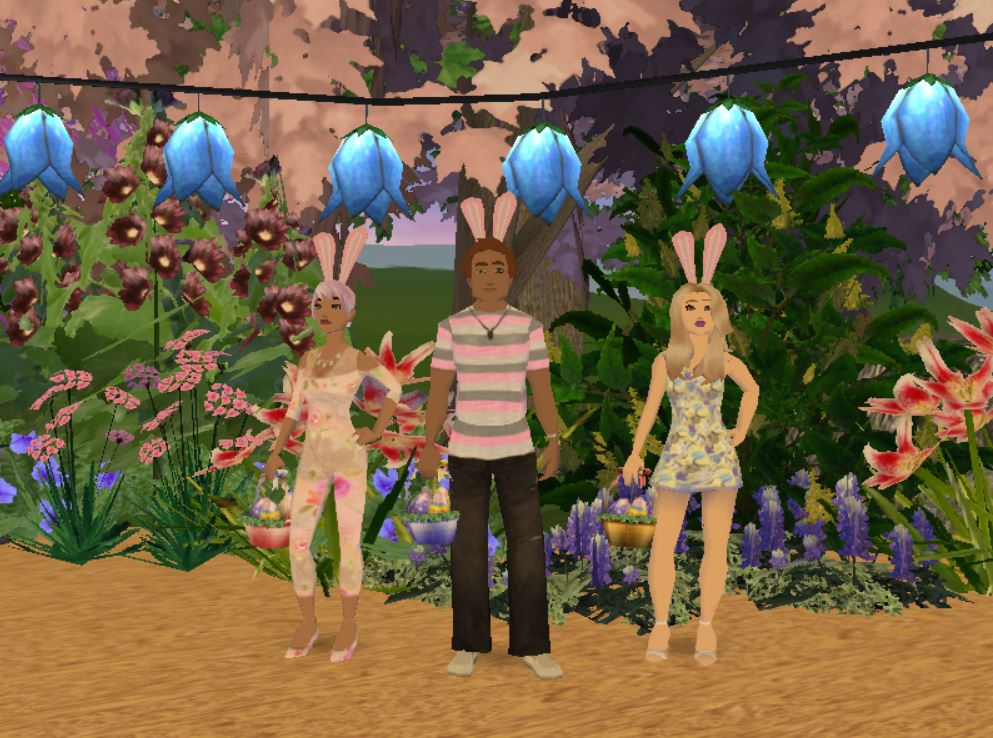
Hoppy Easter! Don your bunny ears and get ready to explore Easter-themed activities in the virtual world There.com. Join in the fun and participate in virtual Easter egg hunts. Explore picturesque landscapes and locate as many eggs as you can. Search the Activities page for Easter-themed events hosted by fellow Thereians.
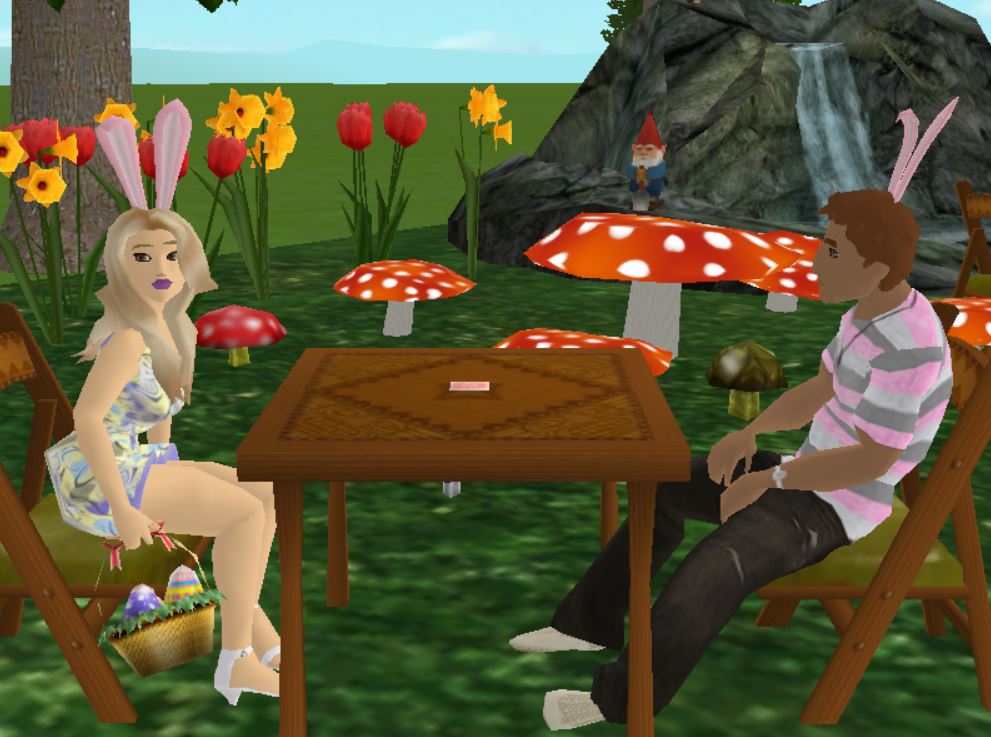
Take a break from hunting eggs and relax with friends over a game of cards. There will be two special easter-themed games of Gin planned for Easter weekend.
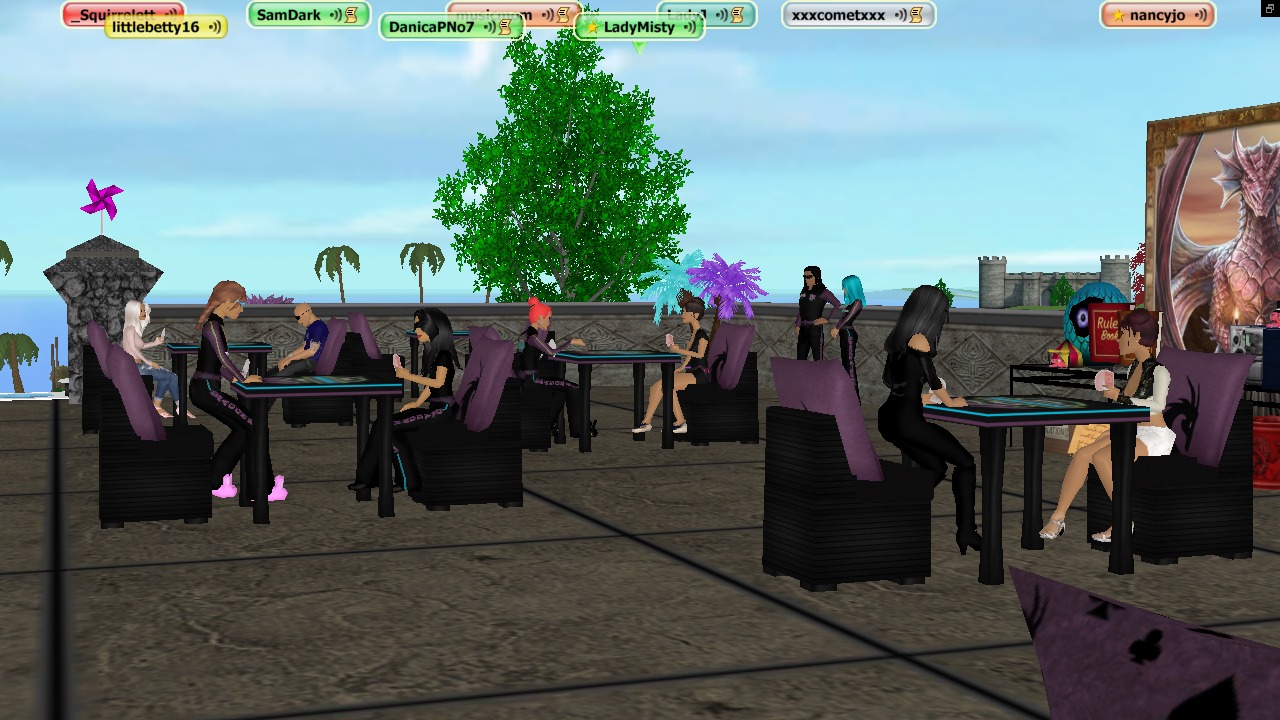
Dragon Rider Easter Gin will be hosted by LadyMisty over at Chaos Island on Saturday, March 30th. Card playing starts at 1:00 pm Eastern/4:00 pm Pacific. Winners will roll the dice for an egg-celent prize. Wear pastel clothing or hold an Easter prop to earn an extra dice roll!
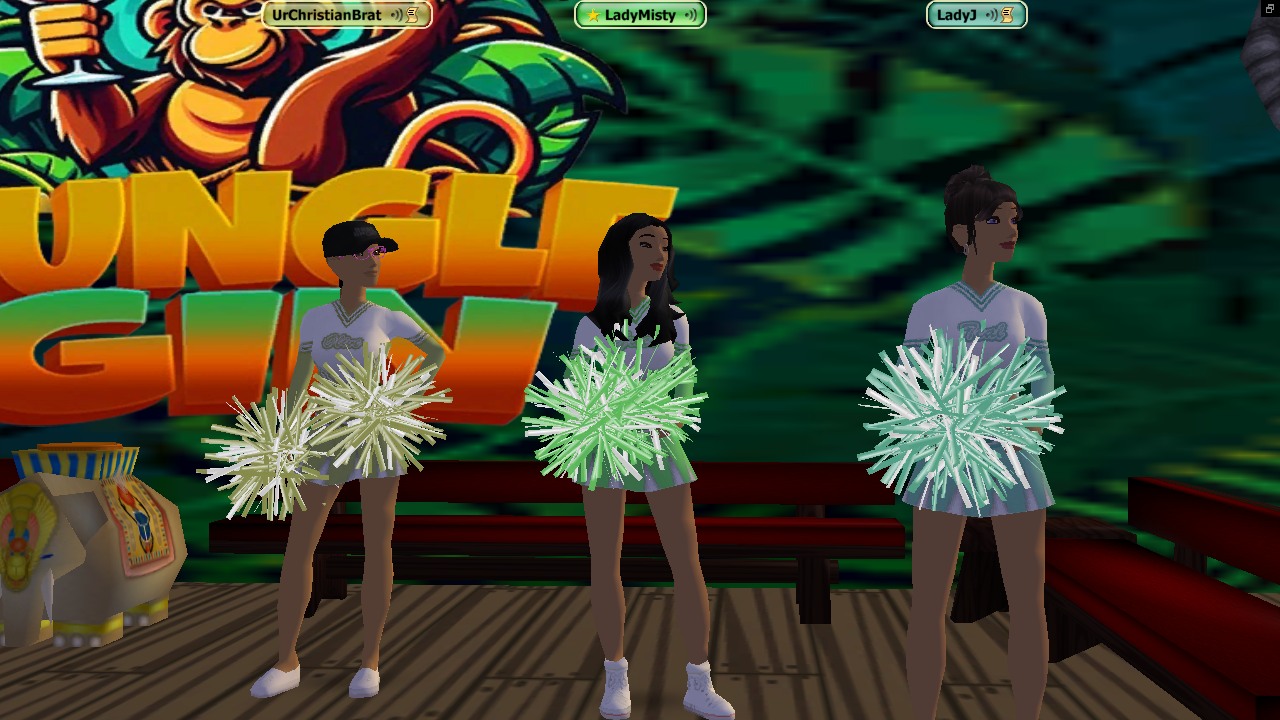
Play a game of cards on Easter Sunday with your host ladybug12312! Easter Jungle Gin starts at 1:00 pm Eastern/4:00 pm Pacific. Doors close 15 minutes after the event starts. Test your luck at elimination Gin. There’s a 2,000 Tbux dice roll for all players.
Start your engine and roar off on a spectacular Easter egg-stravaganza with Cross Country Racing! Starting March 28th at 10:00 pm Pacific through March 29th 9:00 pm Pacific grab your friends and search for the Easter bunny’s eggs. Fill your basket and earn a race point for a chance to win a new CCR vehicle. Look for a document at the start of the race to learn how to track your progress and enter to win.

Head over to the Easter Auctions to purchase baskets, eggs and other holiday decorations created by talented Designers in our virtual community. Support our Developers while adding unique decor to your Easter collection. Spruce up your dining table with floral arrangements, candles, baskets and exclusive dinner wear. Plant pastel flowers in your virtual garden and watch the bunny rabbits frolic.









Celebrate St. Patrick’s Day in There.com

St. Patrick’s Day is a vibrant and joyous occasion filled with culture, traditions and fun activities. Celebrate this special day with friends and family in the virtual world There.com. Sign up for special St. Patrick’s Day events all through the month of March.
Join the BABS St. Patrick’s Day Flotilla on March 13th at 6:00 pm Pacific time. Wear green and grab a pint for this shamrock-studded journey. Be prepared to dance a jig when you find gold at the end of the rainbow during the flotilla. Pilot your own hoverboat or relax and travel with friends. If you’re not already a member, join the Bay Area Boat Systems club in There. The BABS club organizes hoverboat events and adventures every Wednesday evening.
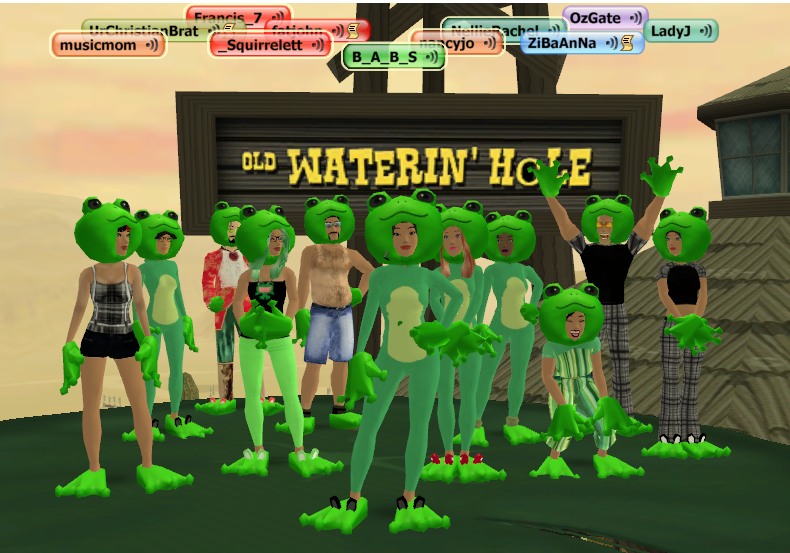
Do you enjoy playing cards? Sign up for the Dragon Riders St. Patrick’s Day Gin event! Make sure to wear something green and you’ll get a chance at a special dice roll where you can win prizes. Play a game of gin and make new friends. Sign up for the green event on March 16th at 4:00 pm Pacific time. The gin card game event will be hosted by LadyMisty. Join the Dragon Riders club to stay updated on all of the latest events.
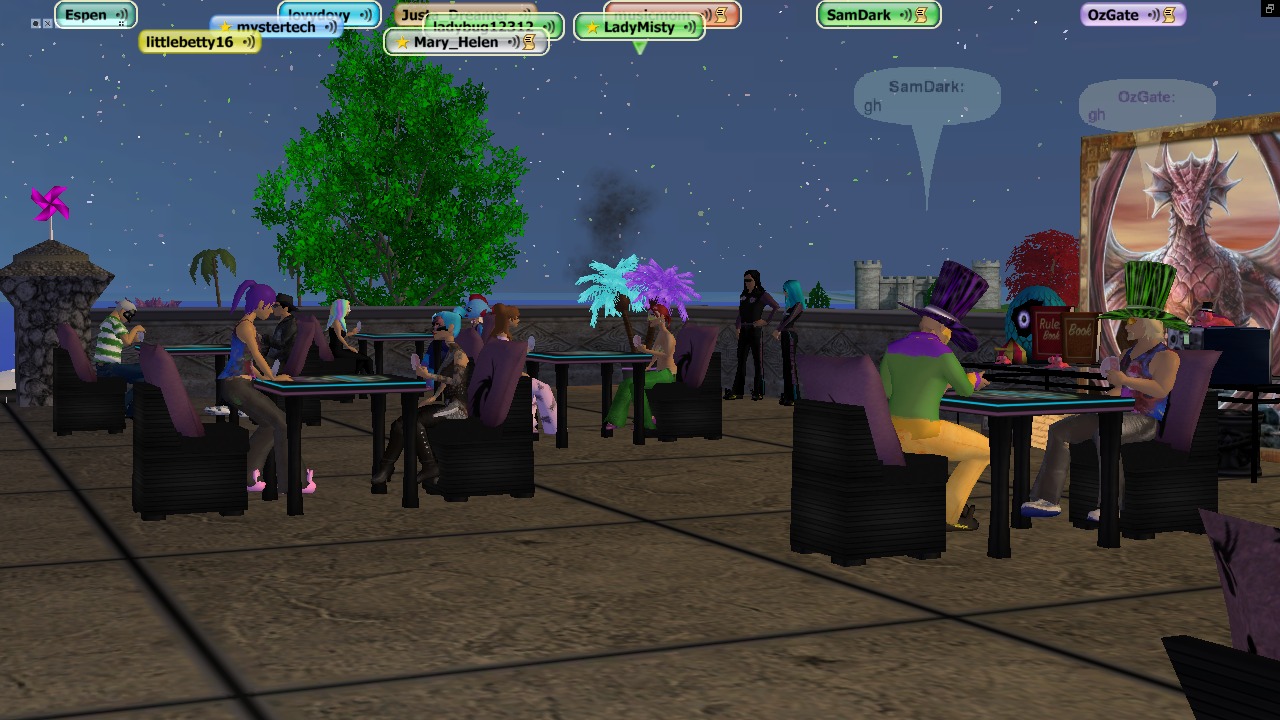
Can’t get enough of playing card games in There.com? Sign up for Jungle Gin with your host ladybug12312! A special St. Patrick’s Day Jungle Gin will be held on March 17th at 5:00 pm Pacific. If you don’t have a partner for elimination gin, one will be provided for you. There will be a dice roll for all players. Play a game of cards and roll the dice to win a prize. Make sure to dress up in green clothes and accessories! Doors close 15 minutes after the start of the event.
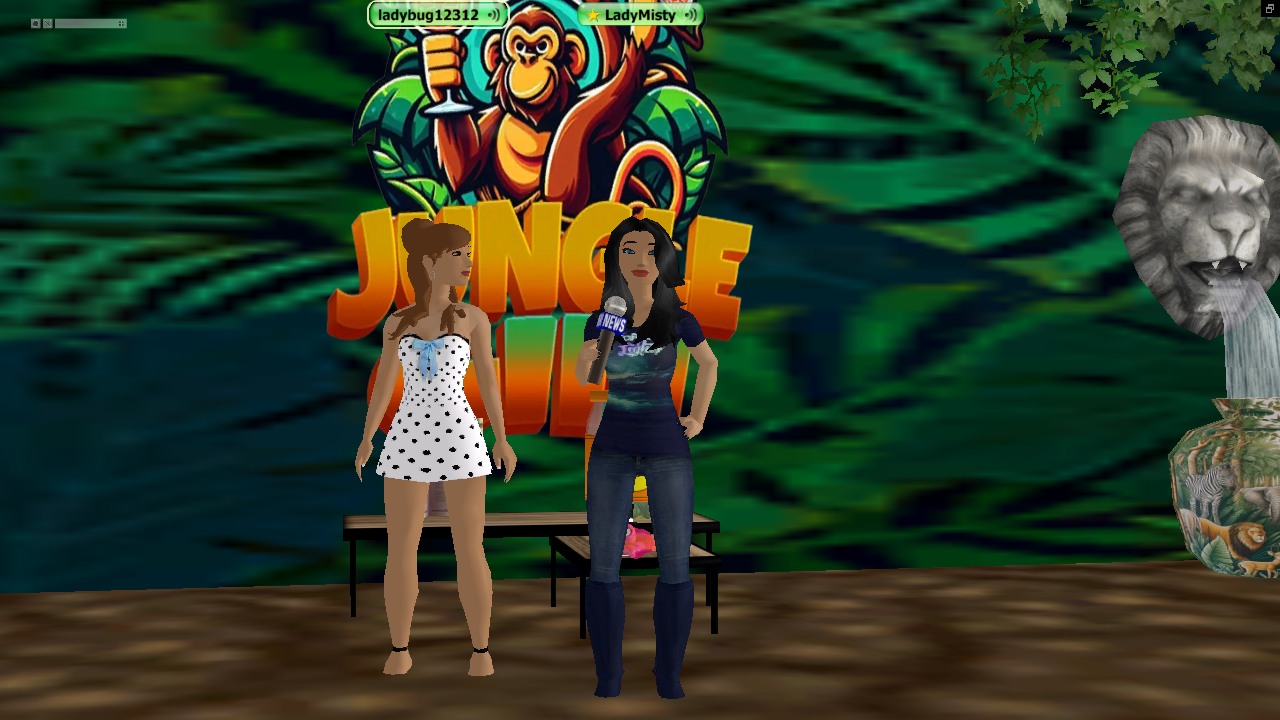
Grab your dauber and head over to BINGO Maniacs special St. Patrick’s Day event hosted by Susansy. Join friends on Monday, March 11th for a green game of BINGO! Play BINGO and win prizes if you’re dressed in your best green attire. Join the BINGO Maniacs club and make sure to sign in to the website to get your BINGO card.

More St. Patrick’s Day events in There are being added to the calendar daily. Keep an eye out for St. Patty’s quests highlighting Irish culture and traditions by the Adventure Quest Club. Check the Activities Page for upcoming green events.

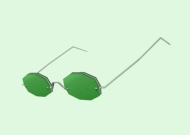
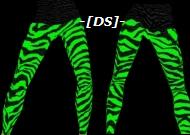
Don your green attire to show your St. Patrick’s Day spirit and avoid getting pinched. Whether it’s a green shirt, top hat or green bunny shoes, wearing green is a traditional way to celebrate. Shop the Auctions for the latest green fashions and don’t forget to frequent the Shop Central St. Patrick’s Day holiday shop for green beer, special shirts and top hats.






Decorate your virtual home or tavern with shamrocks, the iconic symbol of St. Patrick’s Day. Add green balloons, banners and festive tableware to create a cheerful atmosphere. Search for St. Patrick’s Day decorations in the Auctions.












 There Blog