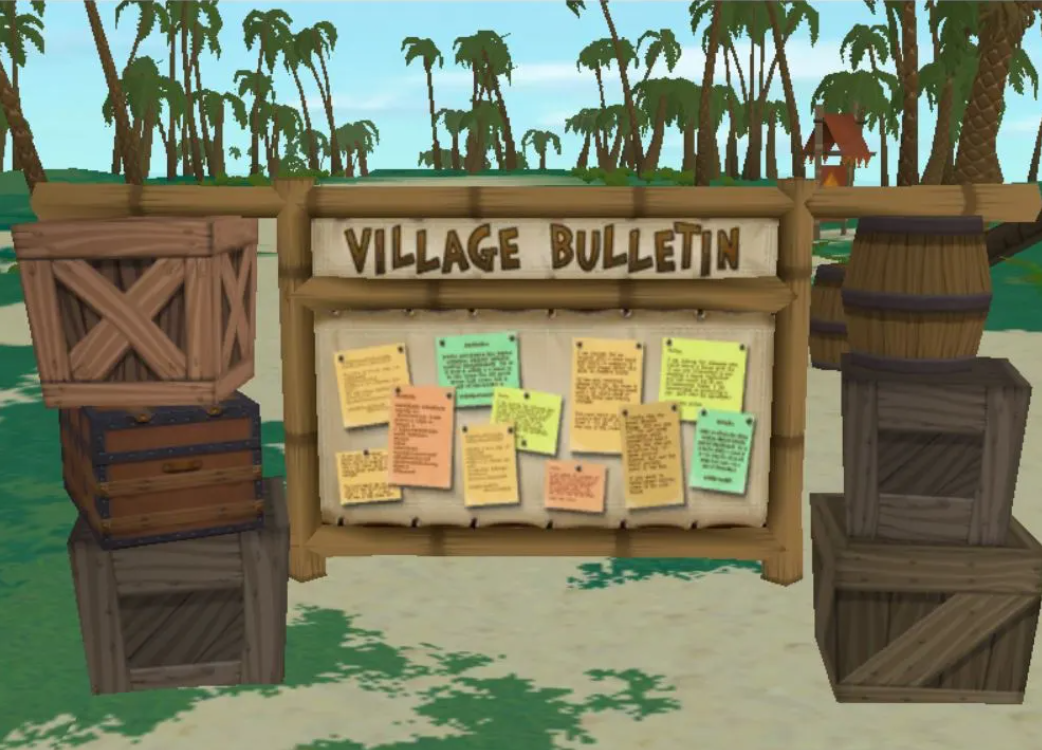
Exciting news for Mac users, There.com has opened the Beta macOS testing for all users to explore. If you have an Apple computer and are running macOS 13 Ventura or later, you are eligible to help test the Mac version of the virtual world There.
Download the MacOS Alpha version of There.com and read the latest release notes.
System Requirements
macOS 13 Ventura or later
Apple Silicon (M1 or later) or Intel Mac with Metal-capable GPU
4 GB RAM minimum; 8 GB recommended
2 GB available disk space
Leave Feedback
Join the There Community Discord Mac Client channel to leave feedback about bug reports and to chat with Engineers.
If you do not have Discord, please email your Mac bug reports and feedback to our Engineers at Feedback@thereinc.com.
During testing if you do crash, you’ll need to email your There.log to Staff at Feedback@thereinc.com. Make sure to include the subject line macOS Crash Report and provide your username in the email. Remember to attach the There.log to your email.
You will need to have a Premium Membership in There.com to test Voice and all of the other perks that come with a Premium account.
The CEO of There, Mr. Wilson will be communicating to all Beta testers through his personal blog I Am So There. You will want to subscribe to the blog to receive update notifications.
Thank you for volunteering to be a There.com virtual world Beta Mac Tester. We value your time and greatly appreciate your efforts. See you There!

