2023 There Winter Games Memorabilia
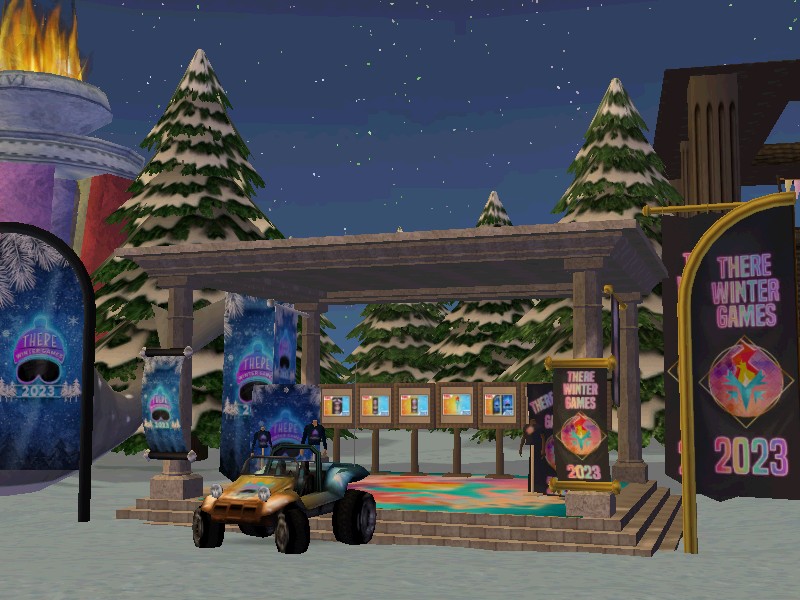
Shop There Games decorations for your home or clubhouse with official 2023 There Winter Games merchandise. Not only does your purchase help advertise There Games, but the proceeds go towards keeping the There Games events going every year as well as providing gifts for the winning teams. Add the 2023 Winter collectibles to your growing There Games memorabilia!
Shop 2023 There Winter Games merchandise in the Auctions. The official TWG merchandise is only available for a limited time, so get yours before the season ends.
















There Games Team Lots
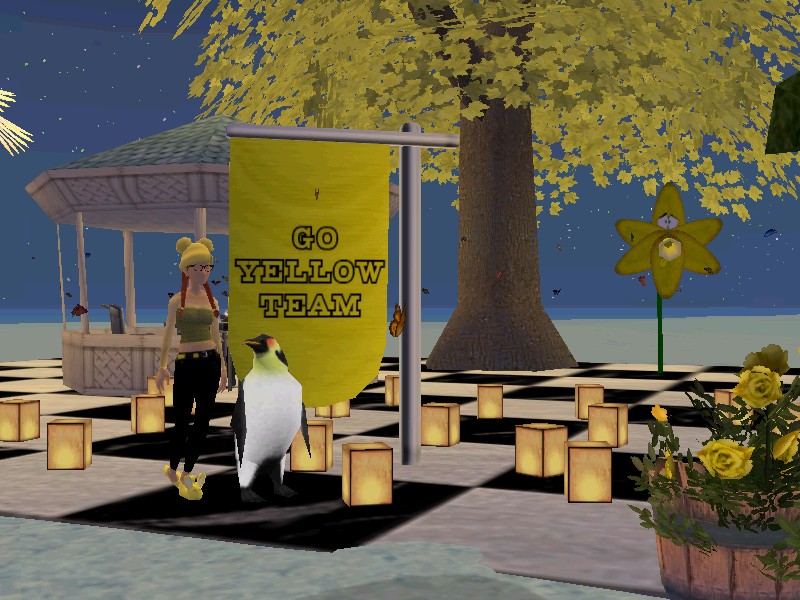
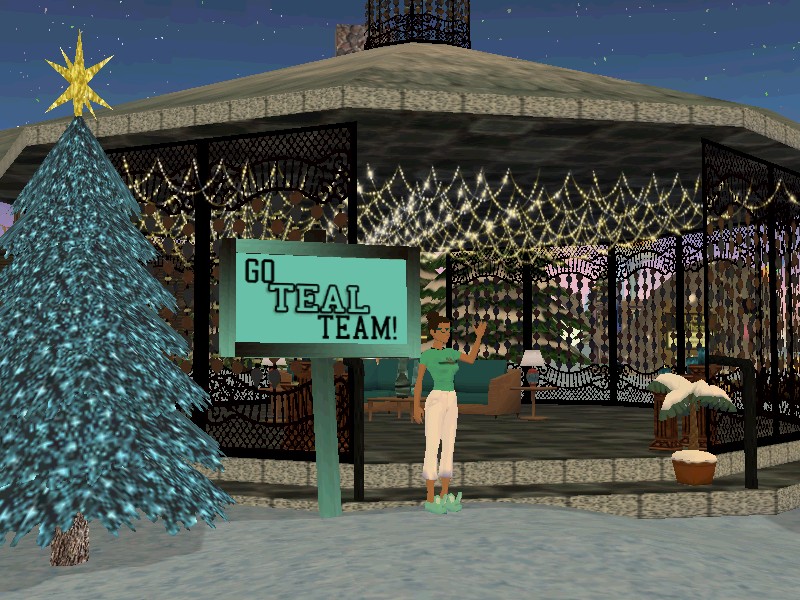
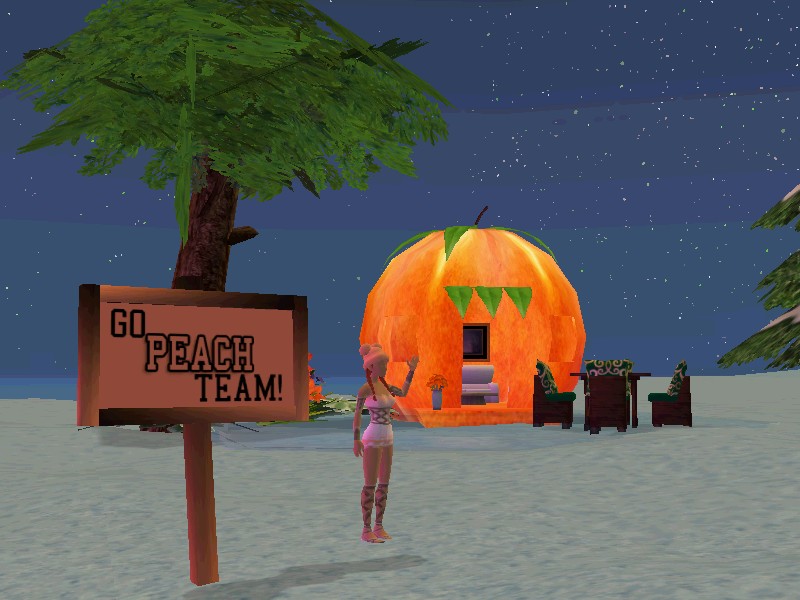
Connect with other team members during There Games at the Team Lots located in the Winter Games Village on Frosty Island. There are sixteen Lots for each different nametag team color. Help decorate your team Lot by setting an event and dropping decorations any time before the There Games start on February 19th. Schedule team event meetings at your team’s Lot during There Games to strategize and connect with other members. Sign up for your nametag team club to be able to easily contact other members on your team.
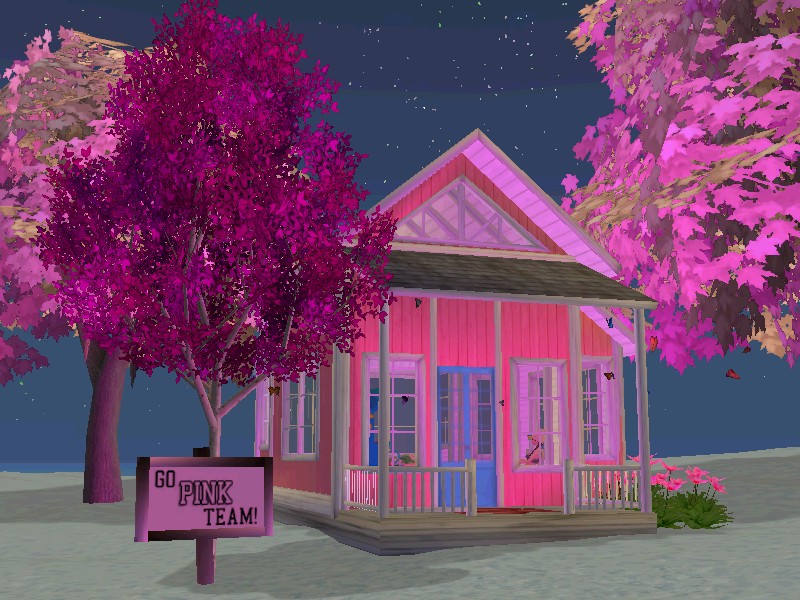
Find Your Nametag Team for There Games
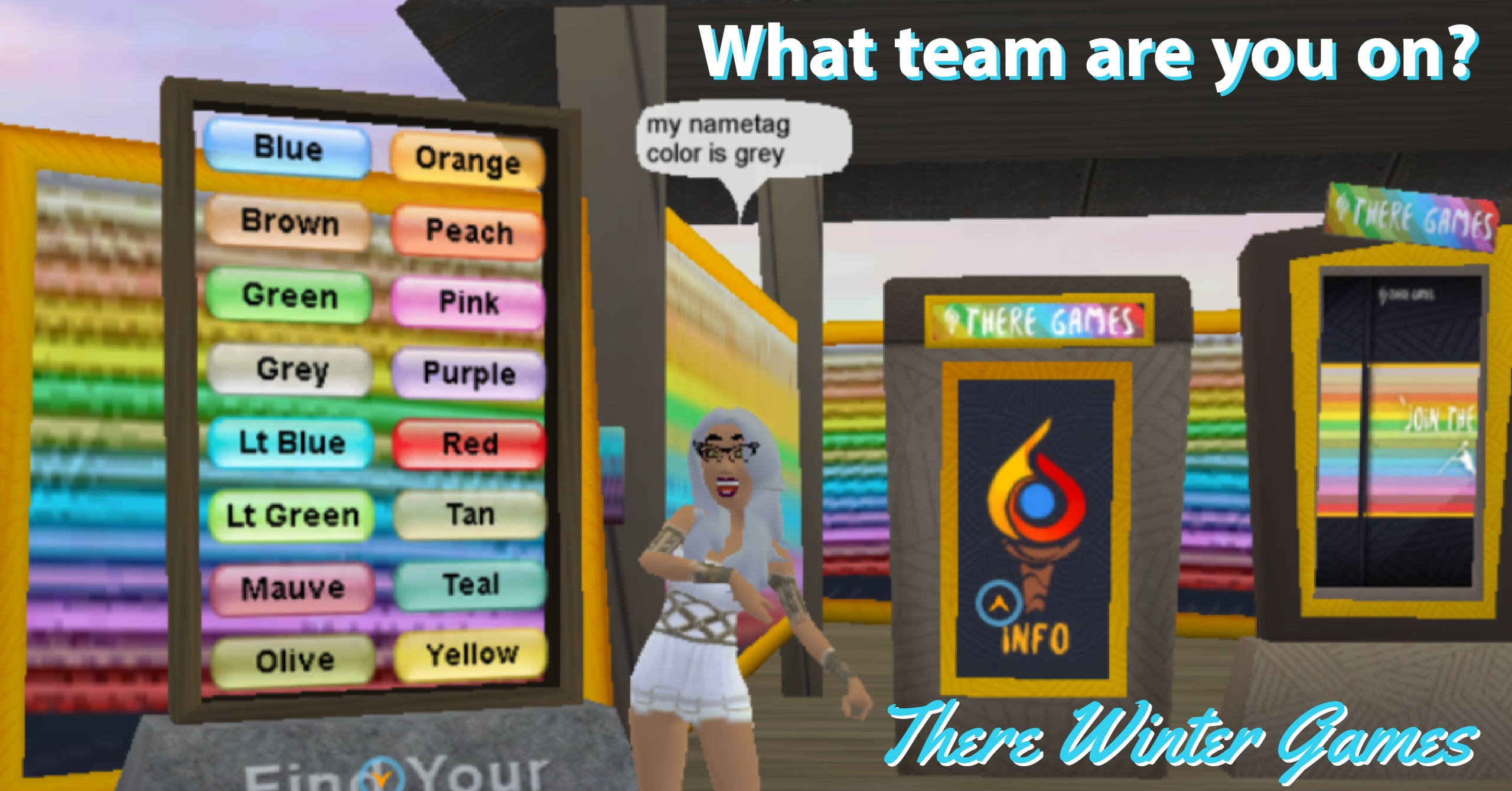
How can I join a team for There Games?
Congratulations, you are already part of a team! There are sixteen There Games teams based on the sixteen avatar nametag colors. The nametag is the colored bar over your avatar’s head where your username is displayed. Everyone has a nametag color that is randomly generated when you join There.com.
What if I can’t figure out what my nametag color is?
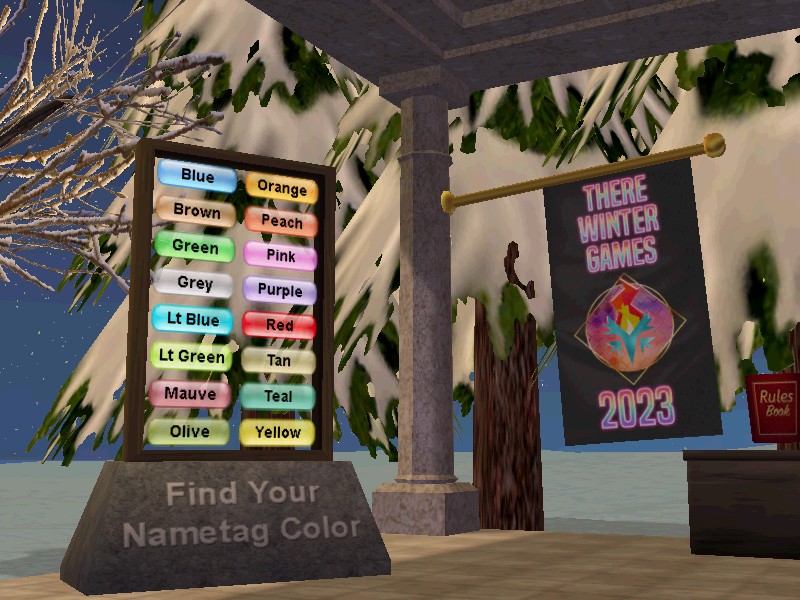
If you are not sure what your nametag color is, it’s easy to find out. Just head over to the Winter Games Welcome Center and find one of the handy nametag signs.
When you click the sign’s action tag, it will tell you what color your nametag is. Once you know your nametag color, find your team club listed here. Joining your team’s club is a great way to meet people, make new friends and keep up to date with what’s going on.
Do I have to join my nametag team’s club to participate in There Games?
While joining your team’s club is a great way to connect with your fellow teammates, it is not required. You can still go to There Games Events and earn points for your team. The event Hosts will be able to see which team you belong to by (you guessed it!) looking at your nametag.
Can I change my nametag color?
Yes, you can change your nametag color here. However, you can’t change your nametag color during There Games. There are specific blackout dates that you will not be able to change nametag color, February 5th through March 14th. You can change your nametag color any time before or after the blackout dates. There will be a charge of 36,000T to change your nametag color.
2023 Winter There Games

There Winter Games (TWG) is a huge 10-day series of competitive events in There that run from February 19th – 28th. Everyone is invited to play in this fun and friendly competition. Participants earn points for their team, and the team with the most points at the end takes home the gold medal! Events happen at all hours of the day and range from vehicle races to card games to quests and so much more. Whatever your interests are, you’re likely to find activities to enjoy.
There Winter Games Schedule
Saturday, February 18th
Attend the Opening Ceremonies
Start Time: 6:00 pm Pacific/9:00 pm Eastern
Join the TWG Kickoff PARTY
Start Time: 6:30 pm Pacific/9:30 pm Eastern
Sunday, February 19th – Tuesday, February 28th
10-Day Competitive There Games Events
Saturday, March 4th
Attend the Closing Ceremonies
Start Time: 6:00 pm Pacific/9:00 pm Eastern
Join the tWG After Party
Start Time: 6:30 pm Pacific/9:30 pm Eastern
Everyone is invited to play and is already part of a team. The color of your name tag will tell you which team you’re on. There are 16 name tag colors. If you aren’t quite sure where you belong, it’s easy to find out. Just head over to the Winter Games Welcome Center and use the handy name tag sign. When you click the sign’s action tag, it will tell you what color your name tag is and also give you a link to join your team! This is a great way to meet people and make new friends.

Annual Club Fair in There
Join a club online and make new friends in the virtual world There.com. Visit the annual Club Fair from Sunday, January 8th to Saturday, January 14th to browse teams, leagues, Neighborhood groups and social clubs looking for new recruits. Check out the different clubs on display at the annual community-wide event and sign up for club events.
To join a club in the virtual world There, first create your very own avatar here. Once you’re logged onto There, teleport over to the Club Fair at the There Fairgrounds. Travel the walkways around the Fairgrounds and visit the different types of clubs There has to offer. You’ll find signs, brochures and information on each club. Check the individual booths for upcoming Club Fair events where you can meet and interact with other club members.
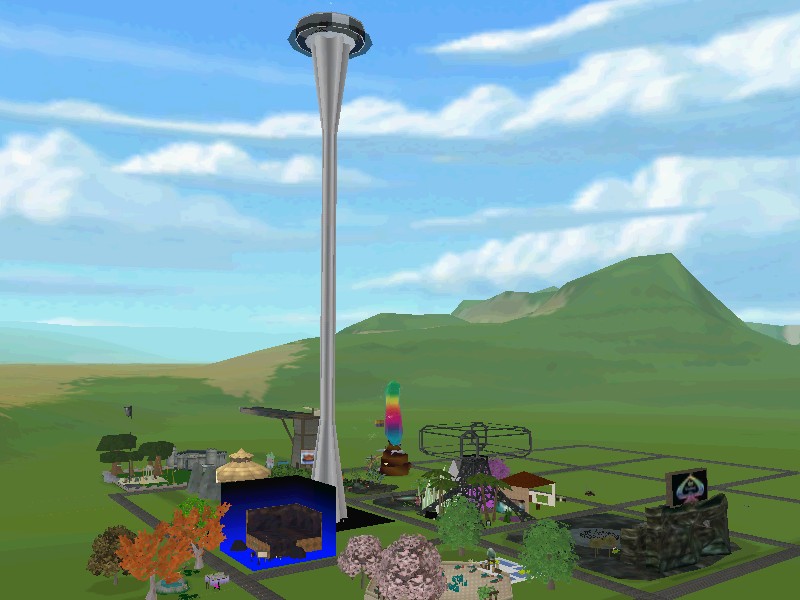
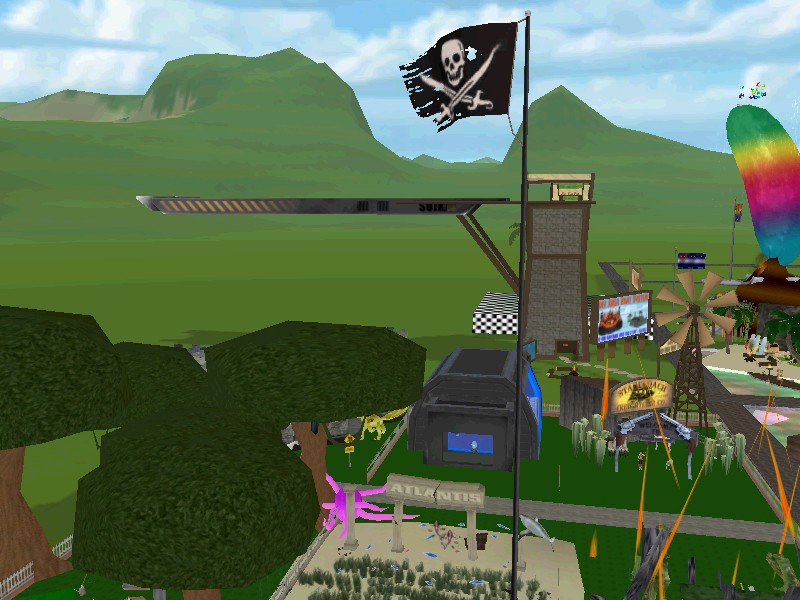
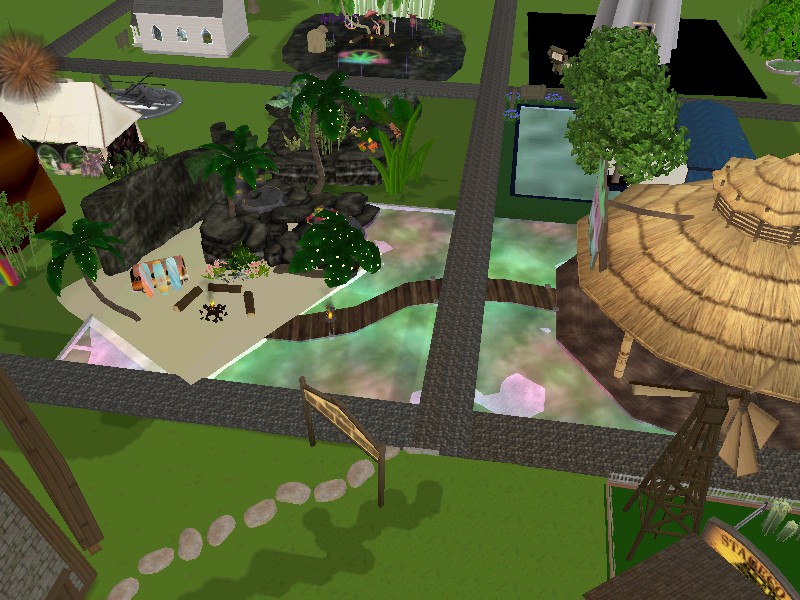
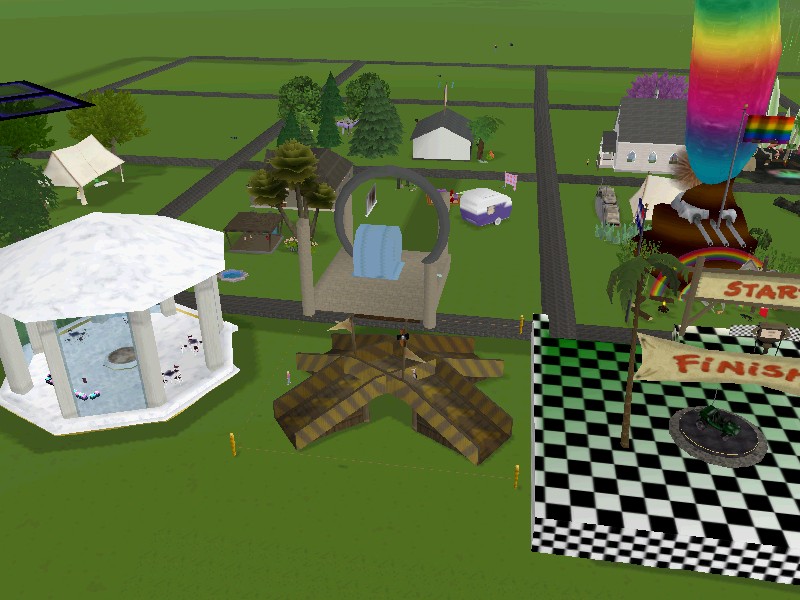
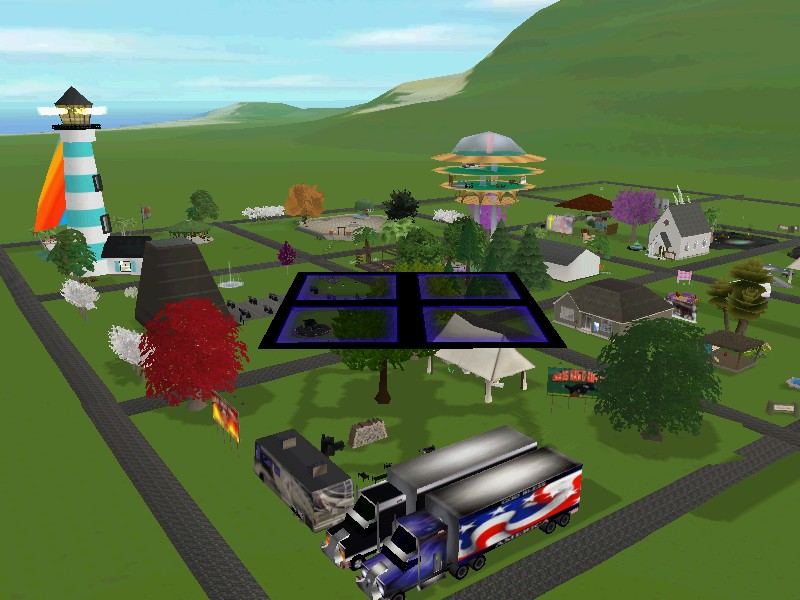
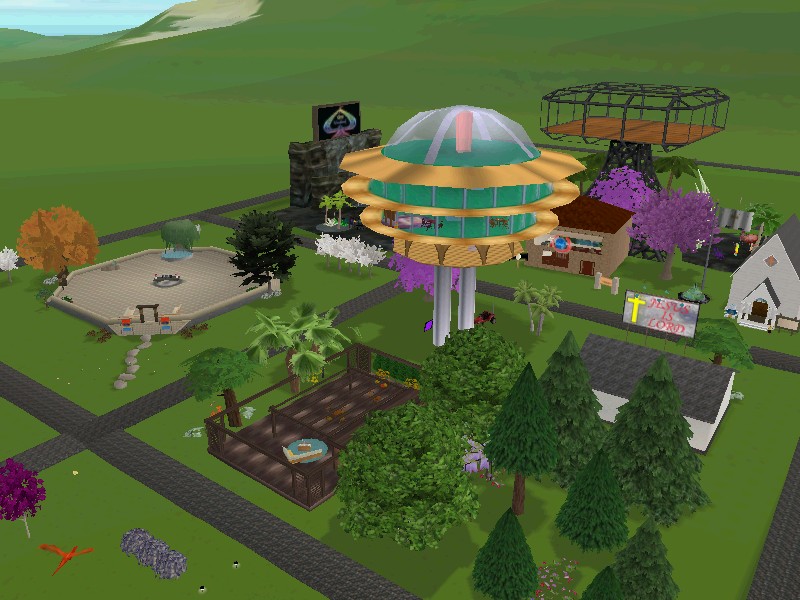
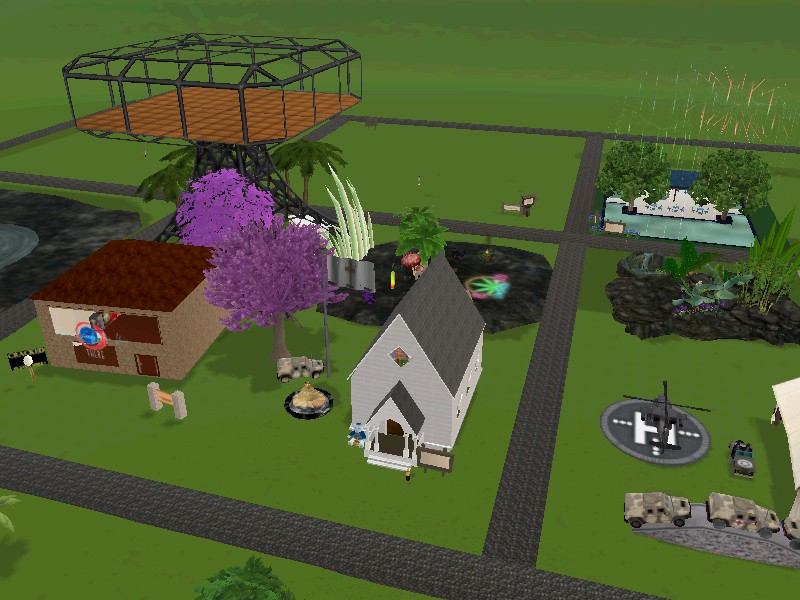
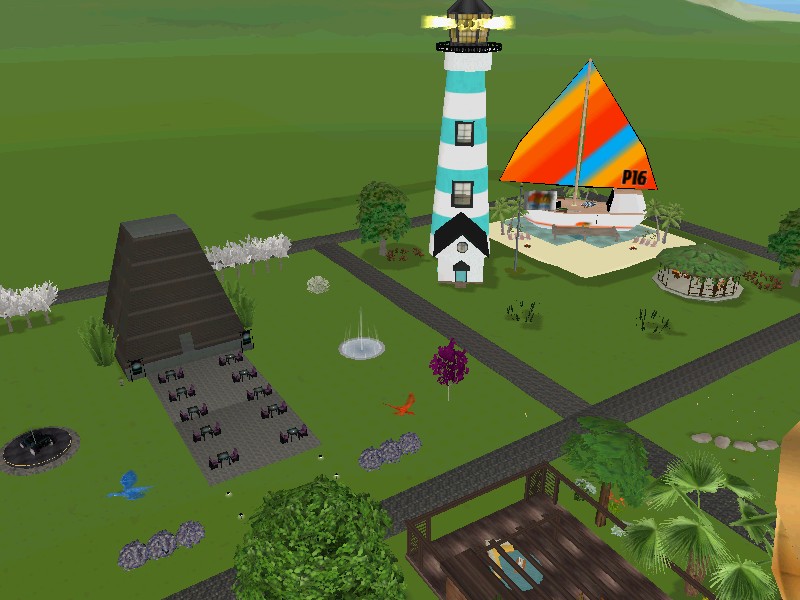
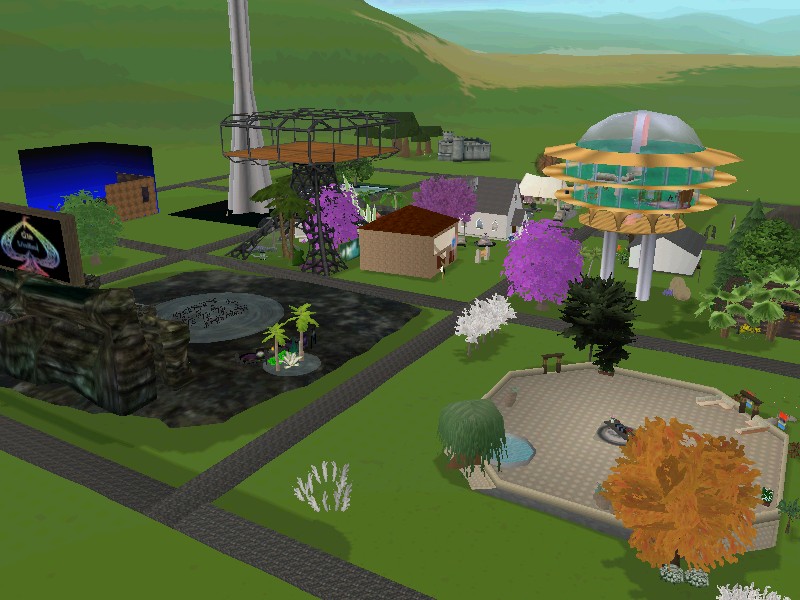
If you are the leader of a club in There and would like to participate in the Club Fair, join the There Fairgrounds Development Group. Once you are part of the club, find an open Lot at the Fairgrounds to rent out. Here’s a list of the remaining available Lots. Make sure to name your Lot after your Club and schedule events for your Club inside of the Lot during the week of the fair. Use the keyword Club Fair in your event description to have your event featured on the home page.
At the end of the Club Fair, you can send an email request to There Staff to have your Lot evicted from the Fairgrounds. An Eviction will result in a pro-rated rental refund going back to your account. Please be aware if you Relinquish your own Lot, you will not receive a partial refund and the full month of rent will be taken from your account. Make sure to include your Avatar name and the doid to your Lot in your email to Staff if you’d like to be Evicted for a partial pro-rated refund.
Enjoy the Club Fair from January 8th to the 14th! Challenge yourself to sign up for at least five new to you clubs.
Miracle Pictures Movie Premiere

Join us in the virtual world There.com for the Miracle Pictures double movie feature this Saturday! Head over to the Foxy Theater at Miracle Pictures Studio to view the world premier of the new Minisode/Trailer for The Gorgon Chronicles and the blooper reel from Chapter 5.
Join the cast and crew for a fun look towards the future and into the blurry past with some rather amusing bloopers. The showing starts at 7:00 pm Pacific on Saturday, November 19th.
Also be on the look out for the premier of the Groso Gorgon Christmas Special coming next month.
Sign up for the movie premier on Saturday night in There.com!
Visit the Gorgon Chronicles Facebook page for more details about the series.
Avie Sacrifice
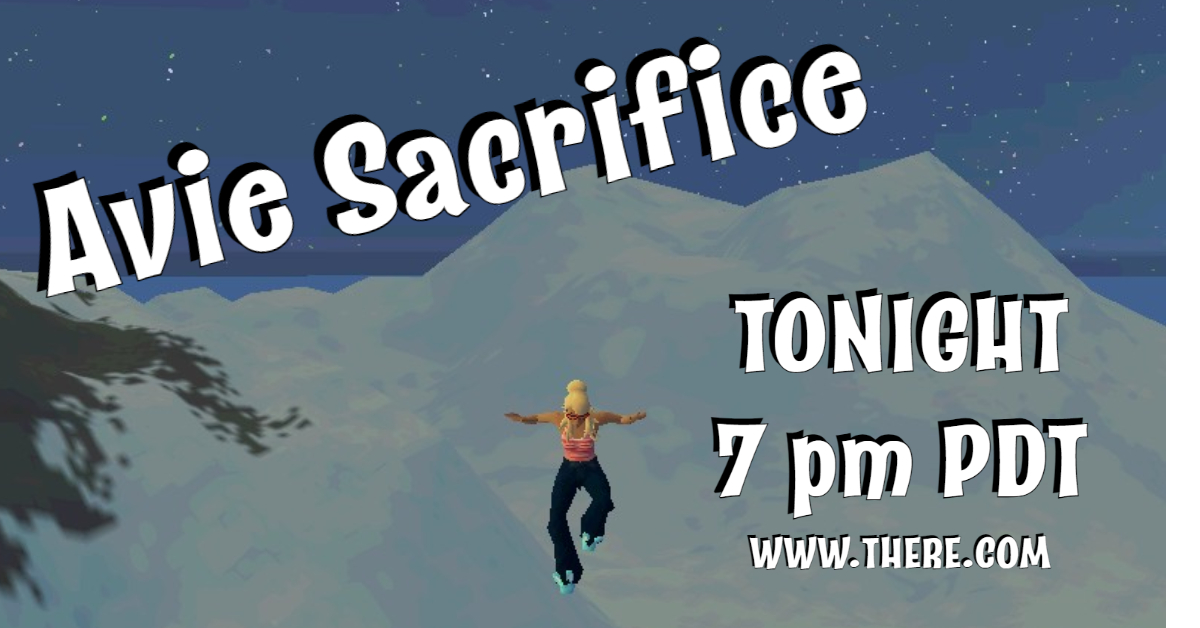
On the eve of every new client release in There.com, it is tradition for the Thereian Community to scale Wilson’s Peak, the tallest mountain in the Virtual World to offer up their Avatars to the There Gods in hopes for a smooth update. Join us tonight at 7:00 pm PDT/10:00 pm EST for Avie Sacrifice!
Gather on the deck with new and old friends starting at 7:00 PDT. The deck will be removed fifteen minutes after the start of the event and the party will free fall down the mountain together. Make sure to bookmark a spot at the top of Wilson’s Peak so that you can teleport back up after sliding down the mountain. There will be a second deck drop at 7:30 in case you missed the first one. If you are unable to join us for the event, you can still make an avie sacrifice on your own time and shoot yourself off the side of the mountain with one of the Avatar Slingers or hop a hoverboard and shoot through the Avie Slingshot.
The new client release is scheduled for Wednesday, September 28th.
What is an Avie Sacrifice you ask? Check out this video footage Chagall filmed in There.com of a past Avie Sacrifice from 2006.
New Client Release 9.28.22
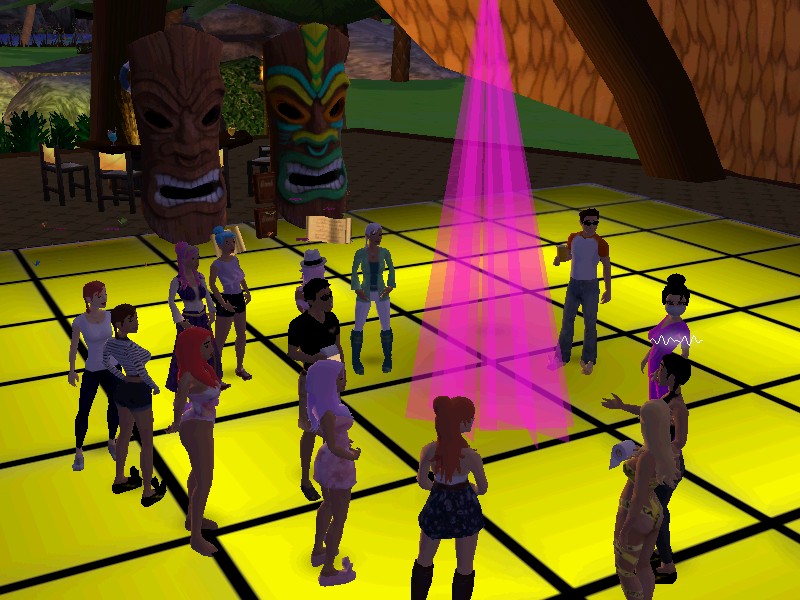
A new client will be released for the Virtual World There.com on September 28th, 2022. It removes the game’s dependency on Adobe Flash and uses Microsoft Edge as its internal browser. Members will be prompted to install this version on Wednesday or the next time they log into the There.com 3D client.
Install the 3D Client Download (New version available 9.28.22)
Members can expect to download the full installer which will take up to five minutes to run due to the installation of additional dependencies. Once you’re running the new client, any future updates will be automatically patched in a smaller download.
The new client software will no longer be dependent on Adobe Flash. For security purposes, after the client upgrade, please remove Adobe Flash from your machine by using the Flash Uninstaller which you can get here.
The new client uses open-source products from a number of sources, including, but not limited to There Edge, Ruffle and jQuery. The new client software automatically includes these open-source links so the user does not need to install these packages themselves.
Known Issues
Shoutcast – Staff is aware of the current issues with Shoutcast. A Shoutcast fix is not included in the latest release.
ChangeMe Menu – The cursor does not function in the type box when naming a new outfit. To fix this, move the ChangeMe window slightly on your screen and then place the cursor in the text box to type.
Cracked? Tables – The cursor does not remain in the type box. To fix it, move the game hud slightly on your screen and then place the cursor in the text box to type.
Future fixes for the issues listed above will be pushed out in a patch.
Contact Staff via email at Feedback@thereinc.com to report any technical issues.
Dress Like a Pirate

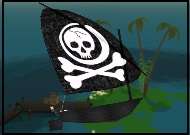
Talk like a pirate, walk like a pirate and look like a pirate. Dress the part for Pirates Ahoy! Check out the Auction listings for men’s and women’s clothing during the pirate theme week in the Virtual World There.com.


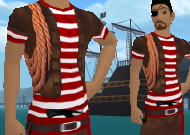
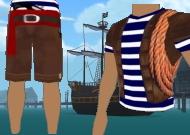


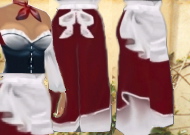
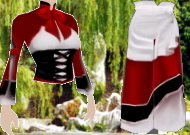
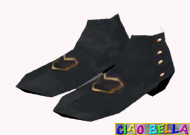









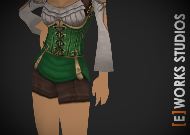

Sign up for fun events during Pirates Ahoy September 18th – 24th.
Pirates Ahoy Designer Showcase
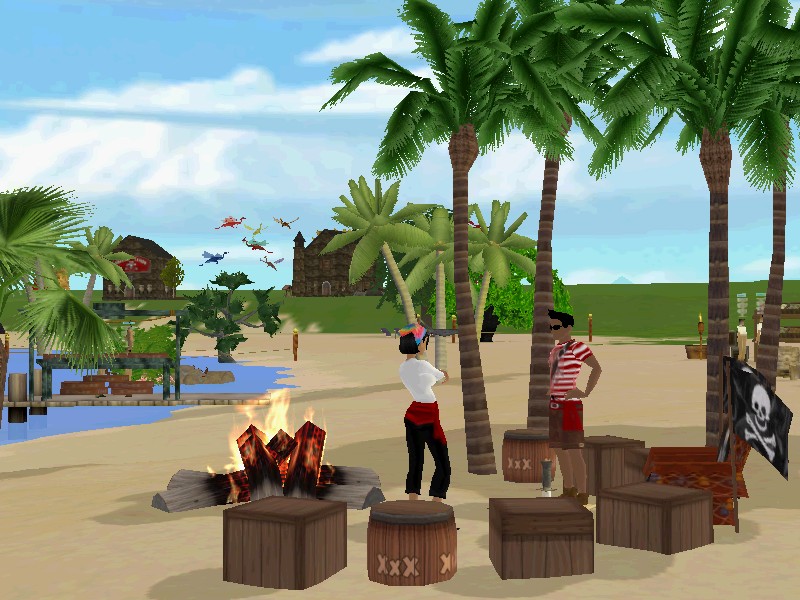
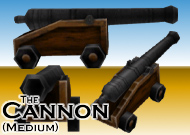
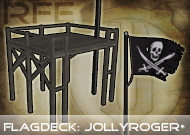
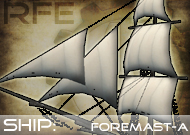
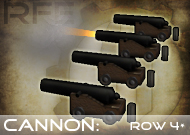
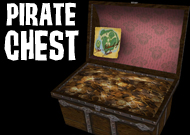
This week’s There.com Designer Showcase highlights ships, barrels, cannons and taverns listed in the Auctions for the upcoming Pirates Ahoy theme.
Join the Virtual World of There September 18th – 24th for a swashbuckling good time. Teleport to Pirate Island for the week and build a ship in the harbor or set up a tavern or shop. Thereian Designers have relisted a ton of pirate items in the Auctions.
Browse pirate items in the Auctions.






 There Blog