Scheduled Maintenance Notice
There.com will be temporarily unavailable for a brief scheduled maintenance outage on Friday, July 11th at 12:00 PM Pacific / 3:00 PM Eastern. The downtime is expected to last approximately 15 minutes. Thank you for your patience and understanding.
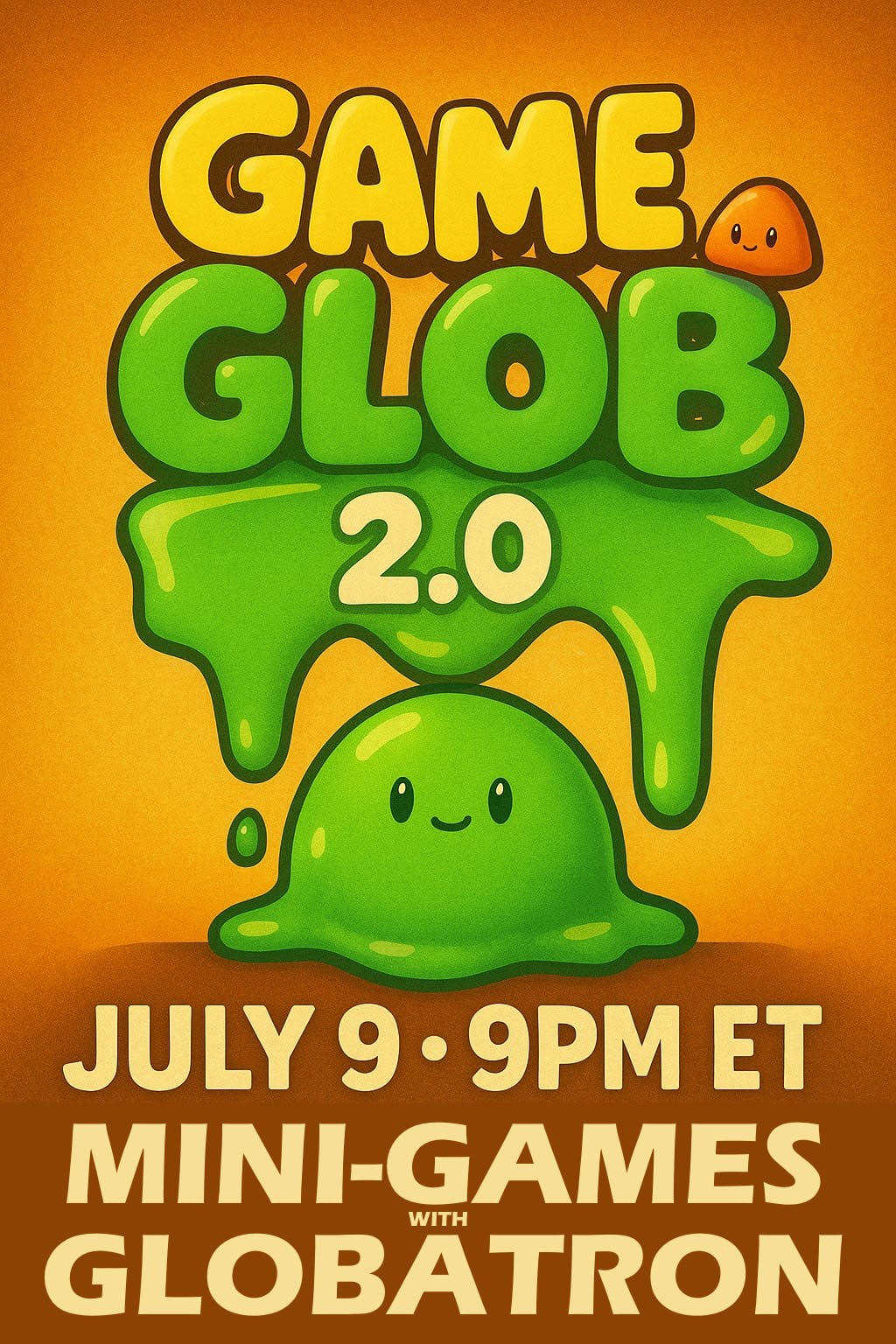
Game Glob 2.0 Hosted by Globatron

Get ready for two hours of non-stop fun as Globatron returns to the virtual world There.com for GAME GLOB 2.0, happening Wednesday, July 9th at 6:00 PM Pacific / 9:00 PM Eastern!
You may recognize Globatron from his viral YouTube video about There.com—watched by over 11 million people! Now he’s back, and he’s bringing the chaos, laughs, and gooey good times with him.
Join Globatron and friends at Bananaphone for a fast-paced night of mini-games, personal bests, and hilarious moments. With six unique game stations, each hosted by a friendly guide, you’ll get quick instructions before diving into each challenge. Compete for fun and bragging rights!
What to expect…
- Bingo with Susanszy
- Red Light Green Light with KatesHappy
- Avie Launcher with DecemberDreams
- Triva with Francis_7
- Soccer Teams with tttayttay2
- Dice Duel with B_A_B_S
- Surprise ending! You’ll have to show up to find out.
Goo, giggles, and glory await—whether you’re a seasoned pro or just curious, everyone’s welcome to join the madness. See you in the virtual world There.com at GAME GLOB 2.0—Let the gooo begin!
PRIDE Week is Coming to There.com — Let’s Get Loud, Proud & Virtual!
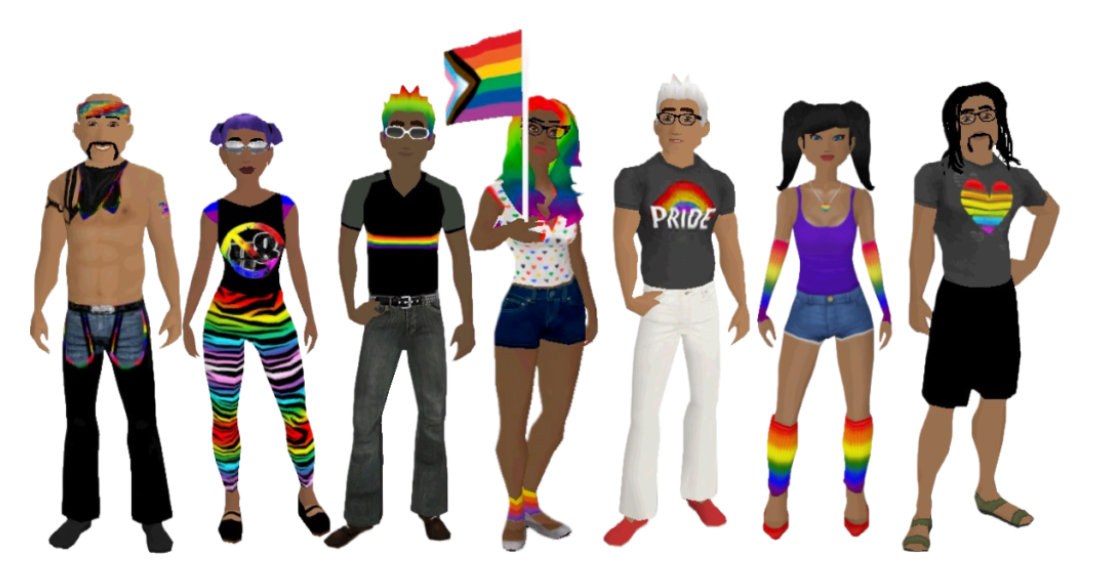
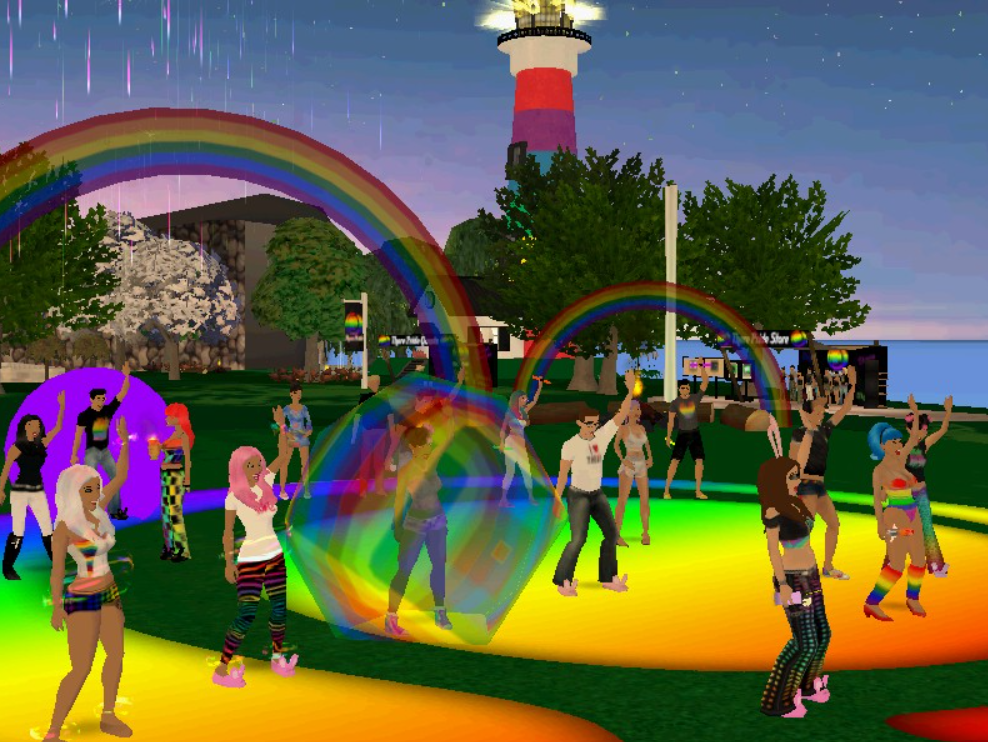
Get ready to throw glitter in the air and let your rainbow flag fly — PRIDE Week in There.com is strutting onto the virtual scene June 1st through 7th, and you’re invited to the biggest celebration of love, community, and identity in the metaverse!
Your First Stop: The There PRIDE Headquarters in Aurora
Tucked away on a sunny, tropical island in Aurora, the There PRIDE Headquarters is your go-to destination for all things fabulously festive! It’s a rainbow-drenched hotspot packed with events, showcases and surprises. Also look for PRIDE events scheduled in other areas of There on the Activities page.
Dance, Sing, Laugh, Celebrate at the LOVE is LOVE Rainbow Stage
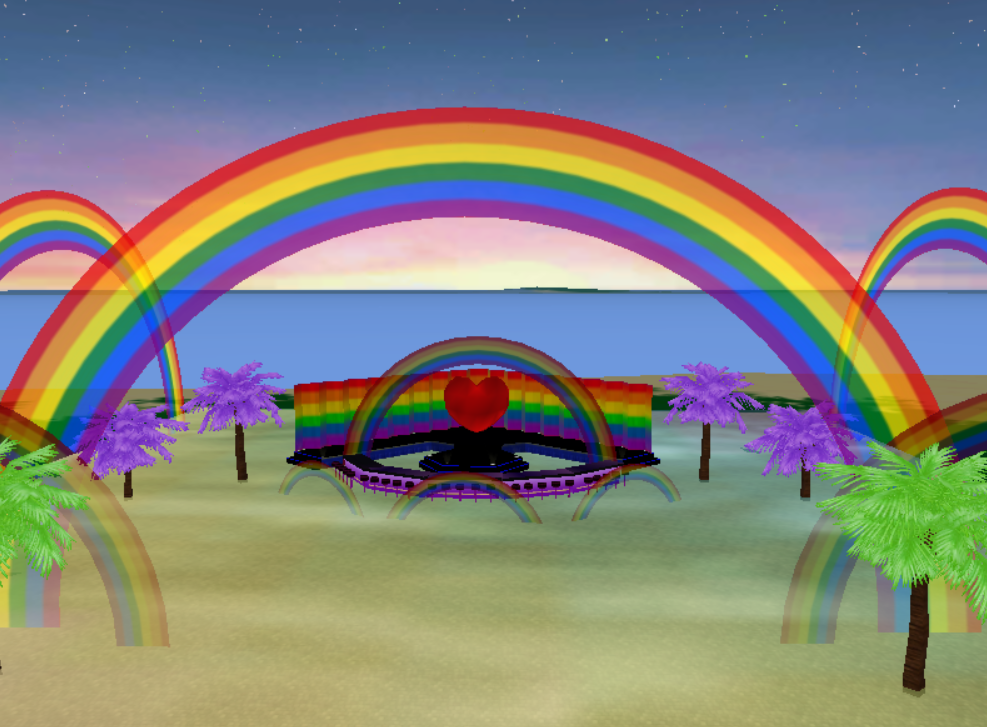
The spotlight is on YOU at the LOVE is LOVE Rainbow Stage, where karaoke, comedy, dance parties, and fashion shows light up the night. The epic PRIDE Kickoff Party blasts off on June 1st, complete with dance-offs and karaoke showdowns. Want to host your own performance? The stage is yours for open hosting – just remember, don’t clear the layout, or the stage will vanish like glitter in the wind!
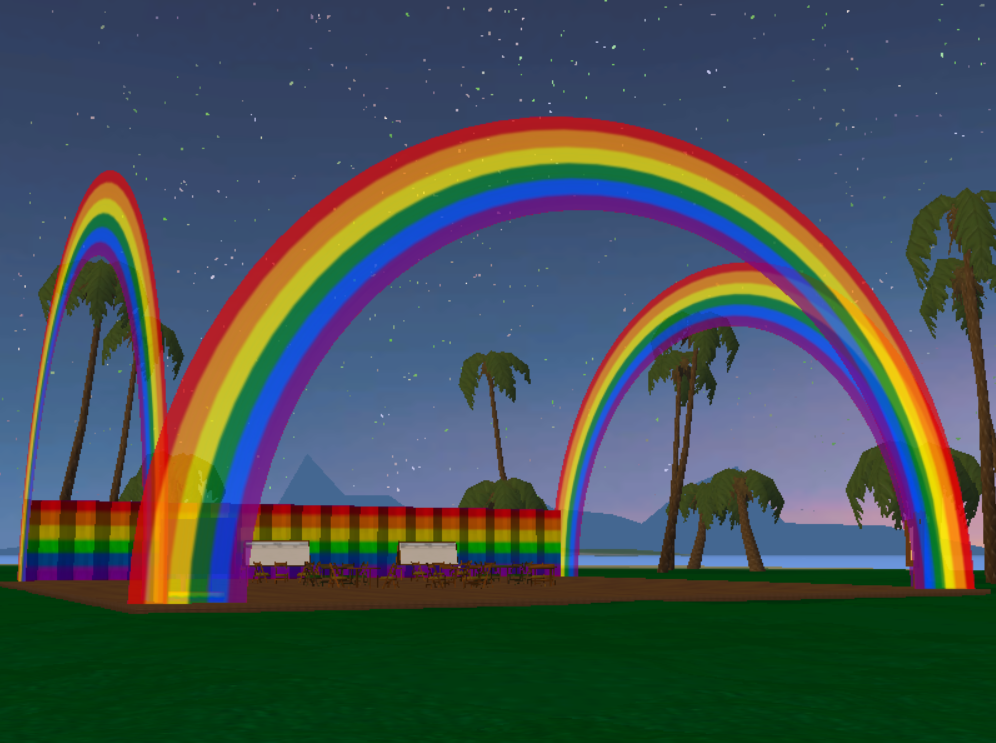
Host with the Most: Create Your Own PRIDE Party!
Feeling creative? Throw your own fabulous event at the PRIDE Events Lot, already sprinkled with rainbow flair and fun game tables. Add your own magic with 100 drop slots! The deck and backdrop are permanent features, so go wild with color, lights, and all your party dreams.
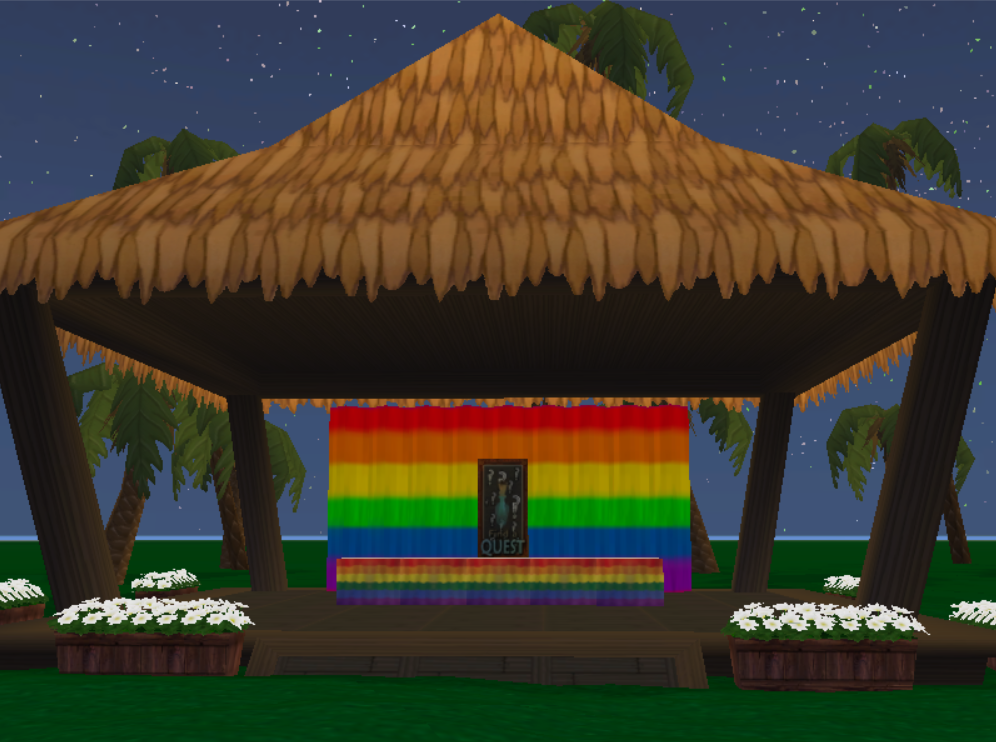
PRIDE Quest-a-palooza!
Quest Creators, assemble! The PRIDE Quest Hut is your drop zone for all PRIDE-themed quests. Pop your quest link right on the hut’s table so partygoers can discover and enjoy your adventures. Having trouble? Hit up Pyrena_Zosime for help.
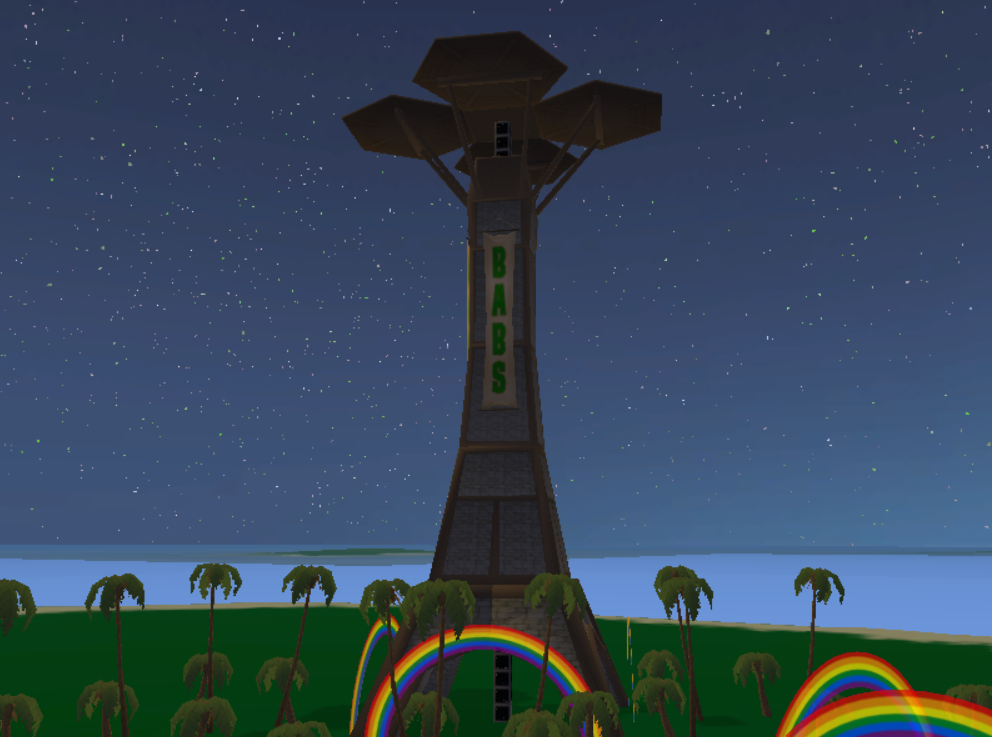
Soar with Pride: Join the BABS Floatila!
Ready for some high-flying fun? The Bay Area Boat System (BABS) has landed at PRIDE HQ with a fabulous new tower! On Wednesday, June 4th, take off for the legendary There PRIDE Floatila — a rainbow-fueled aerial adventure with BABS captains. Whispers of a rainbow pickle crew have been circling.
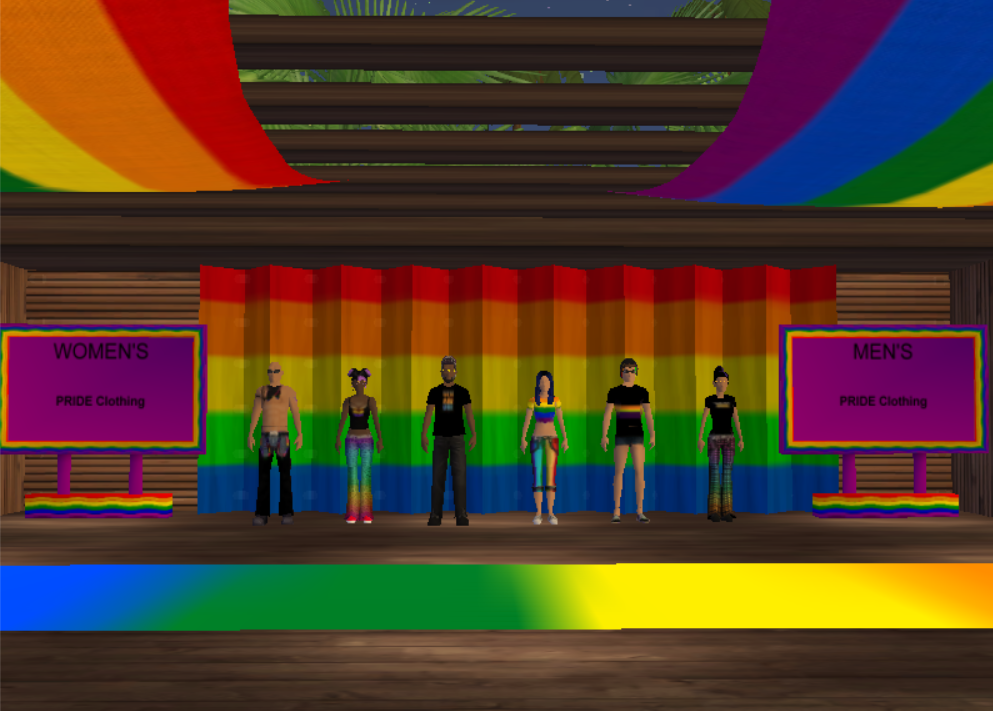
Strut into the PRIDE Designer Showcase Specialty Shop
Feast your eyes on dazzling outfits and fierce accessories created by our talented Thereian Designers at the There PRIDE Specialty Shop! Browse PRIDE wear for all gender expressions, grab some handheld flags, signs, or even a bedazzled ride. Mannequins are serving lewks, and item dispensers are dishing out decor — and don’t forget to search “PRIDE” in Auctions for even more fabulous finds.























Let’s Make This the Most Colorful Week Ever!
Whether you’re dancing under digital disco lights, flying the skies with rainbow wings, or showcasing your fashion on the runway, PRIDE Week in There.com is a celebration of community, identity, and unapologetic self-expression. Sign up early for There PRIDE Week events!
So mark your calendars and teleport into the party — because in There.com, LOVE is LOVE, and PRIDE is EVERYTHING. 💗💛💙💚💜
Frequently Asked Questions in There

Welcome to our most frequently asked questions (FAQs)! If you are not able to find the information you need, you can always email our Staff at feedback@thereinc.com.
What is There?
There is a social virtual world where people go to spend time with friends, meet new ones and have fun in a beautiful 3-D environment. There was created to take online communication to a new level, allowing people to incorporate emotion, body language, and even voice into real-time communication with one another – just like in real life. People from all over the world have joined There and grown it into a diverse community with something exciting to offer almost anyone.
What do you mean by “old” There and “new” There?
There’s Virtual World population soared in the 2000’s. In March of 2010 There closed. The 3D social platform was rebooted in 2012 under a different business model offering FREE and low-cost unlimited trial accounts plus a $10.00 USD monthly subscription option for a Premium Membership. When members or Staff refer to “old” There they are talking about the game prior to March of 2010. Our current Virtual World is considered “new” There and was established in 2012.
How can I create an Avatar and play There?
Download the latest There software to your PC computer. If you want to help test a Mac version of the virtual world, read the There Alpha Mac Test Client blog post for instructions and where to post feedback. At this time, the virtual world game There is not available to play on an iPad or mobile device.
If you would like to explore, play and make new friends in the virtual world you can head over to www.There.com to create an Avatar, username and password. You will receive a Welcome to There email that includes an email verification link. The next step is to verify your email account. If there is heavy traffic in the game, the autogenerated email may lag and take some time to get to your inbox. Please be patient with our old system and our small team, we are unexpectedly going viral on YouTube. Check your spam folder or add the email noreply@prod.there.com to your contact list for added measure. If you still don’t receive the email verification, then please contact our Staff at Feedback@thereinc.com for assistance. Once you have verified your email, launch the There logo icon from your desktop and log into the 3D game to play in the virtual world.
How old do I have to be to play in the virtual world There?
The virtual world There is for ADULTS ONLY. The game is 18 and over. We know this comes to a disappointment to our younger friends. Members will be required to do an age verification check if you want to use text chat and Voice to communicate with other members. If you are found to be underage your account will be given a lifetime ban and you will not receive a refund.
How can I get an age check?
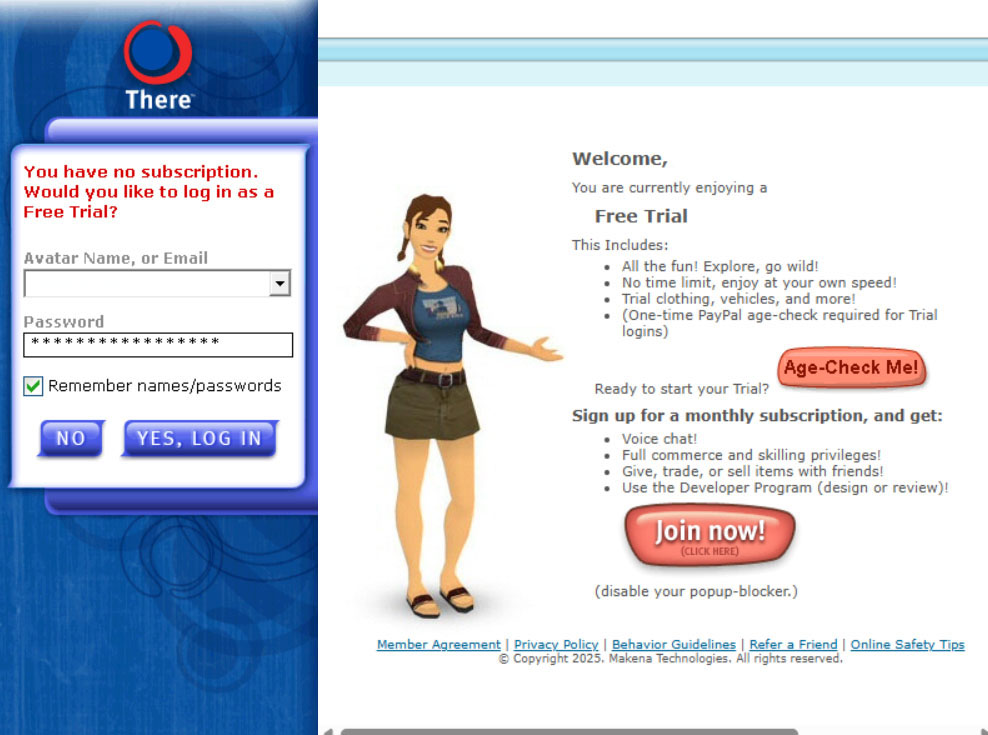
All new members enter the virtual world as FREE Silent Trial Accounts. Every time you launch the game from your desktop the login page will ask you if you want to do an AGE CHECK or if you want to Join Now to UPGRADE to a Premium Membership with all of the bells and whistles. You can completely ignore the opportunity to upgrade and continue to log in as a FREE Silent Trial Account. Just enter your username and password and click on the blue “YES, LOG IN” button to enter the virtual world game at no cost to you for absolutely FREE.
Is There free to play?
Yes! You can log into the Virtual World There for FREE with a Silent Trial Account. We used to hold events called Free There Weekends, but FREE accounts are now available 24/7, every day of the year. Our FREE and Basic low-cost trial accounts are unlimited.
What kind of trial accounts or membership types are there in new There?
Premium Membership – $10.00 USD Monthly Subscription (PayPal or Stripe)
Unlimited Basic Trial Account – One-time fee of $0.50 USD (PayPal Only) for age verification
Unlimited FREE Silent Trial Account – No cost to join. Play as long as you like for free.
Silent Trials Accounts are limited in their communications. Free members are only able to text-chat with Phoenix Stars (New Member Helpers) or Staff members. If you’d like to be able to text-chat with other members in There, you can upgrade to a Basic Trial Account with an age-check by charging a one-time $0.50 fee to your PayPal. Trial accounts include the Explorer Pack and ability to listen to music in-world. Trial members are limited in their economic activities and cannot buy or rent Real Estate. Trial accounts cannot give or receive gifts from other members. Trial accounts can purchase ThereBucks (Tbux or T$) virtual currency and virtual goods like hair, clothes, props and vehicles. Read the low-cost membership trials help article for more information about account limitations.
Premium Membership Accounts are the best way to enjoy playing in the virtual world There. This affordable monthly membership breaks down to only $0.33 USD per day. The plan includes Voice that allows your avatar to speak out loud and the ability to hear others in real time. For only $10 a month you can customize your 3-D avatar, text chat, advance your skill ladder, attend and host events, voice chat with friends, bookmark your favorite places, design virtual goods, shop and list items for sale, join up to 100 clubs, own Real Estate and much more with a Premium Membership Account in There. Premium accounts are available through PayPal and Stripe. Your PayPal account will need to have a validated mailing address and be linked to a reliable backup funding source (generally, a credit card) before you will be able to initiate your Premium Membership monthly subscription in There. Upgrade to a Premium Membership Account to get all of the bells and whistles There has to offer.
I don’t have a PayPal account. How do I pay for a monthly Premium Membership?
You can use Stripe as an alternate money processing payment system. Stripe is a card processor that accepts a variety of credit and debit cards from around the world. If your card is supported, you may use Stripe to purchase Therebucks or a Premium Membership. You do not have to have a registered Stripe account in order to use it as a payment service on the There platform.
Please note that Basic Trial Accounts and Real Money Developer Sales are only available for purchase through PayPal.
How do I cancel my Premium Account subscription if I make monthly payments through Stripe?
Payments made through Stripe can be canceled through your There profile. View your profile, click on Member Info>Manage Avatar Subscription>Cancel your monthly subscription. You can restart your Premium Account Membership at any time.
How do I cancel my Premium Membership Account monthly subscription through PayPal?
Visit PayPal to cancel your monthly subscription. It will appear on your account as a Subscription/Recurring Payment with the name Monthly Subscription for There.com Avatar (Your Avatar’s Name). After cancelling, you will be able to continue to log with all of the Premium Membership perks until the end of your pre-paid period. There are no refunds for monthly subscription payments. You can restart your Premium Account Membership at any time.
What happens when I cancel my monthly subscription?
When you cancel your monthly Premium Membership Account either through PayPal or in your There Profile if you use Stripe, all monthly payments will automatically stop being collected. Your Avatar will retain full Premium Membership perks until the prepaid portion of your monthly subscription expires. When your Premium Membership ends, your Avatar will revert to a Basic Trial Account with limited communication. You will still be able to use text chat to communicate, but you will no longer be able to use Voice to talk to your friends and you will no longer be able to hear their voices speaking. You can upgrade your membership back to Premium at any time to get your Voice and premium perks back.
Can you tell me exactly when my privileges will revert after I cancel my monthly subscription?
Not really. The monthly subscriptions are managed by our payment processors PayPal and Stripe. The There system takes action to remove your privileges as soon as an email communication is received from the payment processors that your monthly subscription has ended.
Can I pay for someone else’s Premium Monthly Account?
That is really nice of you! Yes, you can pay to upgrade another member’s account to Premium with PayPal or Stripe. Log into your member account. Open your Profile and click on Member Info. We limit the number of age-checks a PayPal account is allowed to process. You will be sent an email stating how many you have left available. Please keep track of your purchased gift subscriptions.
When purchasing a gift subscription for a friend, you will assume some responsibility for the Avatar account. For example, you are vouching that they are 18+. Be aware that if they get themselves banned, it also reflects on your account. Avatars that share the same PayPal account will not be able to leave a Peer Review on the same Developer Item. If we find out that you purchased a minor a Premium account, that account will be banned and your account will be permanently banned for life.
Your friend’s Premium subscription will automatically charge your account every 30-days until you cancel the recurring payment.
How do I change my nametag color?
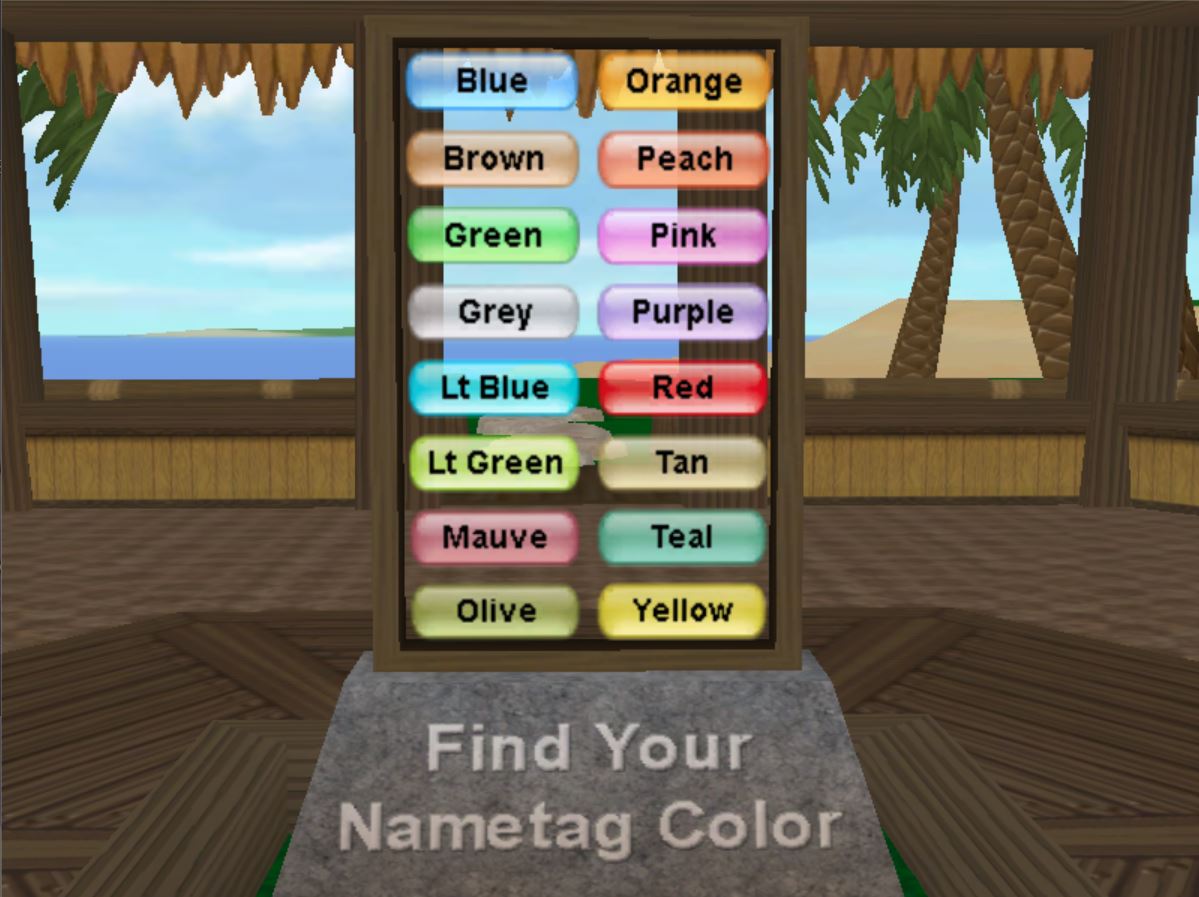
For a 36,000T fee you can change your nametag color to one of the sixteen available team colors. Go to your Profile. Click on Member Info> User Preferences>Change My Nametag Color. Please note that the ability to change nametag colors is blacked out two weeks before and two weeks after a winter or summer There Games event. If you cannot change your nametag color then we are currently in a blackout period. Join your new nametag color team to get invited to seasonal There Games events. There is no limitation to the number of times you can change your nametag color.
I am a Legacy Avatar returning home to There. How do I get my Avatar back?
Welcome back to There! We missed you. Your friends are still There and more are returning to our virtual world every day. You can easily resurrect your Avatar’s look-set, inventory and skill ladder in new There. Just like old times! Read the Returning Member Frequently Asked Questions blog post for more information about your old Legacy account.
Okay, I’ve created my Avatar, but I can’t seem to be able to log in to the 3D game.
You will need to verify your email address first before you can log into There.com. Go to your email account associated with your Avatar and click on the link to register your email. Make sure to add noreply@prod.there.com to your email contact list. Check your spam folder if you are not seeing the email. If you still don’t see the email, contact our Staff at feedback@thereinc.com. Email addresses must be unique to each Avatar. No two Avatars can share the same email address.
I forgot my password and the forgot name or password feature says my Avatar doesn’t exist!
The Forgot Name or Forgot Password tools are for brand-new Avatars only. If you are a returning member, these tools will not work for you. Legacy Avatars need to use the Help Me Remember Stuff tool to recover your information.
Can I design and sell virtual goods in-world?
Yes! You can create houses, vehicles, props, clothing, etc. in our Developer Program. If you want to design and sell your goods you will need to join the Developer Program and read the Submission Guidelines and the Peer Review Guidelines. Developer submissions are approved in There by Peer Reviewers in the Peer Review Program. Developers can now paint a specific list of available custom hairstyles. Shop for men’s and women’s customized hair.
Can I earn US dollar sales on my Developer designs instead of Therebucks?
Yes, you can start earning real cash in new There with the Real Money Developer Sales option. To begin, you will need to have a PayPal Merchant Account to receive your incoming payments. You will need to update the address of your PayPal Merchant Account on your Developer Profile. It is suggested for you to reach out to PayPal and work with them to set your account to micropayments so that the fees charged by PayPal will be as low as possible for you. It’s always good to offer Thereians the options of purchasing your designs with USD through PayPal AND purchasing goods with Therebucks. Some people don’t have PayPal, but they really want to buy your designs so it’s good to still offer a Therebuck buying option.
Can I act as a third-party Therebucks seller?
No, in new There members are NOT allowed to sell Therebucks. We have provided the Real Money Developer Sales as an option for designers to make real USD instead of stockpiling Therebucks.
How do I find people in There?
There is a great big world with several Islands and lots of wide-open virtual space. People teleport and travel by vehicle to explore the Virtual World and discover thriving Island communities. It’s good to know when and where to find friends in There when you’re looking socialize online. The best way to locate other members in There is by signing up for daily scheduled Events and exploring Neighborhood hangouts.
Are there weekly staple events I can count on people being at?
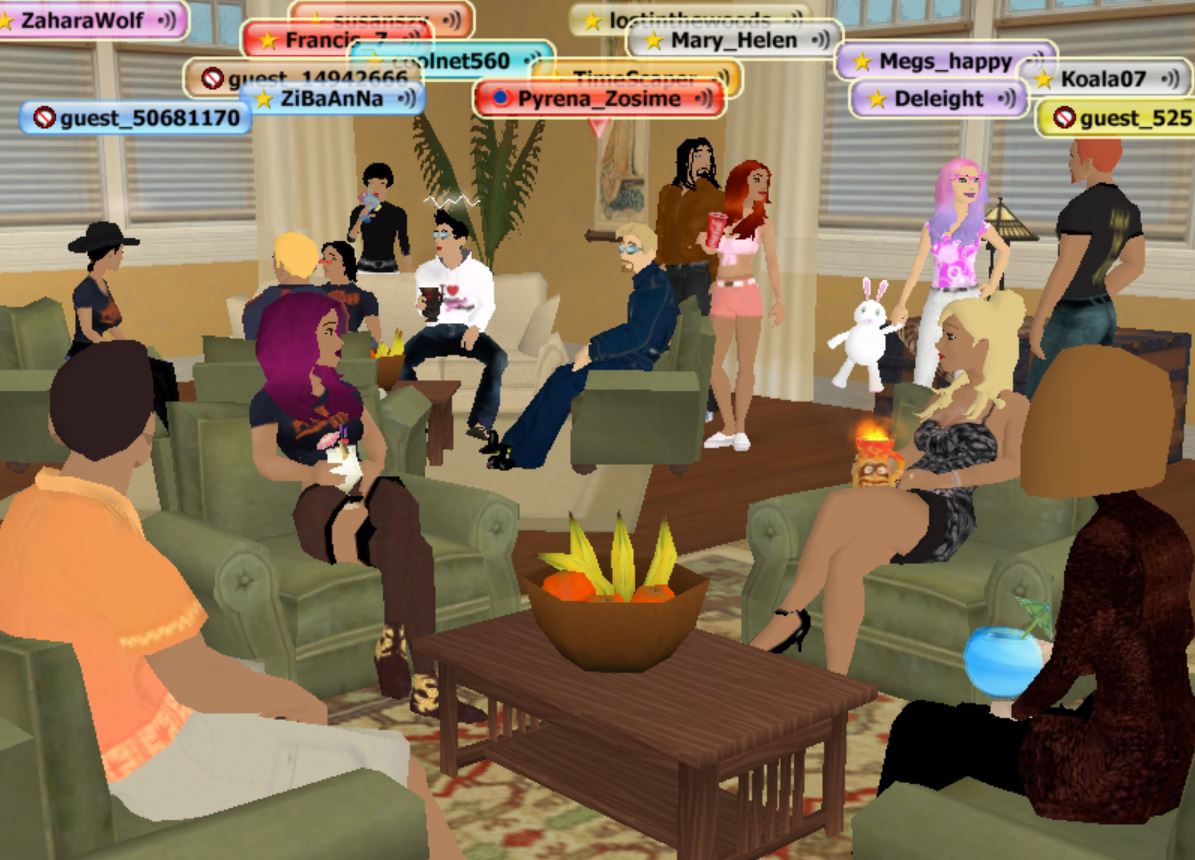
Yes, there are recurring events every day of the week that you can count on members being at. Check out the special feature promo on There Central and the special feature promo section on the Activities page for rotating daily event promotions. There are new Event Hosts and new scheduled activities being added every week so the events offered will change over time. In addition to staple daily events, we also host themed events where the whole community gets involved with the theme. Some that come to mind are Superhero Week, Dog Days of Summer, Wonders of Egypt, Flora & Fauna Fair and more. We also host holiday themes like Halloween, Easter, Christmas, 4th of July, etc.
Someone is bothering me. How do I get rid of them?
Sometimes you run into other people who just don’t like to talk the way you like to listen. Instead of getting into a big argument about it (they’re probably trying to troll you anyway), use the Ignore tool to mute them. Once you Ignore another Avatar, you will not be able to hear their voice, see their text chat bubbles, receive Instant Messages or Summons. You will not be able to see their custom design clothing in There and they will be unable to approach within a dozen meters of you. You will view the Ignored Avatar as halfway sunken in the ground 12 meters away from you. Everyone else will see the Ignored Avatar where it is currently standing, talking and communicating in real-time with everyone else. The best thing to do is teleport away from the person and go about your day.
I tried to log into There and I couldn’t get into the 3D world.
The Virtual World goes down for maintenance around 3:00 AM Pacific time. Are you SURE you finished registering your Avatar? Remember to check your working email account for the There Welcome Email. It includes a link to verify your email account before you can log into There. If you have not verified your email account, you cannot log into to the web pages or 3D Virtual World.
When I try to log in it says Service Is Closed.
Occasionally, the service is run in test mode after a client release (software update) for a few hours. During this time Silent Trials, Basic Trials and Premium Member Accounts are not able to log in. Only our debug Avatars will be allowed in to test the world during closure.
When I try to log into There it says Servers Are Busy.
On occasion, we may have to limit the total number of people who can be logged into the Virtual World at the same time. Especially in these exciting times with high viral traffic from the Globatron video on YouTube there might be a delay. Keep trying.
When I try to log into the 3D world, it says Problem Connecting to World.
Assuming you spelled your Avatar name correctly and that we are not down for maintenance, you most likely have security software on your PC or in your router/network that is blocking the There client from contacting our webapps servers (http://webapps.prod.there.com). Sometimes this will start happening after receiving a new client release (software update) if your firewall feels the updated client doesn’t deserve the permission you granted to the original client download. If you can’t figure out how to get your firewall (or other security software) to approve the current There client, then you can generally resolve this by uninstalling the client and then reinstalling the virtual world There.
After logging in successfully, I never see my Avatar appear in-world. I just see some mountains on a blue background.
Assuming the servers are not down for maintenance, this generally means that security software (on your PC or in your router/network) is blocking or not forwarding some forms of internet traffic. Some of our client/server interactions depend on UDP packets (both incoming and outgoing) in the port range 2300-2399. Make sure the are not blocked by your firewall/router/NAT. In some cases, you might need to set up explicit port forwarding rules in your router so it knows which PC on your network should receive the packets. While we can’t provide much specific help for your particular AntiVirus package, be aware that the AV packages are taking on more firewall-like roles, so what looks like a firewall issue might be some add-on AV functionality. For example, if you use the AVG antivirus package, it has a module called Web Protect.
Tell me more about my firewall.
Well, we probably don’t know much about YOUR firewall, but it needs to allow our client software to use TCP (in and out) in the port ranges 2300-2399 and 52300-52399, as well as the traditional ports 80 and 443. We also need to use UDP (in and out) in the port range 2300-2399. Note that you probably have more than one firewall, and if you have an antivirus package like Norton or Avast it probably came with some add-ons that also have firewall-like behaviors. Any one of these can nuke a program it feels should not have access to the Internet.
Are there any Windows compatibility issues I should know about?
Our client works with Windows 10 and Windows 11. However, Win11 updates have led to some issues that can only be fixed on Microsoft’s side. Read more information about Window 11 compatibility here.
- The use of the mouse wheel has changed, and you might have to use Windows Control panel to set it as you like.
- You must have Edge installed.
- our super modern version of DirectX might not include the version 9.0c we need (available from Microsoft).
Are there any browser compatibility issues I should know about?
Our 3D There Client depends upon Edge browser control, which emulates an appropriate version of Internet Explorer so as to be compatible with the websites you look at in a browser window while you are logged into the 3-D world. We automatically pick what we think is best for your particular combination of operating system and browser, but you can influence that decision via the “IE Emulation” setting in ThereTweaker.
What is ThereTweaker?
ThereTweaker is a stand-alone tool you can use to modify key client parameters outside of the client itself. This is particularly useful when the current settings are preventing the client from starting up. Use your local windows search to find your copy of ThereTweaker inside your installed client folder (it’s in thereclient/dlls), and execute it. The interface is pretty straightforward. Once you save your changes, they take effect the next time you launch the There 3D client.
I can log in OK, but I never get system messages and my compass and ChangeMe controls won’t open.
When “Flash” was replaced with “There Edge”, the things which were formerly Flash Controls – like the FunFinder, Shortcut Bar, ChangMe, and Message Bar – became like little web pages embedded in the There Client. There Edge uses a standard Microsoft component called “WebView2”, which is kind of like a tiny Microsoft Edge Browser. If you are noticing that you can’t see any system messages and the notification sound is going off, go ahead and maximize your window click on the system message command and the minimize the window again.
I can log in and play for a while, but pretty soon things get really weird and stop working until I reset my router.
This could be a symptom of owning a Motorola SURFBoard modem (popular with cable modem ISPs) that needs to have its “IP Flood Detect” feature disabled. The Motorola implementation of this feature erroneously treats most incoming stream data as ‘an attack’ and its reaction to that attack is to just start throwing every other packet away. Turning it off will improve your internet experience considerably, not just for There.com.
I was able to log in just fine until the most recent client patch. Now I get told my Avatar is unable to contact the login servers?
Generally, this means your firewall (or other security software) feels the client program has changed (It just did with the client update.) and thus no longer benefits from the permission you previously granted to it. Most firewalls are smart enough to just ask you again, but some will wait for you to manually change the firewall settings (remove the old permission, then either add a new permission manually or run the client and hope to be challenged by the firewall again). If you can’t figure out your firewall, you might achieve success by uninstalling and then re-installing the client.
None of these FAQs helped me. How can I notify There Staff of my problem and get help to resolve it?
Email Staff at feedback@thereinc.com for assistance with your account, technical issues or questions you may have about There. Always include your Avatar name in your emails so that Staff can easily identify who you are. Make sure to include as much detail as possible in your email to Staff.
THERE.COM SOCIAL MEDIA
There Virtual World Facebook Business Page
MEMBER FAN SITES
Connect outside of There.com with other members through fan sites. The groups/channels listed below are run by our members and not directly associated with official There company channels.
Thereian Community Facebook Group
There.com Technical Help & Support by Members Facebook Group
Helpful Returning Member Info

After more than a decade, There.com is welcoming back its original members! Reconnect with old friends in a 3D virtual world that’s more than just photos and text—it’s socializing, gaming, exploring, and reliving the old days.
Haven’t logged in since 2010? No problem! You can restore your Legacy Avatar, inventory, Developer submissions and skills—just like old times. And this time around, bring your family and friends along!
Download the virtual world There.com and take back your social life. Your friends are still There and more are returning every day!
Pssssst…you can play There on a Mac now! Join our group of testers for the Alpha Mac Test Client. It is a test virtual world for the Mac computer so it is super buggy and sometimes might not even work. Read the There Mac Alpha Test Client blog post for information on how to download the Mac client and where to post your tester feedback so we can make improvements.
I am a Legacy Avatar returning home to There. How do I get my account back?
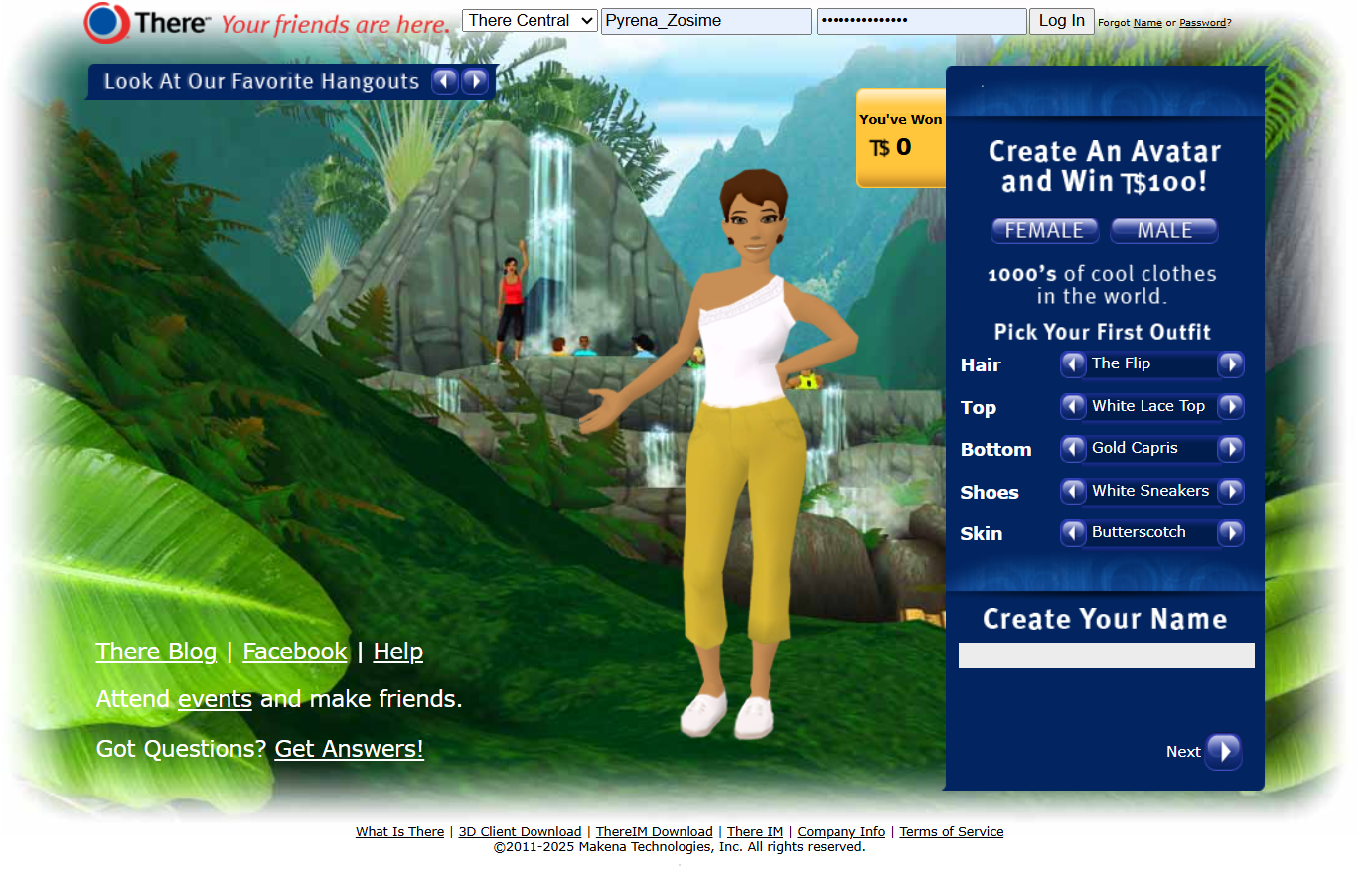
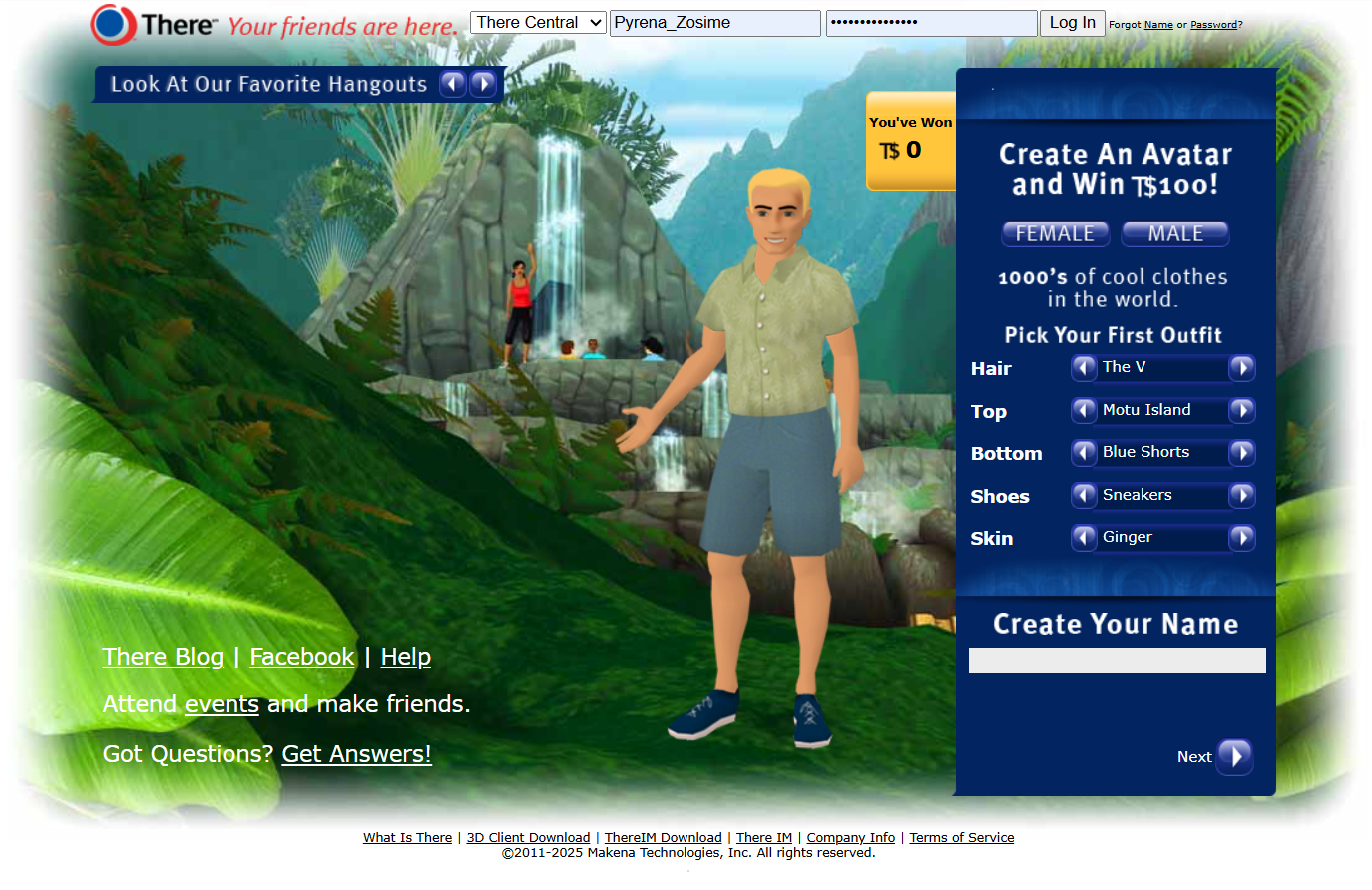
Go to www.There.com. Press the female or male button to get started making an Avatar in new There. For returning members, you will want to pick the same gender of your original Avatar. If you want a different gender or username you will need to create a brand-new Avatar. After choosing your Avatar’s hairstyle and clothing, when prompted use your OLD username and your OLD password to resurrect your past account in new There. The system will recognize that you are trying to reclaim your old Avatar and will recreate it to look just like you did the last time you logged out of our Virtual World back in 2010.
Is There still free to play?
Yes! You can resurrect your Legacy Avatar and log into the Virtual World There as a Silent Trial Account for FREE. We used to hold events called Free There Weekends, but FREE accounts are now available 24/7, every day of the year!
As a Silent Trial your communication will be limited to text chat with Phoenix Stars (New Member Helpers) and Staff members only. You can easily identify a Phoenix Star because they have a star in their nametag. Staff Avatars have the There logo icon in their nametag.
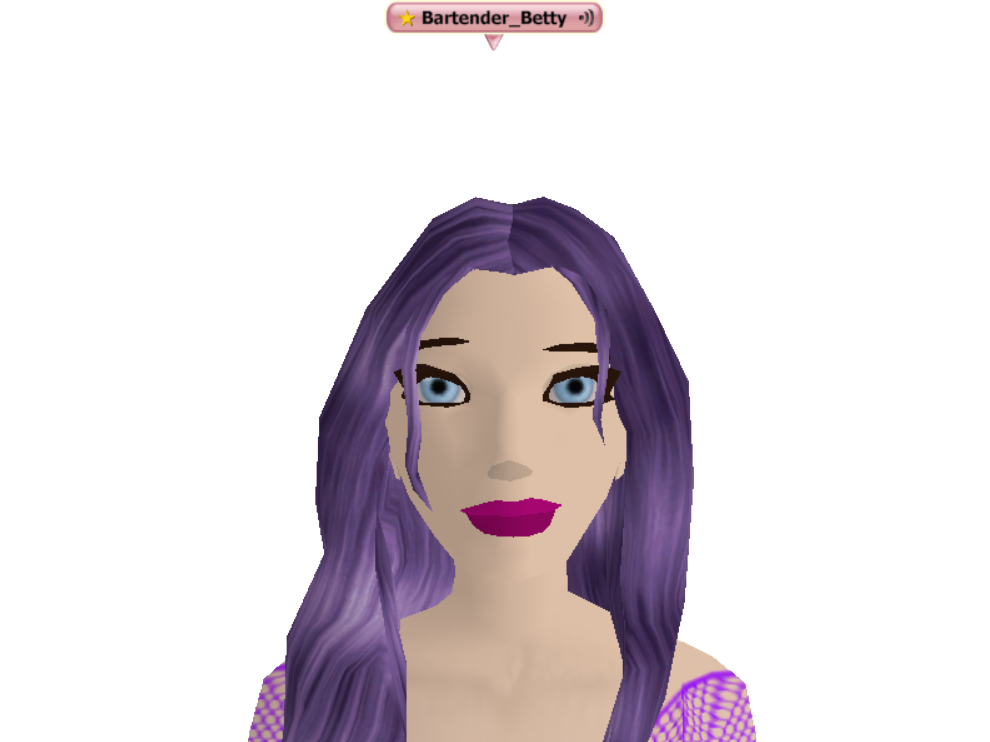
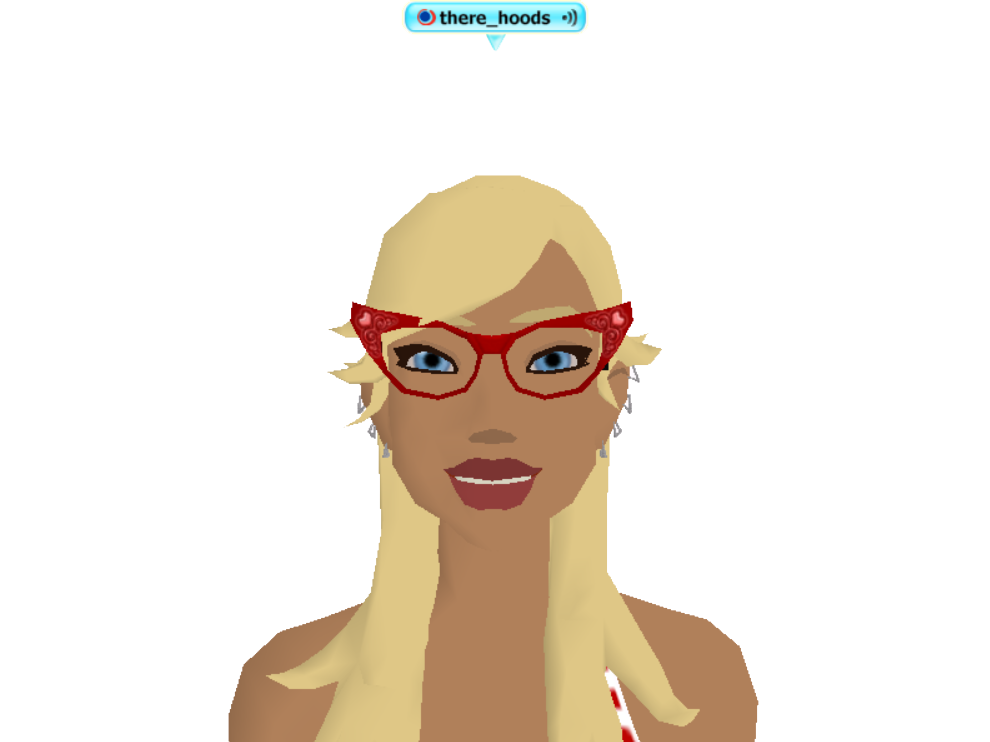
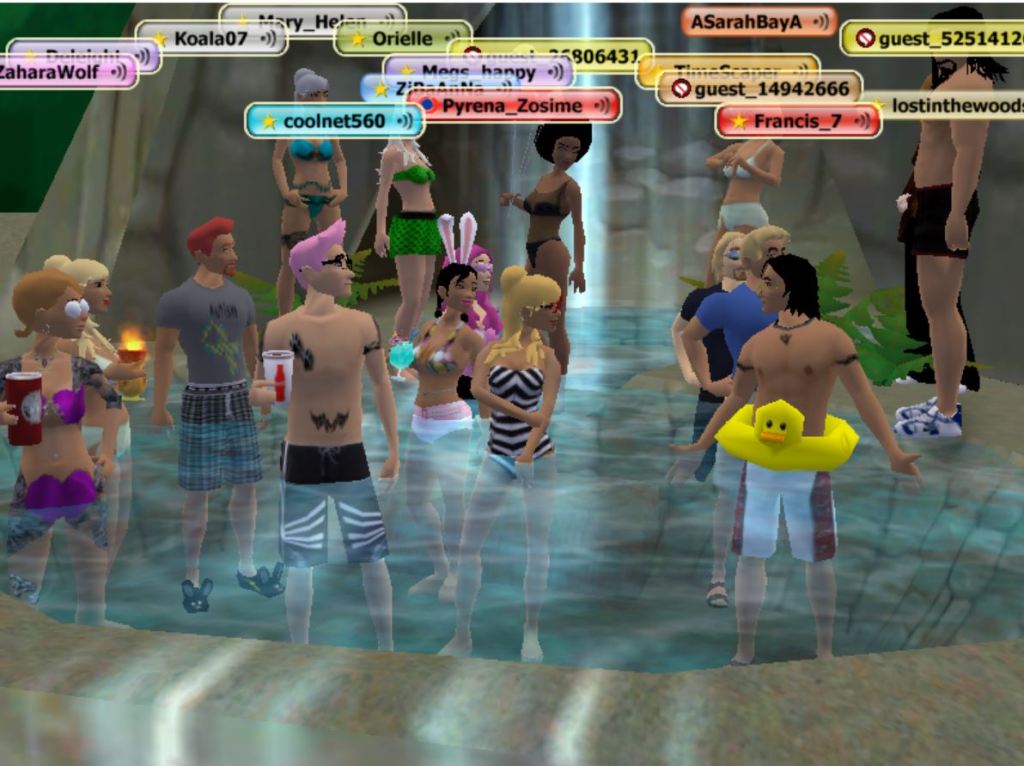
FREE Silent Trial Accounts are born with a generic nametag like guest_1234567. When a Silent Trial spawns on the new member island, they can see everyone around them, but they are not able to hear other people’s Voice or see their text chat bubbles.
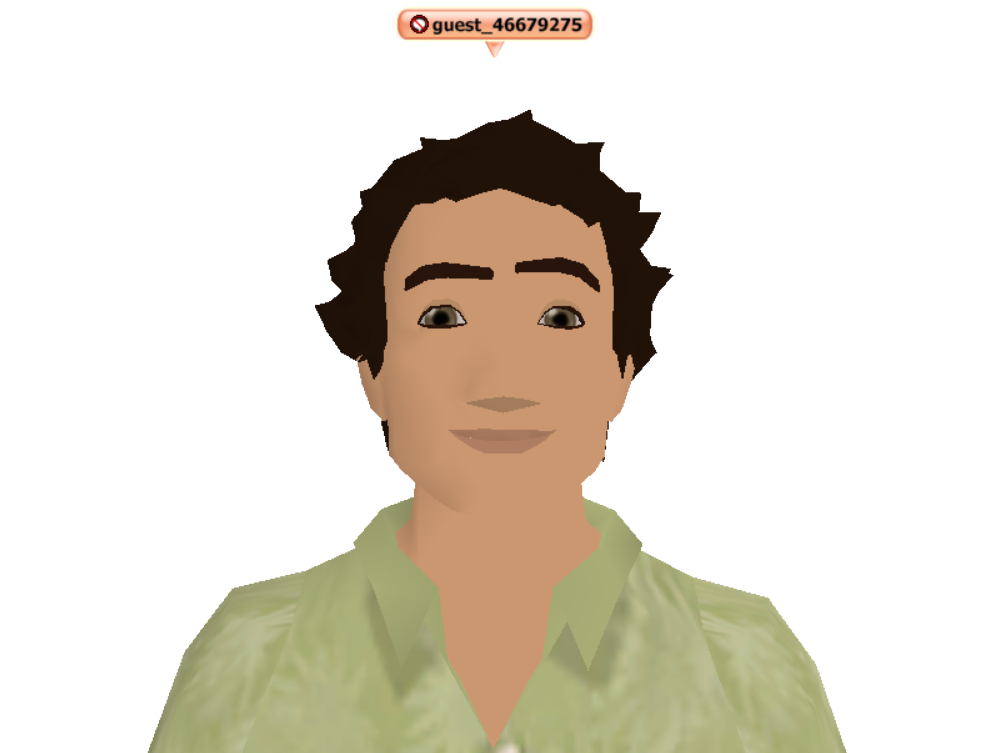
Only Staff and Phoenix Stars are able to see Silent Trial Account text-chat bubbles. Upgrade your membership so you can talk to everyone! A monthly Premium Membership Account comes with all the bells and whistles like Voice, Real Estate, decorating and more.
What kind of trial accounts or membership types are there in new There?
Premium Membership – $10.00 USD per month PayPal or Stripe (debit/credit cards)
Unlimited Basic Trial Account – One-time fee of $0.50 USD PayPal Only
Unlimited Silent Trial Account – FREE Every Day of the Year
Silent Trials Accounts are limited in their communications. Free members are only able to text chat with Phoenix Stars (New Member Helpers) or Staff members. If you’d like to be able to text chat with other members in There, you can upgrade to a Basic Trial Account with an age-check by charging a one-time $0.50 fee to your PayPal account. Trial accounts include the Explorer Pack and ability to listen to music in-world. Trial members are limited in their economic activities and cannot buy or rent Real Estate. Trial accounts cannot give or receive gifts from other members. Read the low-cost membership trials help article for more information about trial account limitations.
Premium Membership Accounts are the best way to enjoy all the bells and whistles playing in the virtual world There. This affordable monthly membership breaks down to only $0.33 USD per day. The plan includes Voice that allows your avatar to speak out loud and the ability to hear others in real time. For only $10.00 USD a month you can customize your 3D Avatar, text chat, advance your skill ladder, attend and host events, voice chat with friends, bookmark your favorite places, design virtual goods, shop and list items for sale, join up to 100 clubs, own Real Estate and much more with a Premium Membership in There. Premium accounts are available through PayPal and Stripe. Your PayPal account will need to have a validated mailing address and be linked to a reliable backup funding source (generally, a credit card) before you will be able to initiate your Premium Membership monthly subscription in There. You do not need to register a Stripe account if you want to pay with a debit/credit card. Upgrade to a Premium Membership Account to get all the fun perks There has to offer.
I don’t have a PayPal account. How do I pay for a monthly Premium Membership?
You can use Stripe as an alternate money processing payment system. Stripe is a card processor that accepts a variety of credit and debit cards from around the world. If your card is supported, you may use Stripe to purchase Therebucks or a Premium Membership. Please note that gift subscriptions, Basic Trial Accounts and Real Money Developer Sales are only available for purchase through Paypal.
You can upgrade to a Basic Trial Account for a one-time fee of $0.50 USD. You’ll be able to text-chat with everyone with the exception of Silent Trials. Your Avatar will be credited the amount of the small fee in Therebucks. With the Basic Trial Account you can text chat with Premium Accounts, Basic Trials, Phoenix Stars and Staff members. Read the list of limitations with low-cost Trial Accounts. If you want to be able to use Voice, buy Real Estate, give/receive/trade with other members you can upgrade to a monthly Premium Membership Account for $10.00 USD per month.
I’ve recreated my Avatar, but I can’t seem to be able to log into the 3D Virtual World.
You will need to verify your email address before you can log into the 3D world. Go to your email account associated with your Avatar and click on the link to register your email. Once you are logged into the 3D world you can go to your Profile settings and update your email address to a current email address that you would prefer to use. If you do not see the verification email, check your spam folder. Add the email noreply@prod.there.com to your email contacts. Email addresses must be unique to each Avatar. No two Avatars can share the same email address.
I forgot my password and the forgot name or password feature says my Avatar doesn’t exist!
The Forgot Name or Forgot Password tools are for brand-new Avatars only. If you are a returning member, these tools will not work for you. Legacy Avatars need to use the Help Me Remember Stuff tool to recover your account information.
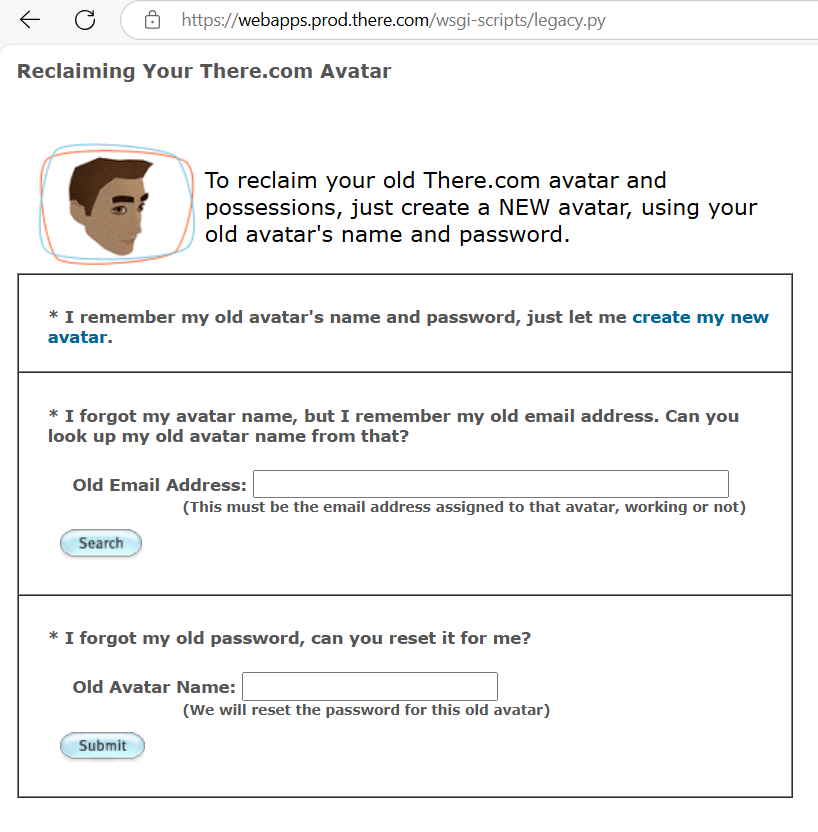
I forgot my old password, my old email no longer works and I never set up a secret answer on my old Avatar.
Email Staff at feedback@thereinc.com with as much information about your Avatar as you can remember. We will try to do what we can for you, but for obvious reasons we must be able to adequately identify you were the original owner of the Avatar.
When I try to enter my old username and password to create my Avatar in new There it tells me my Avatar name is not available.
This means there was some form of moderation on your Avatar account in old There. It is our policy not to allow banned members from old There to establish their Avatars in new There. If you feel there was a misunderstanding about any moderations on your account, you can reach out to our Staff to review your case by emailing feedback@thereinc.com. Be aware if you are a banned member, only a record of your account type “cancelled banned” transferred over to new There. Our Staff does not have a history of notes about your moderation/cancellation to refer to in order to explain to you why you were banned in “old” There. We only have notes on moderations/cancellations in “new” There. You should remember your own behavior and why you got yourself into trouble. If you really want to know why you were moderated, go to the inbox of the registered email address for your banned Avatar and search for an old email that provides you the explanation. If you have been previously banned, you are not welcome back.
When I try to recreate my Avatar it says that it is already in use in new There.
It’s been several years since new There has reopened. Are you sure that you did not forget about resurrecting your Avatar back in the early days? If your Avatar has been reclaimed, hopefully it was by you and not someone else. Search your email inbox for the Welcome to There email to see if you can find a record of recreating your Legacy Avatar account. Email Staff at feedback@thereinc.com and we will help you get things sorted out.
When I try to recreate my avatar it says that it is already in use in new There.
It’s been several years since new There has reopened. Are you sure that you did not forget about resurrecting your Avatar back in the early days? If your Avatar has been reclaimed, hopefully it was by you and not someone else. Search your email inbox for the Welcome to There email to see if you can find a record of recreating your Legacy Avatar account. Email Staff at feedback@thereinc.com and we will help you get things sorted out.
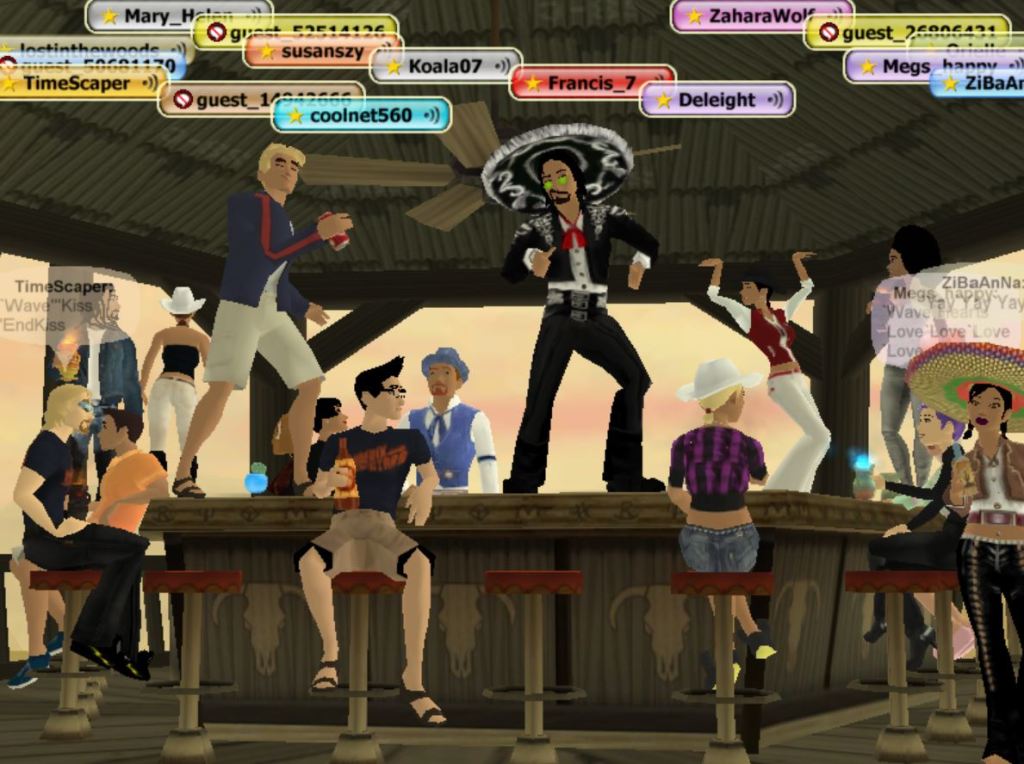
Where is all of my stuff? I re-created my old Avatar and I’m logged into the 3D world, but I don’t see any of my virtual goods, skill ladder, buddies or Developer submissions.
YOUR OLD STUFF DOES NOT AUTOMATICALLY SHOW UP. Staff will need to manually migrate over all of your old possessions, skills and favorite places within a few days of resurrecting your Avatar. Please note, the manual migration of items by Staff can only be done on a weekday during business hours. If you recreate your old Avatar on a weekend and expect to log in and see all of your old stuff, you will unfortunately be disappointed to have to wait for a few days. We appreciate your patience and understanding. We have limited Staff resources in new There. We will try as hard as possible to recover all of your stuff, but we currently have the following limitations during manual Avatar migrations.
- Some interactive items are missing their special customization.
- Voozoos are no longer supported.
- All custom vehicles have reverted back to their original stock paint jobs/ wheels/ engines for their chassis.
- ThereDocs and Questkits are migrated over in their empty, un-configured state.
- Items originally attained through the Skill Rewards (Golden Tickets) are not migrated. Instead, the migration of your skill points results in you receiving new copies of the Golden Tickets.
- The Coca-Cola Music Mixer is no longer supported.
Most of my items showed up in my inventory, but I seem to be missing a couple of things.
Our records show that a large number of possessions were transferred between Avatars during the days leading up to the closure of old There. Our experience in helping members resurrect their Avatars over the last several years is that people tend to forget which of their Avatars owned certain items. We have also noticed that members have forgotten how they came to posses some of their virtual goods. Possessions can only be migrated to their registered owner, not just to whomever had an item in their pocket at the time old There closed. For example, a vehicle that someone lent to you in old There does not belong to you.
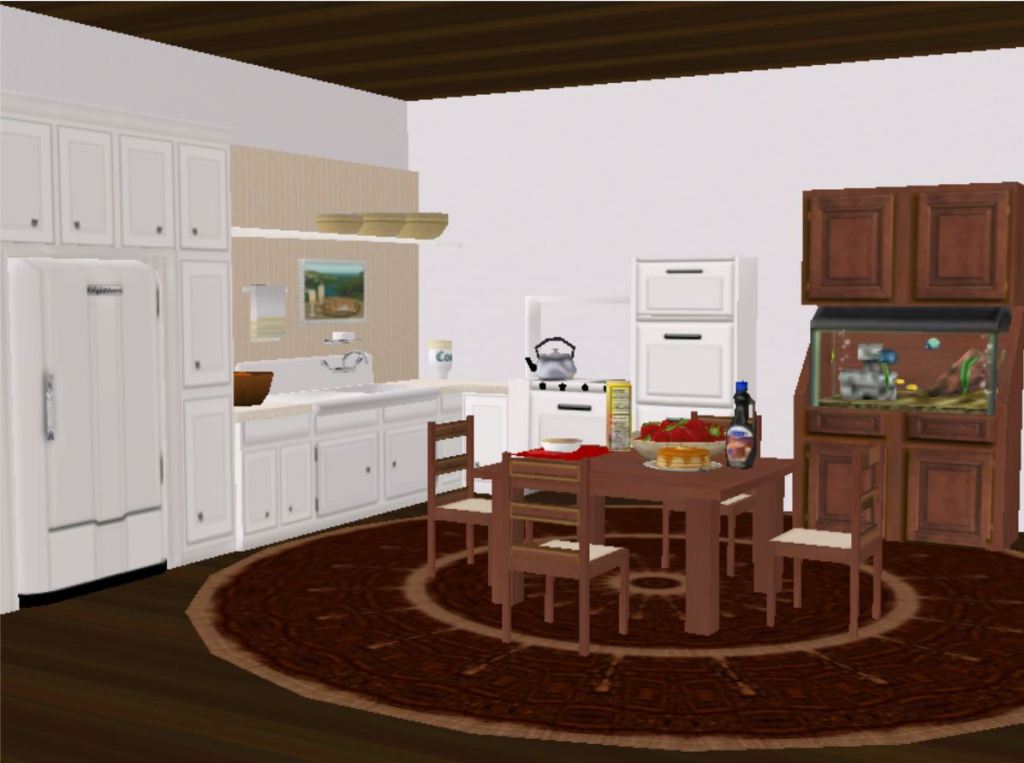
No seriously, I bought stuff for my Avatar and it has not shown up in my inventory in new There.
Are you sure you’re not having trouble finding it in your Organizer? Go to Profile>Transaction History to search your transactions for any give/sell/trade transactions that took place. You can export the list to Excel so you can easily sort it. If you feel you are really missing something and you know for absolutely sure that it once lived in your inventory, email Staff at feedback@thereinc.com with the exact name of the virtual good. Our Staff can take a look to verify if you did indeed own the item and what might have happened to it. Please note, requests for inventory deep dives by one of our Engineers takes several days to complete so please be patient with our Staff.
I had an Alt Avatar in old There. Is there any way I can reclaim the virtual items on my Alt’s inventory and transfer them to my Main Avatar’s inventory in new There?
Yes, there are two ways you can accomplish this. The slow and tedious way to transfer virtual items from your Alt to your Main is to resurrect your old Alt Avatar, upgrade it to a Premium Membership Account so that the Avatar has the ability to Give and Trade. You will need log both Avatars in-world at the same time to set up a Trade window to transfer the virtual goods over from your Alt to your Main Avatar.
An easier solution to transferring virtual item inventory to your Main Avatar is to use the Claim Possessions tool. You do not have to log in your old Alt or purchase it a Premium Membership or set up a long and tedious trade session if you use the Claim Possessions tool. Please note, once an Avatar has had its possessions claimed with the Claim Possessions tool, it can no longer be resurrected and logged into the 3-D world. If you want the virtual goods off of your old alt Avatar and you plan to log it into new There in the future, you should not use the Claim Possession tool because the Avatar will cease to exist. You must be logged into the 3D world on your Main Avatar to start the Claim Possession tool.
I used to own a FunZone in old There and now someone else is renting it in new There.
We maintained a rental reservation system during the first six months of the virtual world returning back in 2012. If you did not claim your property by that point the Deed or Zone may have been purchased by another member or is now a There-owned open hosting area. You can host events in There FunZones or look for FunZone deeds available in the Auctions for sale by other members or you can find available deeds for rent in the FunZone section of the Places Page.
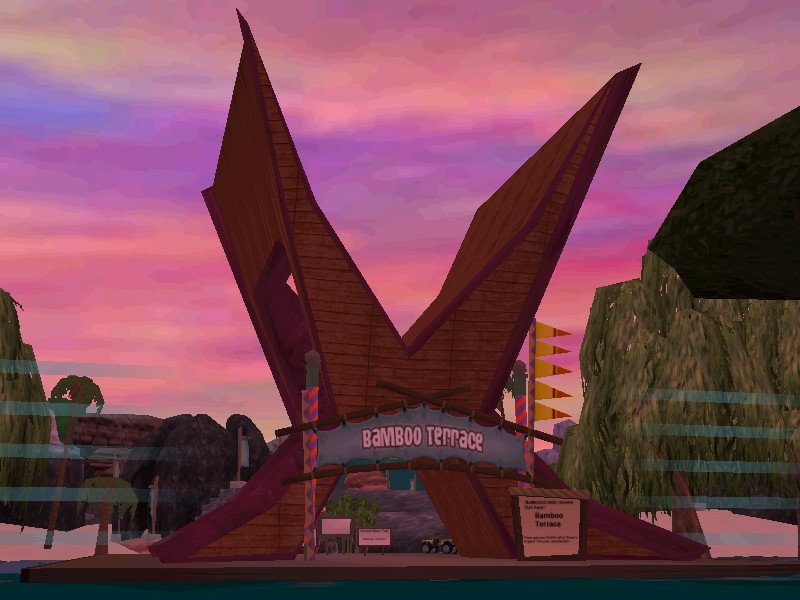
I used to run a Club in old There. Can I get it back?
Yes. We have reserved the names of all the old Clubs. They can only be recreated by the Leader of the Club at the time old There closed. You will notice that member list for your club is empty. Clubs are fundamentally a collection of Avatars. The Avatars in question, may not have rejoined new There yet. You will need to advertise your Club and invite Avatars that you run into online in new There to grow your group’s numbers.
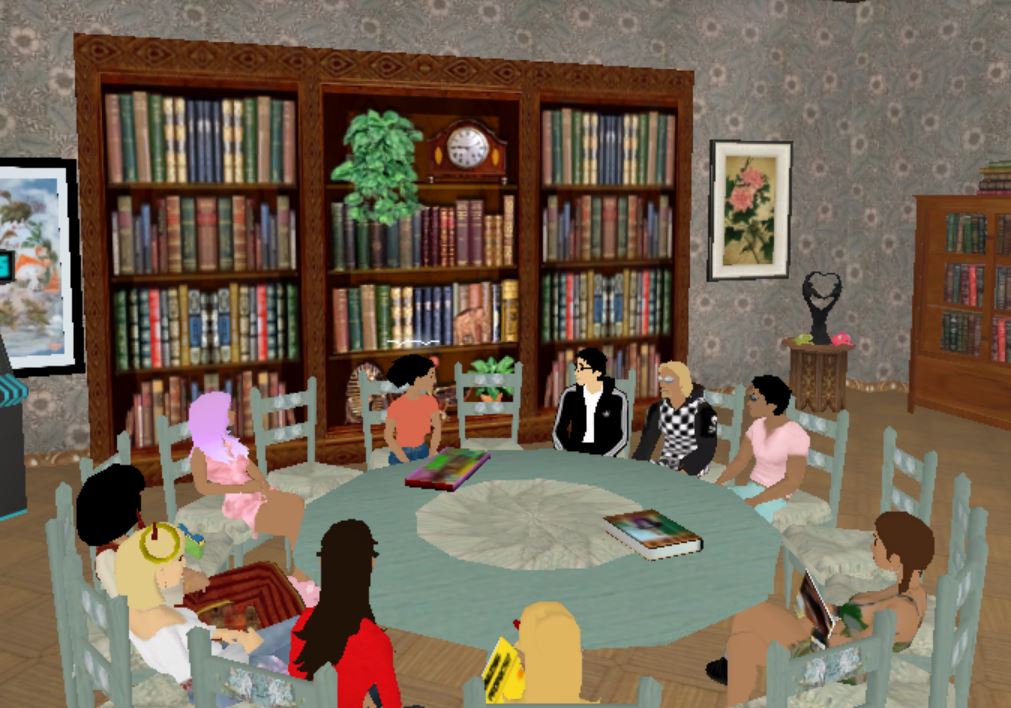
I was the Leader of a Neighborhood in old There, is it now gone?
If you were not able to claim your Neighborhood in the first six months of 2012 then your hood was made available to the community to purchase. If you discover your old Neighborhood in There is available and you would like it back, please email Staff at feedback@thereinc.com and provide the link or doid to the Neighborhood Zone. Staff will list the hood in an Auction for you to bid on. When the Auction completes, if you are the high bidder the Neighborhood it will automatically transfer to your inventory and you will be the Neighborhood Club Leader. Go on a tour of Neighborhood hangouts in There.
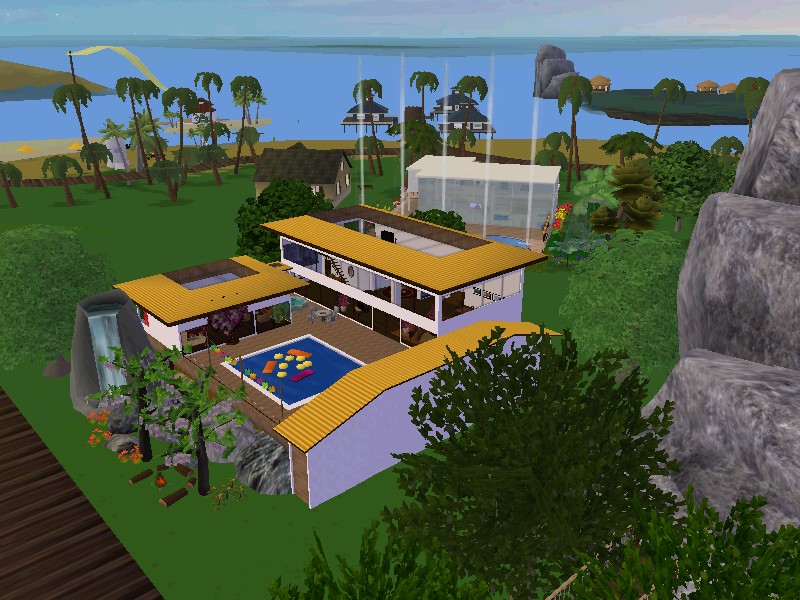
I was a Developer and submitted a ton of designs. Will I have to resubmit my designs again?
No, your approved designs in old There will be migrated to new There as soon as you resurrect your designer Avatar and have it join the Developer Program again. In order for your Developer submissions to be transferred from your old Avatar to your new Avatar you’ll need to request a Manual Inventory Migration. The migrations are handled by Staff during business hours. Email feedback@thereinc.com for assistance.
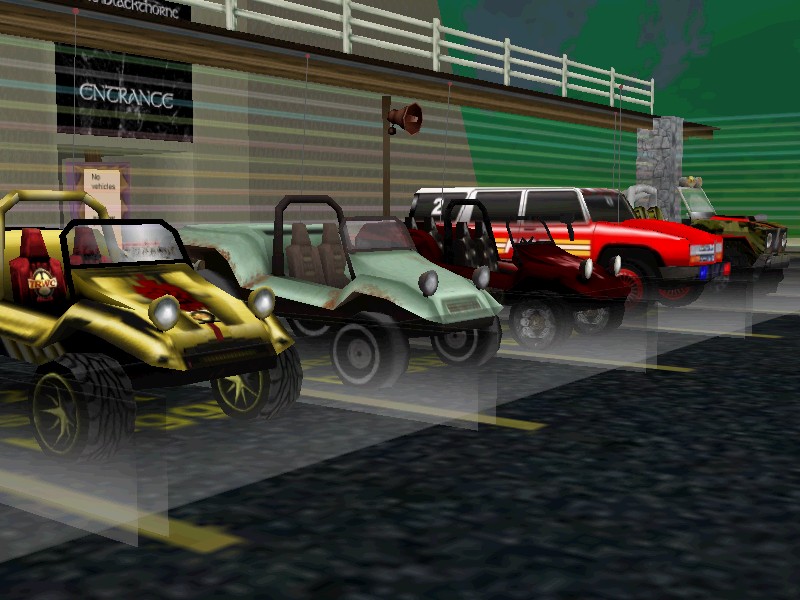
How long do I have to wait for There Staff to approve my designer submissions in new There?
There is a new peer-review system in place now to approve designs. Developer Submissions are approved in new There by other Thereians called Peer Reviewers. We updated our Developer Submission Guidelines and the Peer Review Guidelines in 2024. Make sure to read both documents and familiarize yourself with the new rules prior to making and submitting any designs to Peer Reviews.
What’s new in the Developer Program?
Customized hair color! Yes, Developers can now paint a specific list of available hairstyles or create their own new custom hair styles. Shop for men’s and women’s customized hair.
Can I start making US dollar sales on my Developer designs instead of Therebucks?
Yes! You can start earning real cash in new There with the Real Money Developer Sales option for designers. To begin, you will need to have a PayPal Merchant Account to receive your incoming payments. You will need to update the address of your PayPal Merchant Account on your There Developer Profile. It is suggested for you to reach out to PayPal and work with them to set your account to micropayments so that the fees charged by PayPal will be as low as possible for you. It’s always good to offer Thereians the options of purchasing your designs with USD through PayPal AND the opportunity to purchase virtual goods with Therebucks. Some people don’t have PayPal, but they really want to buy your designs so it’s good to offer a Therebuck buying option as well.
Can I act as a third-party Therebucks seller?
No, in new There members are NOT ALLOWED to sell Therebucks. We have provided the Real Money Developer Sales as an option for designers to make real USD instead of stockpiling Therebucks.
Since There is now 18 and over, can I run around naked and swear like a sailor?
No. Our Terms of Service and guidelines that were in place in old There still stand today in new There. The general rule of thumb is if you would hesitate to do something on a busy, real-life New York street out of fear that you would get arrested or a New Yorker would put you in your place, then it is definitely not okay to do the same thing in the virtual world There. We expect adults to act like adults and be able to resolve their own differences through constructive dialog. If you can’t stand someone, just use the handy Ignore tool and teleport away.
How do I find people in There?
There is a great big world with several Islands and lots of wide-open virtual space. People teleport and travel by vehicle to explore the virtual world and discover thriving Island communities. It’s good to know when and where to find friends in There when you’re looking socialize online. The best way to locate other members in There is by signing up for daily scheduled Events and exploring Neighborhood hangouts. Browse the Clubs in There and join groups that share your similar interests to receive club invites to events.
Check out There’s most Frequently Asked Questions for more helpful information about our virtual world.
THERE.COM SOCIAL MEDIA
There Virtual World Facebook Business Page
MEMBER FAN SITES
Connect outside of There.com with other members through fan sites. The groups/channels listed below are run by our members and not directly associated with official There company channels.
Thereian Community Facebook Group
There.com Technical Help & Support by Members Facebook Group
Helpful New Member Information
There.com is a social virtual world where people go to spend time with friends, meet new ones and have fun in a beautiful 3D environment. There was created to take online communication to a new level, allowing people to incorporate emotion, body language, and even voice into real-time communication with one another – just like in real life. People from all over the world have joined There and grown it into a diverse community with something exciting to offer almost anyone.
There.com is a virtual world environment for ADULTS ONLY. You must be 18+ to play.
THERE MEMBERSHIP OPTIONS
Unlimited FREE Silent Trial – Zero Cost
Unlimited Basic Trial – One-Time Fee of $0.50 USD (PayPal Only)
Premium Membership – $10.00 USD Per Month (PayPal & Stripe credit/debit)
ACCOUNT REGISTRATION & EMAIL VERIFICATION
If you would like to explore, play and make new friends in the virtual world you can head over to www.There.com to create an Avatar, username and password. You will receive a Welcome to There email that includes an email verification link. The next step is to verify your email account. If there is heavy traffic in the game, the autogenerated email may lag and take some time to get to your inbox. Please be patient with our old system and our small team, we are unexpectedly going viral on YouTube. Check your spam folder or add the email noreply@prod.there.com to your contact list for added measure. If you still don’t receive the email verification, then please contact our Staff at Feedback@thereinc.com for assistance.
GAME DOWNLOAD
Once you have successfully created your new Avatar and verified your email, you can download There to your PC computer and launch the virtual world game from the There icon on your desktop to log in and play. Please note, you cannot play There on an iPad or mobile device. There is not available on any game streaming service. We do have an Alpha Mac Test Client if you want to help us test a Mac version of There. You can also use There IM to chat with your There buddies on a messenger style platform. You can easily stay in touch with your There friends with There IM when you are not logged into the 3D world on your desktop.
CREATE YOUR AVATAR
When you get to the Avatar creation page to register for a FREE Silent Trial Account at www.There.com, you have the option to create a male or female Avatar. Click on the button of the one you prefer.
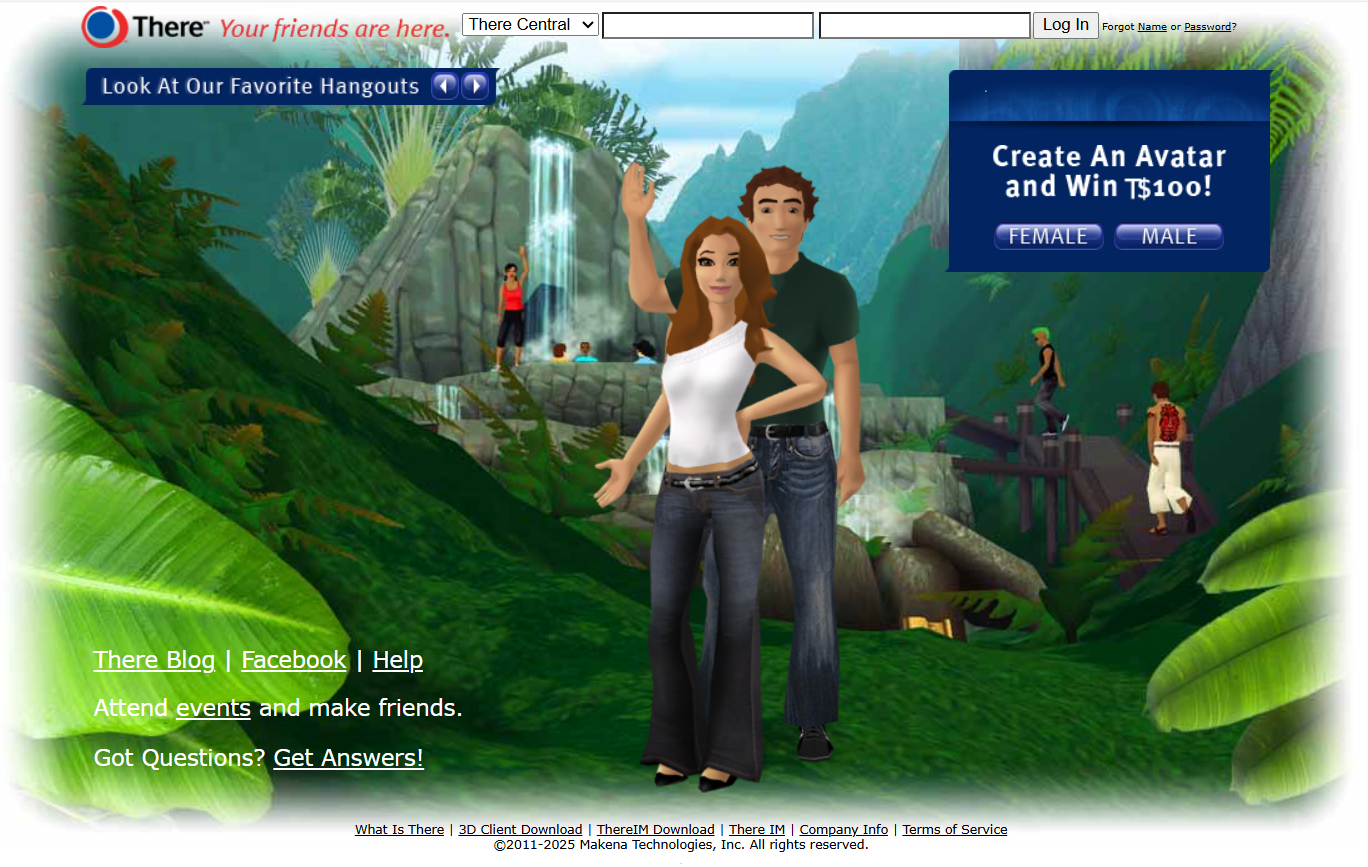
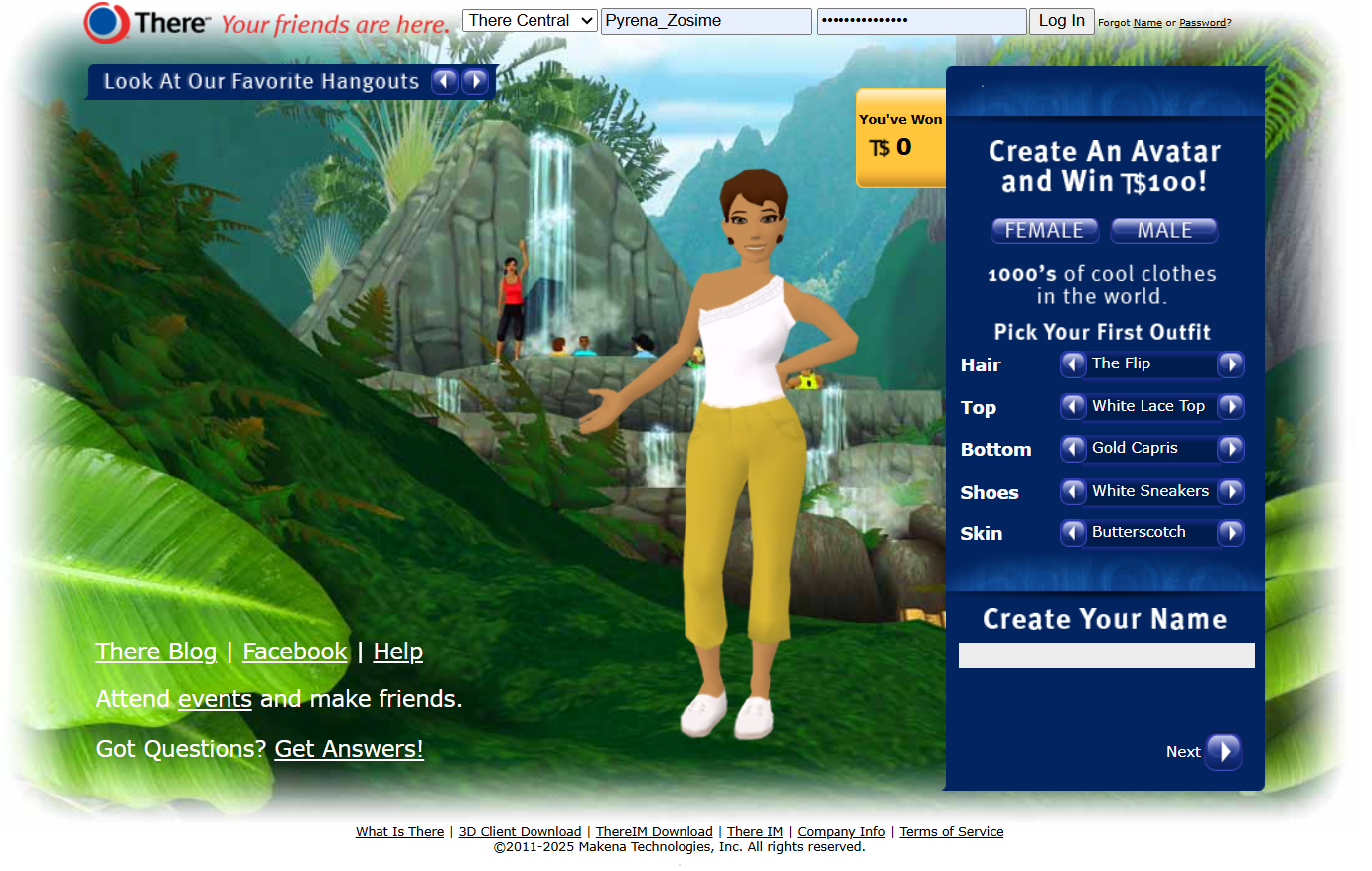
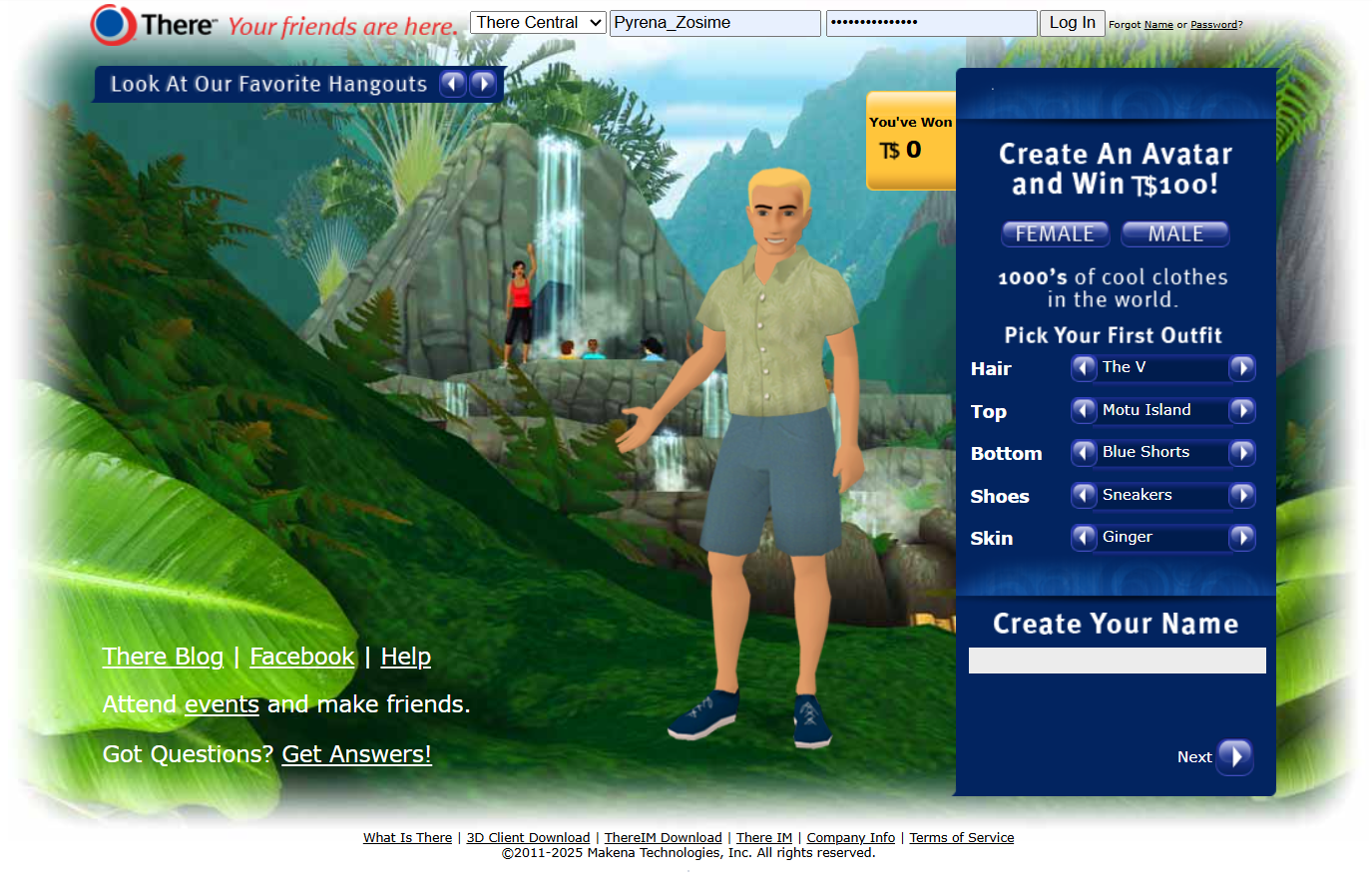
You cannot change your username or your gender so choose carefully. If you already made an Avatar and want a new name or a different gender, you can make a new Avatar at any time.
The There.com virtual world has had a long history online. There are three eras of Thereians.
- First Time New Players– Welcome everyone from Globatron’s viral video on YouTube!
- Legacy Members – A group of old players who have not logged into There since 2010 or before.
- Current Members – Members created any time between 2012 and now as well as Legacy members that have returned home to There.
TROUBLESHOOTING CREATING A NEW ACCOUNT
If you are trying to make a new Avatar and seem to run into trouble creating your account, make sure that the username you are attempting to register with does not already belong to a current or legacy member who has enjoyed playing in There and making friends since any time between 2003 and now. Members have created millions of already existing usernames over the past two decades. New Members need to pick a unique username that has never been used in the virtual world before. You will only be able to assign one email address per Avatar. You cannot create two Avatars with the same registered email account. If you run into issues trying to create a new account, please email our team at Feedback@thereinc.com for assistance.
TUTORIAL WALKTHROUGH & NEW MEMBER LANDING ISLAND
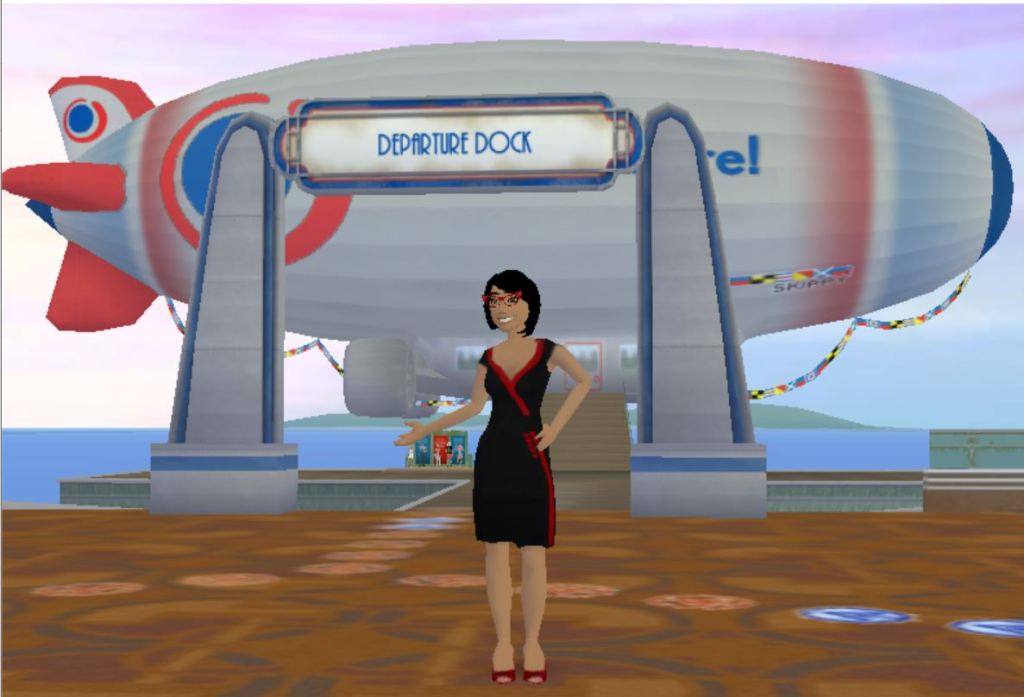
When you create a new member account in the virtual world, your Avatar will spawn on the Welcome Walkway. The WW is a special new member tutorial area where you figure out how to move your Avatar, learn to emote and communicate by text chat with new member helpers called Phoenix Stars. After you’ve got the basics down, board the There airship at the end of the walkway to travel over to the new member arrival area called Fisher Island.
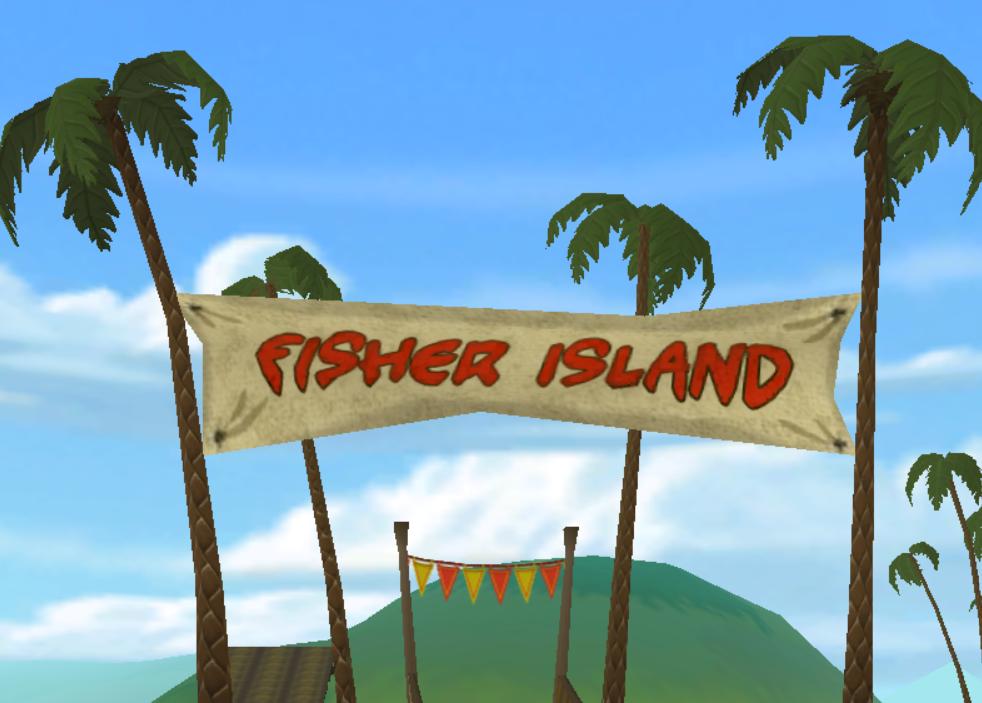
Thereians like to meet up with new and returning members on the small new member welcome island. There is a racetrack around the outside of Fisher Island that you can play on and learn how to drive a variety of vehicles in the game. Look for a Try It hut that advertises a buggy, TUV and hoverbike. You can borrow a vehicle for 5 minutes and drive around on the racetrack for fun.
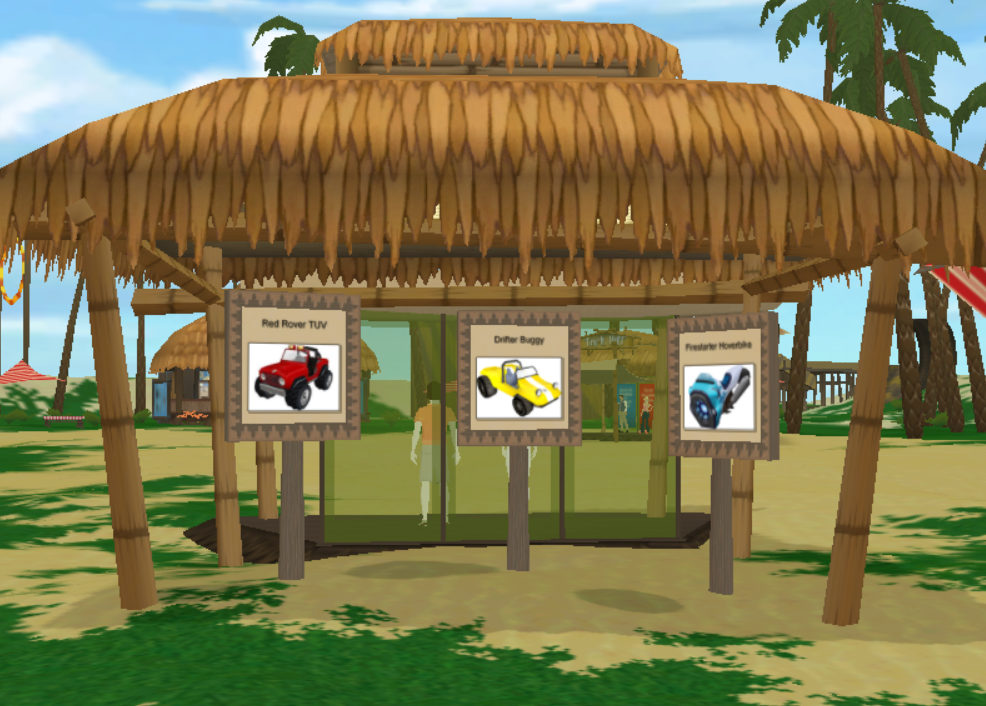
Please be aware that you will not be able to drive a vehicle in the middle of the new member island where most people are standing and hanging out. The people area is a no vehicle area so that our new members do not get run over.
UPGRADING YOUR ACCOUNT
All new members enter the virtual world as FREE Silent Trial Accounts. Every time you launch the game from your desktop the login page will ask you if you want to do an AGE CHECK or if you want to Join Now to UPGRADE to Premium Account with all of the bells and whistles. You can completely ignore the opportunity to upgrade and continue to log in as a FREE Silent Trial Account. Just enter your username and password and click on the blue “YES, LOG IN” button to enter the virtual world game at no cost to you for absolutely FREE.
EXPLANATION OF THE THREE TYPES OF ACCOUNTS
When you are logged into the virtual world you will be able to physically see all three membership types.
- FREE Silent Trial – Zero Cost
- Basic Trial – One-Time Fee of $0.50 USD (PayPal Only)
- Premium Membership – $10.00 USD Per Month (PayPal or Stripe for Debit/Credit Cards)
As a FREE Silent Trial Account, you will not be able to communicate with other players unless you upgrade your membership. We offer a Basic Trial Account for a one-time fee of $0.50 USD that can only be purchased with a PayPal account. Basic Trial Accounts can text chat with everyone in the game. However, Basic Trial Accounts will not be able to speak using the Voice option or hear other members talking. If you want to text chat with everyone, speak with your own voice using a headset and hear other members talking around you, purchase the $10 USD monthly subscription Premium Membership. You can purchase the 30-day Premium Membership with PayPal or Stripe. Stripe is a payment processing system that allows you to pay for a monthly subscription to There with a debit or credit card.
To upgrade your account, go to Profile click on your username>Member Info to upgrade your membership to Premium. Scroll down to the bottom and click on the Ready to end your trial and upgrade to a full member? link to access Stripe or PayPal to purchase the $10.00 USD monthly fee for a Premium Membership.
There is no time limit on our FREE accounts. The Silent Trial Accounts are FREE 24/7 365 days a year. The FREE Silent Trial Avatar’s nametag will display as something like Guest_1234567 until you upgrade your account to Premium Membership.
Free Silent Trial Account
FREE SILENT TRIAL ACCOUNT PERKS
-ZERO cost to player
-Unlimited trial time
-Can text chat with There Staff
-Can text chat with Phoenix Stars
-Access to World Chat to speak with Staff & Stars
-Can buy Therebucks (Tbux or T$) virtual currency
-Can buy Auction items like custom hair, clothes, vehicles, etc.
-Bookmark your favorite places
-Summon friends on your buddy list
-Explorer Pack use the compass & explore the Map
-Listen to sound systems with Music Pack
-Can customize Avatar face & body
-Can drive all types of vehicles
FREE SILENT TRIAL LIMITATIONS
-Cannot text chat with Basic Members
-Cannot text chat with Premium Members
-Other Silent Trials, Basic and Premium cannot see Silent Trial text chat bubbles
-Cannot hear Premium members speaking with the Voice feature
-Cannot give or receive virtual goods with anyone
-Cannot give or receive Therebucks our virtual currency
-Cannot use Skill Ladder to earn system awards
-Cannot participate in Voice required events
-Cannot Start Instant Messages with other members
If you are a FREE SILENT TRIAL ACCOUNT and want to find someone to communicate and text chat with, look for a Phoenix Star new member helper or There Staff. Phoenix Stars have a shiny star in front of their nametag. You can easily find There Staff by the There logo icon in the Staff member’s nametag. If you are a FREE Silent Trial Account you will have a “no” symbol in front of your generic guest username.
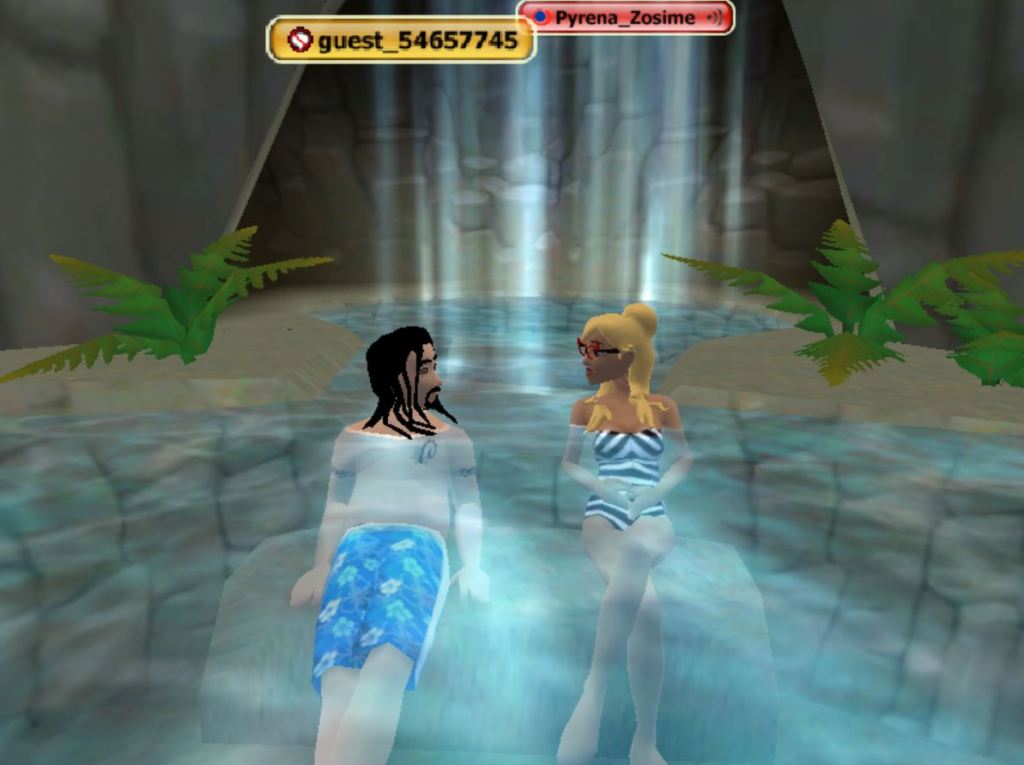
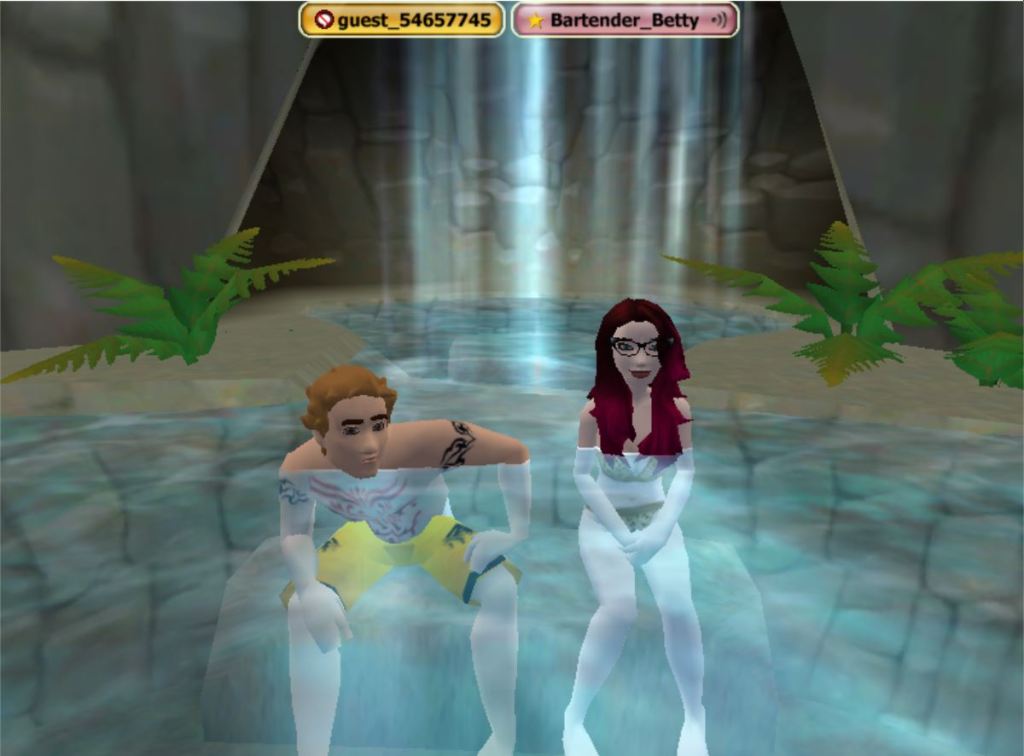
Watch this helpful member created YouTube video that teaches new members about FREE Silent Trial Accounts in the virtual world There.
Basic Trial Account
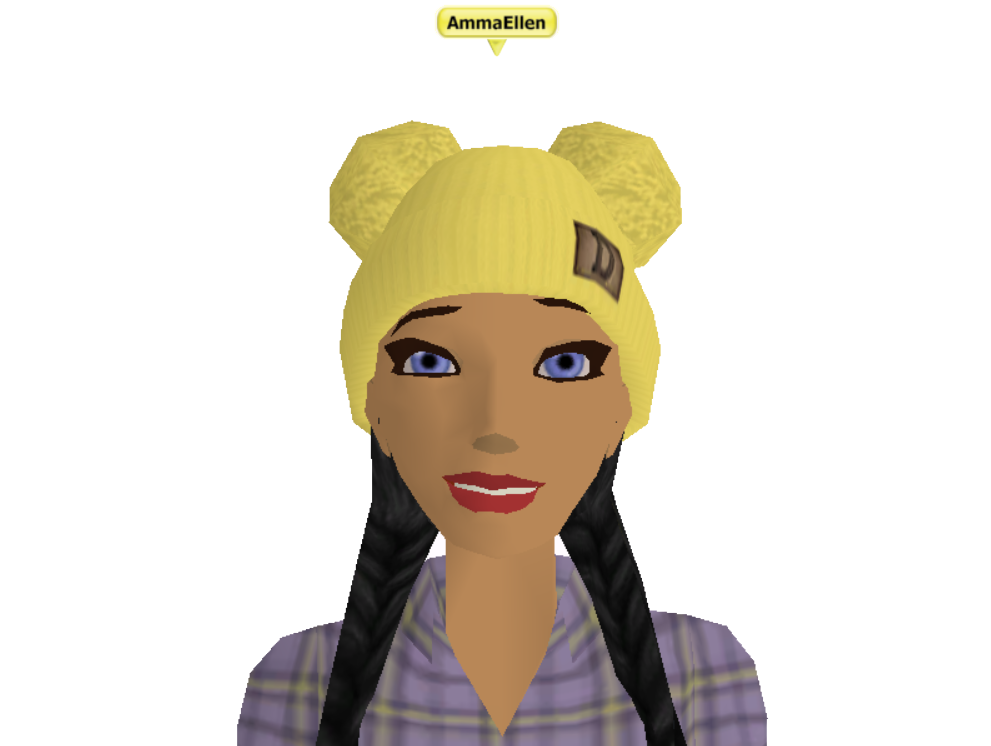
There is no time limit on our Basic Trial Account. Upgrade to Basic with a one-time fee of $0.50 USD available only through PayPal. It is essentially an age-check so we can make sure you are an adult so you can text chat with everyone in the game. You’ll need to create your own PayPal account to be able to upgrade to a Basic Trial Account in There. When you upgrade from Silent to Basic your nametag display will change from Guest_1234567 to your actual username. The $0.50 cost of a Basic Trial Account is credited to your Avatar in Therebucks (Tbux or $T ) virtual currency that you can spend on hair, clothes, props and vehicles.
BASIC TRIAL ACCOUNT PERKS
-Affordable one-time fee of $0.50
-Unlimited trial time
-Can text chat with everyone except FREE Silent Trial Accounts
-Access to World Chat
-Bookmark your favorite places
-Summon friends on your buddy list
-Explorer Pack use the compass & explore the Map
-The Basic Trial can physically see everyone else’s Avatars
-Everyone else can physically see the Basic Trial’s Avatar
-Listen to sound systems with Music Pack
-Can customize Avatar face & body
-Can buy Therebucks (Tbux or T$) virtual currency
-Can buy Auction items like custom hair, clothes, vehicles, etc.
-Can customize Avatar face & body
-Can drive all types of vehicles
BASIC TRIAL LIMITATIONS
-Cannot text chat with Silent Trials
-Cannot hear Premium Members talking with the Voice feature
-Cannot give or receive virtual goods
-Cannot give or receive Therebucks (Tbux or T$) virtual currency
-Cannot use Skill Ladder to earn system awards
-Cannot participate in Voice required events
-Cannot participate in Voice required events
Premium Membership Account
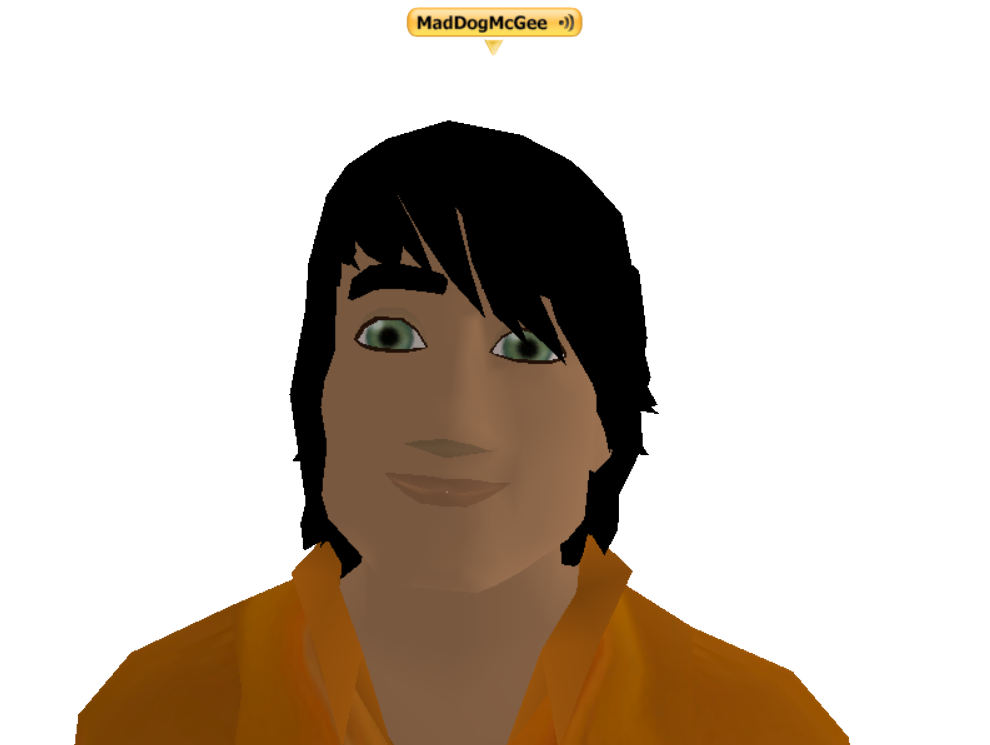
Premium Membership is a $10.00 USD monthly subscription that includes the Voice option that allows you to speak and hear other Premium members. Purchase a 30-day reoccurring Premium Membership through PayPal or Stripe (debit/credit cards). CANCEL ANY TIME. You do not have to create a Stripe account to be able to upgrade your There account. You do have to have a registered PayPal account if you want to upgrade your There account using the PayPal option. Cancel your Stripe monthly payment through your There Avatar Profile. Go to Profile>My Info>Manage Subscription. Cancel your PayPal monthly payment by logging into your PayPal account and going to recurring subscriptions, locating your payment to There.com (Makena Technologies) and clicking cancel.
PREMIUM MEMBERSHIP PERKS
-Use the Voice feature to speak & hear other Premiums
-Can text chat with everyone except FREE Silent Trial Accounts
-Access to World Chat
-Bookmark your favorite places
-Summon friends on your buddy list
-IM friends on your buddy list
-Explorer Pack use the compass & explore the Map
-A Premium Membership can physically see everyone else’s Avatars
-Everyone else can physically see the Premium Member’s Avatar
-Listen to sound systems with Music Pack
-Can customize Avatar face & body
-Can buy Therebucks (Tbux or T$) virtual currency
-Can buy Auction items like custom hair, clothes, vehicles, etc.
-Can customize Avatar face & body
-Can drive all types of vehicles
-Advance FUN Pass level
-Earn skill ladder points for 16 skills
-Buy & Rent Real Estate to build your dream home
HOW TO FIND A NEW MEMBER HELPER
Phoenix Stars are a friendly group of Thereians dedicated to helping new and returning members navigate our beautiful 3D world. They volunteer their time for free to help new members learn how to use the toolbar, teleport to new locations, attend fun events and help introduce you to new friends.
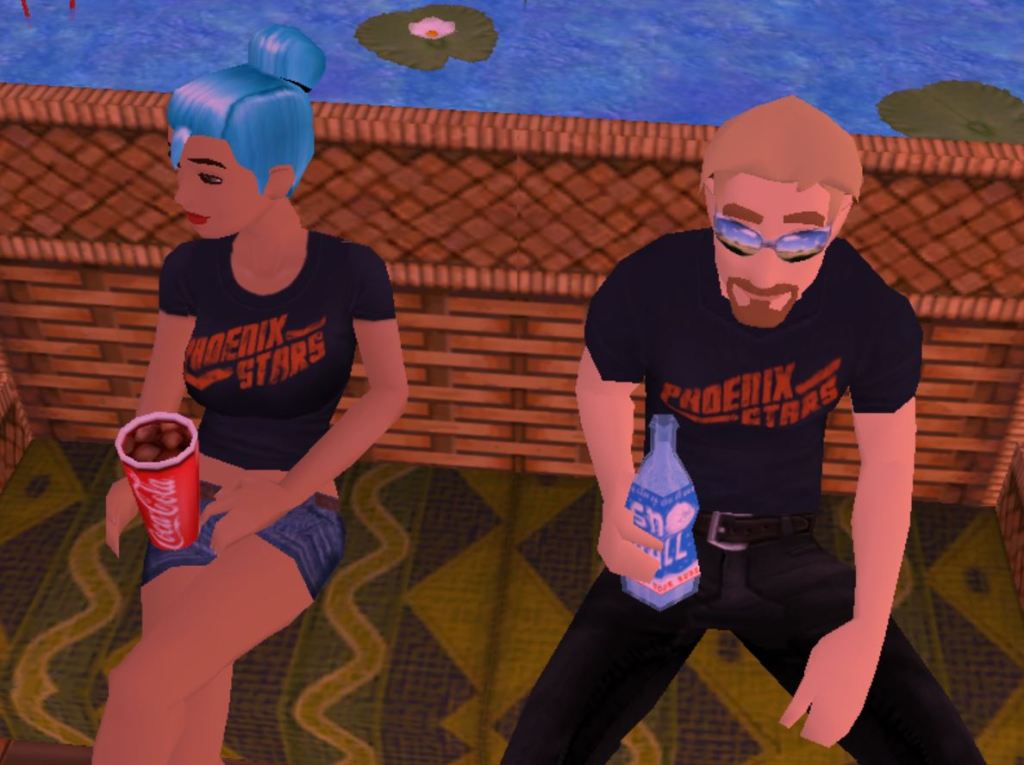
Members of the Phoenix Stars are located in the United States and all around the world, so no matter what time zone you are in, there is always someone available to chat with and ask questions. Some of our Phoenix Stars speak Spanish.
The first place to look for a Phoenix Star is in World Chat. In World Chat you can communicate via Instant Messaging with other members. When you are a new member, you are automatically logged into World Chat the first ten times you log into There. If you have a question or need help, post a message in World Chat and one of the Phoenix Stars will respond.
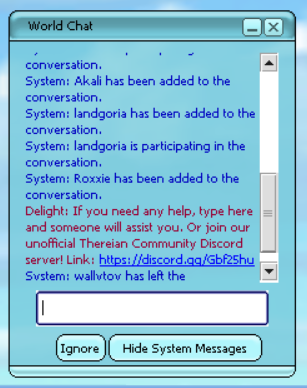
To enter World Chat, go to the bottom of your toolbar and click on People > Show World Chat. If you cannot locate a Phoenix Star in World Chat, you can click on the Phoenix Stars group and click on Members. The member list will show you who in the group is online and available to help. Click on the IM icon to start an IM window with a Phoenix Star or click on the mail icon to send them a ThereMail.
You can also stop by the Phoenix Stars Outreach ClubHouse on Fisher Island. There is generally one or two Phoenix Stars walking around Fisher greeting new members who are teleporting over from the Welcome Walkway tutorial area.
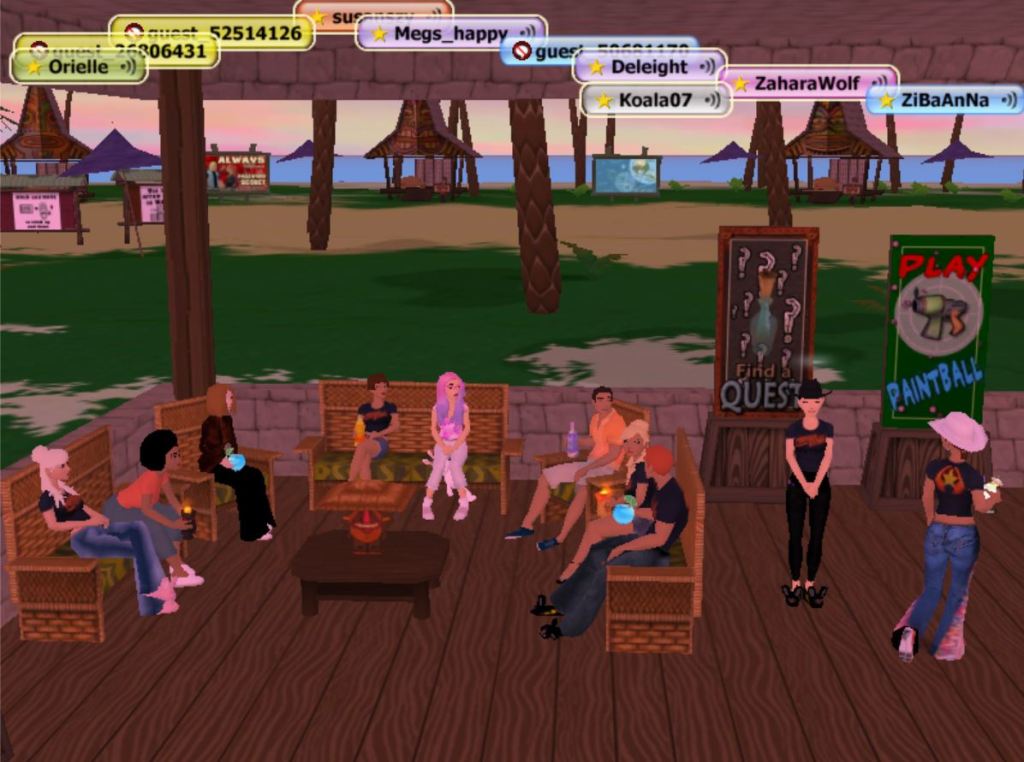
Visit a Spa to customize your Avatar’s face and body. You can change your Avatar’s head shape, facial features, body tone and skin color.
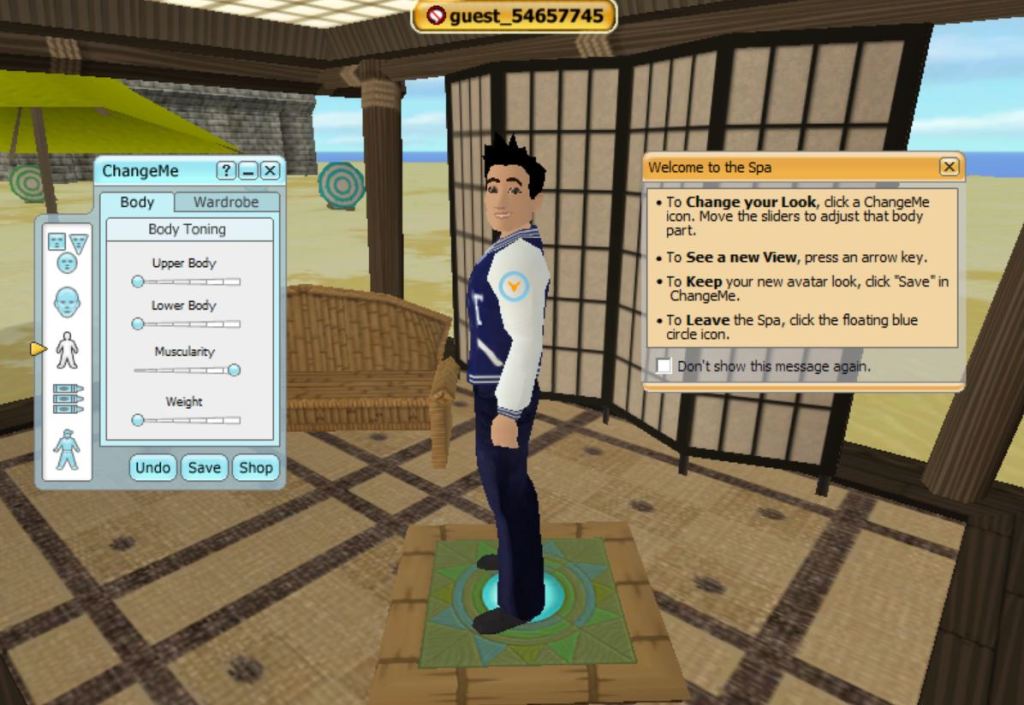
Needing some new clothes to express your individuality? Check out the Try-It Huts on Fisher Island. There are several mannequins on display wearing the latest designer fashions in There. You can click on the mannequins different clothing components and try them on. You can shop for men’s and women’s clothing in the Auctions or Shop Central. You can purchase Therebucks and buy virtual items while you are a Silent or Basic Trial Member. You do not have to be a Premium account to purchase virtual goods like clothing, props, vehicles, paint guns or paintball refills.
When you are ready to explore all of the islands in There, you can teleport or drive a vehicle or walk/run away from the new member landing area you arrived at to find a new location.
Find out more information about the virtual world There with our Frequently Asked Questions.
How do I communicate?
Text Bubble Chats
Instant Messages
Emotes
Voice
Where do I go to get help?
Knowledge Base Articles
Phoenix Star – New Member Helper
Member to Member Help Group
Contact There Staff
How do I move around?
On Foot
Teleport and Summons
There Maps
Searches and Links
Looking Around
How do I interact with objects?
Action Tags
My Things Menu
Documents and Signs
Vehicles
Dropping Items In Zones
Where do I buy Therebucks to spend on virtual goods from the Auctions and Shop Central?
Therebucks (Tbux or T$) our virtual currency can be purchased through PayPal or Stripe. The purchase begins by clicking on the Buy Therebucks link in the 3D world or through ThereCentral 2D web pages in an external browser. Please DO NOT send us random payments by going directly to PayPal…we won’t know what to do with the money! Free Pizza for Staff lunch?!
How can I earn Therebucks?
You can earn Therebucks by being a Developer and selling your virtual goods in the Auctions to other members. You can also earn Therebucks by becoming a Neighborhood Owner.
Can other people give me stuff?
Yes, if you are a Premium Member account you can give, trade and receive virtual goods from other members. If you are a FREE Silent Trial Account or a Basic Trial Account, you will not be able to receive or give gifts to others. You can buy Tbux and virtual goods with Free and Basic accounts.
Why do people keep lending me stuff?
People in There are really friendly and want to help you, even if they can’t talk to FREE Silent Trial Accounts. Other members will loan you fun virtual items to play with. You can accept the items and find them in your inventory by going to My Things on your menu bar.
How can I buy land and decorate my dream home and garden?
FREE Silent Trial and Basic Trial Accounts are not able to purchase or rent Real Estate in There. You must be a Premium member to have a Real Estate Zone in There that you can decorate. If you’d like to build your dream home and garden in There, upgrade to a Premium Membership Account to be able to purchase a Real Estate Zone and shop for home and garden items in the Auctions. Read our helpful article on Making There Your Home. There are several types of Real Estate Zones you can own in the virtual world. Find one that works best for your budget.
Where do I go to read and send Theremail?
To create a Theremail to send to someone go to their Profile. You’ll see a small envelope mail icon on the top left side. Click the email icon. This will open up a Theremail window for you to compose your letter. Check the Send Me a Copy box in order to get a copy of your Theremail sent to your registered Avatar email account. When a person receives a Theremail it is forwarded to their regular email. In order to reply to the Theremail, the receiver must log into the 3D world to compose a Theremail and send it back to you. You cannot hit the reply button on a Theremail you receive to your regular email. The reply won’t make it to the person you are trying to send it to. You must compose a Theremail by logging into your Avatar account.
How can I get an age check so that I can communicate with others?
Every time you log in, we will prompt you to pursue an age check. You will need to successfully charge $0.50 USD to your There account through PayPal to perform an age check. If the PayPal payment processing services believe you are 18 then we do too. The purchase of a Basic Trial Account is not really a fee per say as we credit you $0.50 USD in Therebucks back to your account.
What kind of trial accounts or membership types are available in There?
Premium Membership – $10.00 USD per month
Basic Trial Account – One-time fee of $0.50 USD
Silent Trial Account – FREE 24/7
Silent Trials Accounts are limited in their communications. Free members are only able to text-chat with Phoenix Stars (New Member Helpers) or Staff members. If you’d like to be able to text-chat with other members in There, you can upgrade to a Basic Trial Account with an age-check by charging a one-time $0.50 fee to your PayPal. Trial accounts include the Explorer Pack and ability to listen to music in-world. Trial members are limited in their economic activities and cannot buy or rent Real Estate. Trial accounts cannot give or receive gifts from other members. Read the low-cost membership trials help article for more information about account limitations.
Premium Membership Accounts are the best way to enjoy playing in the virtual world There. This affordable monthly membership breaks down to only $0.33 USD per day. The plan includes Voice that allows your avatar to speak out loud and the ability to hear others in real time. For only $10 USD a month you can customize your 3D Avatar, text chat, advance your skill ladder, attend and host events, voice chat with friends, bookmark your favorite places, design virtual goods, shop and list items for sale, join up to 100 clubs, own Real Estate and much more with a Premium Membership Account in There. Premium accounts are available through PayPal and Stripe. Your PayPal account will need to have a validated mailing address and be linked to a reliable backup funding source (generally, a credit card) before you will be able to initiate your Premium Membership monthly subscription in There. Upgrade to a Premium Membership Account to get all of the bells and whistles There has to offer.
I don’t have a PayPal account. How do I pay for a monthly Premium Membership?
You can use Stripe as an alternate money processing payment system to purchase a Premium membership. Stripe is a card processor that accepts a variety of credit and debit cards from around the world. If your card is supported, you may use Stripe to purchase Therebucks or to upgrade to a Premium Membership. Please note, gift subscriptions, Basic Trial Accounts and Real Money Developer Sales are only available for purchase if you have a PayPal account.
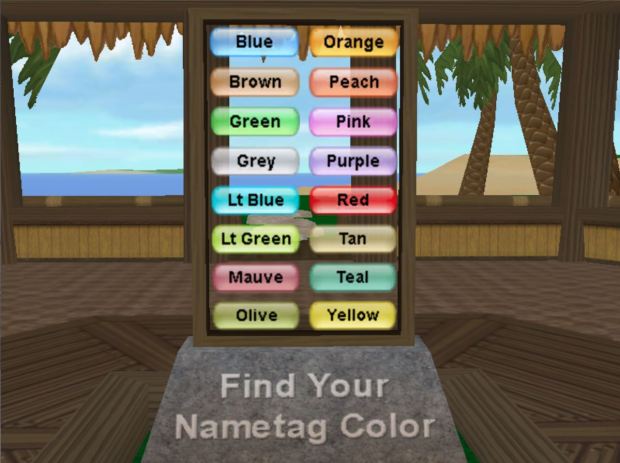
How do I change my nametag color?
For a 36,000T fee you can change your nametag color to one of the sixteen available team colors. Go to your Profile. Click on Member Info> User Preferences>Change My Nametag Color. Please note, the ability to change nametag colors is blacked out two weeks before and two weeks after a winter or summer There Games event. If you cannot change your nametag color then we are currently in a blackout period. Join your new nametag color team to get invited to seasonal There Games events. There is no limitation to the number of times you can change your nametag color.
How do I find people in There?
There is a great big virtual world with several Islands and lots of wide-open virtual space. People teleport and travel by vehicle to explore the Virtual World and discover thriving Island communities. It’s good to know when and where to find friends in There when you’re looking socialize online. The best way to locate other members in There is by signing up for daily scheduled Events and exploring Neighborhood hangouts.
What do you mean by “old” There?
There’s virtual world population soared in the 2000’s. In March of 2010 There closed. The 3D social platform was rebooted in 2012 under a different business model offering monthly Premium Membership Accounts. The game transitioned from a 13+ virtual world that allowed minors to participate to an all-adult 18+ game with no children allowed. When members or Staff refer to “old” There they are talking about the game prior to 2010. Our current virtual world is considered “new” There.
How do I cancel my Premium Account subscription if I make monthly payments through Stripe?
Payments made through Stripe can be canceled through your There profile. View your profile, click on Member Info>Manage Avatar Subscription>Cancel your monthly subscription. You can restart your Premium Account Membership at any time.
How do I cancel my Premium Account subscription through PayPal?
Visit PayPal to cancel your monthly subscription. It will appear on your account as a Subscription/Recurring Payment with the name Monthly Subscription for There.com Avatar (Your Avatar’s Name). After cancelling, you will be able to continue to log with all of the Premium Membership perks until the end of your pre-paid period. There are no refunds for monthly subscription payments. You can restart your Premium membership at any time.
What happens when I cancel my monthly subscription?
When you cancel your monthly Premium Account through your There profile with Stripe or you log into your PayPal account directly to cancel reoccurring monthly payments, funds will automatically stop being collected from your account. Your Avatar will retain full Premium perks until the prepaid portion of your monthly subscription expires. When your Premium Account ends, your Avatar will revert to a Basic Trial Account with limited text chat communication with all other members. You will still be able to use text chat to communicate, but you will no longer be able to use Voice to talk to or hear your friends. You can upgrade your membership at any time to get your Voice and premium perks back.
Can you tell me exactly when my privileges will revert after I cancel my monthly subscription?
Not really. The monthly subscriptions are managed by our payment processors PayPal and Stripe. The There system takes action to remove your privileges as soon as an email communication is received from the payment processor that your monthly subscription has ended.
How do I delete my account? I don’t want to play anymore.
If you would like to take a break from your Avatar for a while there’s no pressure to log in. Other people will not be able to discover your username or profile as long as you don’t belong to any clubs. A member would have to know your username already to do a search for you on the People page. You do have the ability to make your profile private. If you have upgraded to a Premium account with monthly fees you can cancel at any time so you are not getting charged if you choose to take a break.
If you take a break, you can always come back to There.com at a later time whenever you feel like it. You also have the option to delete your account, and we can help you with that request.
Email our Staff at Feedback@thereinc.com to confirm that you would like us to delete your Avatar entirely. This request means your Avatar will go poof…never to be heard from or seen again. If you would like to move forward with destroying your Avatar, we need for you to please provide the following information in an email for an account deletion request.
- Avatar username and a link to your Profile.
- Your request has to be from the Avatar’s registered email address.
- You must inform our Staff if you have a Premium account first prior to the deletion.
- If you are Premium we need to know if your monthly subscription is through Stripe or PayPal.
Please be aware that our Staff processes deletion requests only one day out of the month. You will need to wait till the end of the first week of the month for your deletion request to be processed. Once your deletion request is processed your Avatar username may show up in the People search page for a couple of days, but then it will disappear entirely.
Read the full list of There Frequently Asked Questions.
THERE.COM SOCIAL MEDIA
There Virtual World Facebook Business Page
MEMBER FAN SITES
Connect outside of There.com with other members through fan sites. The groups/channels listed below are run by our members and not directly associated with official There company channels.
Thereian Community Facebook Group
There.com Technical Help & Support by Members Facebook Group
Account Security Notice: Welcome to Our Growing Community!
Recent Login Patterns and Account Security in There
There.com is thrilled to be welcoming so many new faces to our virtual world alongside our beloved returning members! This exciting growth has created a couple of situations we’d like to share with you.
New Members: If you see “This is a Legacy Avatar, you will need to use the matching Legacy password” during sign-up, it means you’ve found a username that belongs to one of our original community members! Don’t worry – simply choose another fantastic username and continue your adventure! ”’yay
Legacy Members: Those failed login notifications you’re receiving? Just new friends who fell in love with your awesome username! They’re not trying to break in – they’re just new to our unique virtual world and getting a bit confused in their excitement to join us! ‘hug
If you receive multiple login notices, we’d appreciate you forwarding them to There Staff at Feedback@thereinc.com so we can help guide our newest community members.
For the BEST protection of your virtual There.com Avatar:
-Update your password to something delightfully complex
-Set up a helpful security question at Profile>User Info
-Locate Password Management Tools
Good news, everyone! We’re happy to report that not a single There.com account has been compromised during this awesome wave of new and returning members. Despite some rumors making the rounds, we want to reassure you — our virtual world is safe and sound. No hacking here, just lots of fun and familiar faces!
Thank you for being part of this amazing chapter in There.com history! We couldn’t be more excited about our growing family!
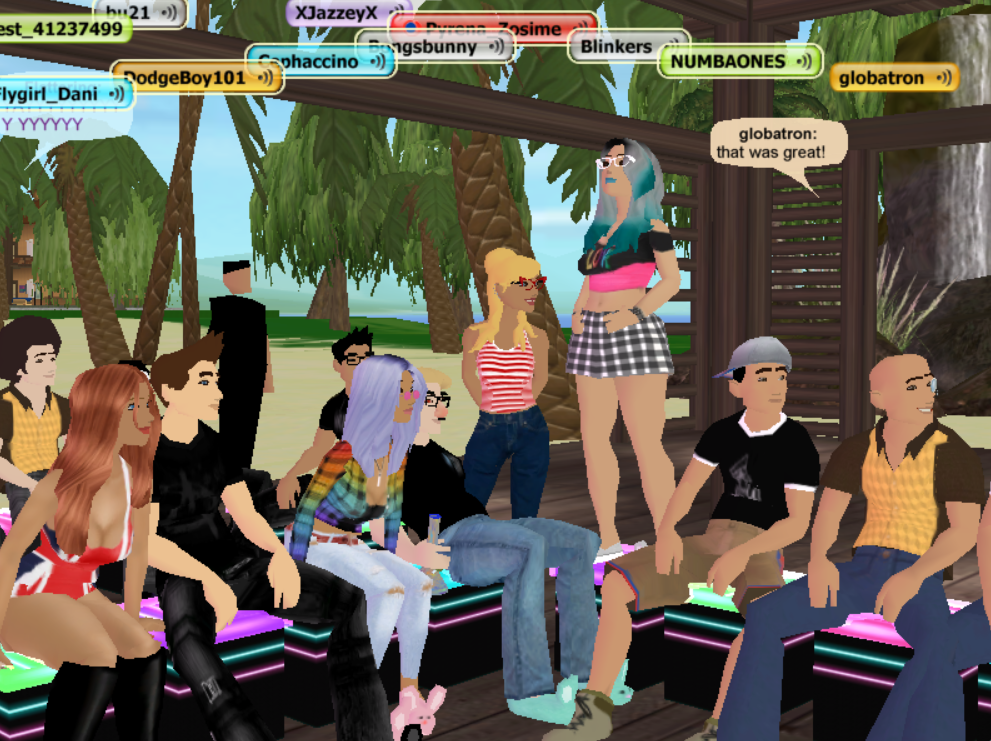
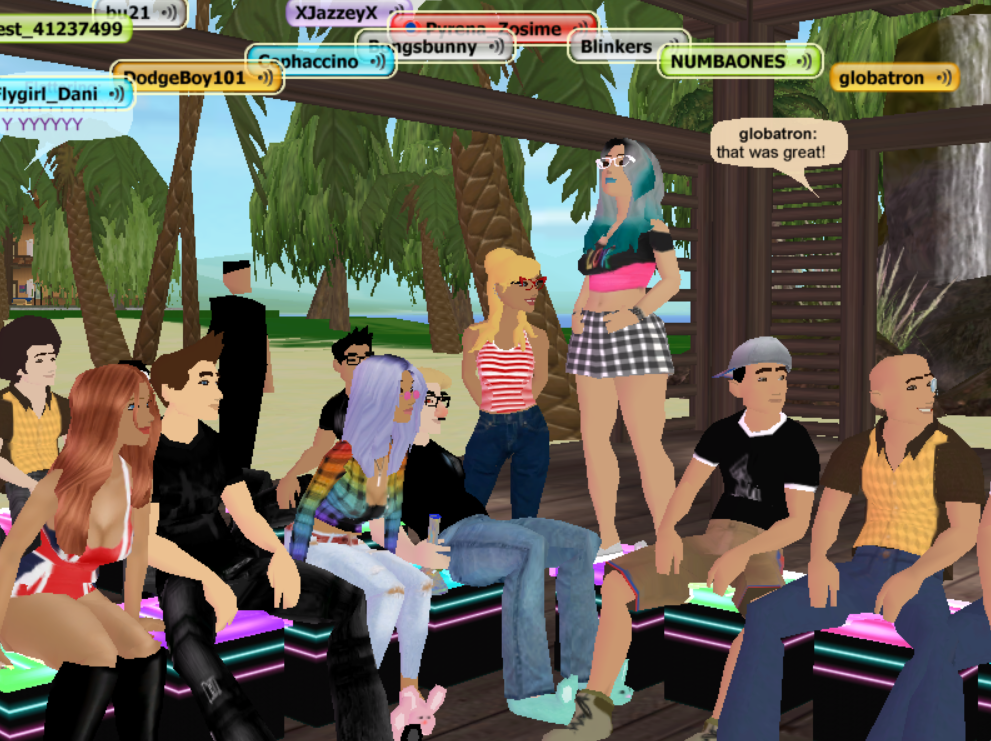
Globatron & friends at a karaoke event in the virtual world There.com.
There Visitor’s Guide | FAQs | New Member Info | Returning Member Info
Celebrate Easter in There.com: A Virtual Springtime Adventure

Easter is a time for renewal, joy, and connection—and what better place to celebrate than in the colorful, welcoming world of There.com? Whether you’re miles away from loved ones or simply looking for a fun, festive way to mark the season, There offers the perfect virtual escape to connect with friends and family. This year, we’re hopping into the Easter spirit with a basketful of exciting events and activities. The Easter line-up is bursting with egg-citing events—check out everything in store below!
Clucky’s Egg Hunt: The Ultimate Virtual Scavenger Hunt
Get ready to channel your inner detective with Clucky’s Egg Hunt! Search across the scenic There islands for 20 hidden Easter eggs tucked away in surprising spots. It’s a fun, interactive way to explore the virtual world while enjoying the thrill of the hunt. Can you find them all?

NellieRachel’s Easter Gin
Grab a partner for several rounds of Gin. Play no elimination Gin and win special prizes. Read the rule book at the entrance. Event starts 4:00 pm Pacific April 16th.
Cross Country Racing: The Great Egg Chase
Spring has sprung and so had the ultimate egg hunt! Race through blooming landscapes, chasing clues hidden in colorful eggs left behind by a mischievous bunny. Event starts at 1:00 pm Pacific April 18th.

Dragon Rider’s Easter Gin
New location at Misty Ridge! Join us April 19th at 4:00 pm Pacific for a round of cards. Bring your partner and dress up in pastels or use an Easter prop for a chance to be entered into the special dice roll. Play cards to earn prizes, first place 15,000 Therebucks, second place 10,000 Therebucks and third place 5,000 Therebucks.

Books and Tea
Join your host Jessica_6 every Sunday to enjoy some tea while you discuss books with friends. Bring your Easter basket or dress up in pastel colors. Join Books and Tea at 1:00 pm Pacific Easter Sunday on April 20th.

RobbyBoy Cards Gin
Join your host RobbyBoy every Sunday at 4:00 pm Pacific for the cards Gin tournament! This is a combined Gin event brining together the best Gin players for an evening of fun. Doors close at 15 minutes after. Wear your bunny ears!
Misty’s Easter Spades
Play a round of Spades with friends at Misty’s Spades Club on Easter Sunday at 4:00 pm Pacific. Wear pastel-colored clothes or hold a special Easter prop to be entered into a special dice roll. Come with a partner or if you don’t have one you can be matched up. Bring your A game!

Easter isn’t complete without a touch of homey charm. Deck out your virtual home in pastels, bunnies, and blossoms to show off your springtime creativity. Whether you’re hosting an Easter brunch or just want to snap a few cute screenshots, this is your moment to shine. Check out the Auctions for Easter decorations.


Don’t let distance keep you from celebrating. This Easter, join us in There.com—where fun, friendship, and a whole lot of eggs are just a click away.
See you there—and happy Easter!

Clucky’s Easter Egg Hunt in There.com

Got some time to spare and looking for a fun online challenge? Try your luck at Clucky’s Easter Egg Hunt! Clucky the fearless mascot of the virtual world There.com has hidden twenty special eggs throughout the islands. Go at it alone or team up with friends in this hard and incredibly challenging egg hunt.
Twenty one-of-a-kind eggs have been hidden all throughout There.com and at Landmark locations. They are on the smaller side, so look for a companion flower that grows near the egg that makes it easier to spot in the wild. None of the eggs will be hidden in any member-owned Neighborhoods, FunZones, ClubHouses or ThereHouses. Use the Island Maps to locate and teleport to points of interest to hunt for eggs. Your There membership also provides you with the Explorer Pack. As you play and spend time in-world landmarks and points of interest will populate your Saved Favorites Teleport locations. You can find them by going to Places on your menu bar and clicking on Go To Favorite. Click to teleport to all of your There populated Saved Favorites and run around to hunt for eggs. It’s good to go on the hunt with friends because your buddy may have more Saved Favorites than you do, and they can help teleport to places you may have never explored before.
Be warned, the hunt is not easy! Be prepared to put in a couple of hours of work hunting down twenty eggs in the virtual environment of There. The full results are not in yet, but everyone who has embarked on the journey so far are all missing the same super hard egg. Rumor has it the elusive egg was found, but evidence of the discovery has not been collected yet!

Where do I start the hunt?
There are Clucky Hidden Eggs events around-the-clock. Go to the Activities Page and search the keyword Clucky. Sign up for an event and it will take you to a starting point. You’ll enter a ThereHouse called Messy Closet. Look for a brochure and an example of Clucky’s one-of-a-kind egg you will need to look for on the hunt. There is no particular order to hunt the eggs in. It’s all about trial and error when you’re on the hunt. It’s helpful to turn on Zone boundary lines to look for PAZes far off in the distance that might be hiding one of Clucky’s special eggs. To locate the yellow boundary lines of a PAZ click Ctrl+Shift+N three times. Try teleporting to a Saved Favorite spot and then turn on your Zone boundary lines and look nearby the teleport point for a hidden egg.
What do I do when I locate one of Clucky’s Eggs?
When you come across one of Clucky’s twenty hidden eggs, you’ll need to document it as proof you found it! Take a screenshot of your Avatar and the egg. Email the screenshot to CluckyTheChickenOfThere@gmail.com. Enter “I found one of Clucky’s eggs!” in the subject line of your email. Make sure to include your username if your nametag is turned off in the photo. Other members are allowed to be in your screenshot so the more the merrier! Have fun and think of creative ways to pose for the picture! Dressing up and holding Props is also a fun way to spice up your egg pics. Check out Orielle’s Tips for taking great screenshots.
It’s super important that you do not post your Clucky Egg Hunt screenshots to social media! We want to keep the egg locations secret until the end of the hunt. You don’t want to spoil the fun for everyone else! At the end of the event, Clucky will post all of the egg hunt photos to his Facebook group page for everyone to check out and admire.
How long do I have to participate in Clucky’s Egg Hunt?
Clucky’s eggs will stay hidden until Easter Day, April 20th. Turn in your participatory email by 7:20 PM Eastern, 6:20 PM Central, 5:20 PM Mountain and 4:20 PM Pacific. Any screenshots sent after the cutoff time will not be counted.
What can I win if I find all of Clucky’s hidden eggs?
If you want to participate in the egg hunt, you’ll need to be a Premium member of There to receive prizes. Silent Trial accounts and Basic Memberships are welcome to participate in the hunt, but they will not be able to receive prizes. You’ll need to upgrade to a Premium account if you want to collect your loot.
There will be a Grand Prize for the person who finds all twenty eggs. In the case of a tie, there will be a drawing for the Grand Prize!
Grand Prize: 15,000 Therebucks
Second Prize: 10,000 Therebucks
Third Prize: 5,000 Therebucks
There will also be prizes for the Best Screenshot so get creative and have fun! The prizes for Best Screenshot will go to the person who submitted the photo. There will be one Best Screenshot photo per person allowed.
Want to check out your competition?
View the Participant’s List updated daily by Orielle. The list shows Avatar Participant names, ticks of the locations of the eggs they have discovered and lists the total number of eggs a participant has found. Let the Participant List inspire and motivate you to find all twenty eggs when you find yourself stuck.

Saja vs Tyr

Sign up for Saja vs Tyr events in the Virtual World There.com April 2nd through the 14th. Join the battle of good versus evil. Soar high in the sky with the good s of Saja or gravitate towards the dark side and join forces with the evil Tyr brigade. What side does your allegiance fall on?

The battle of good versus evil will play out high in the sky in the land of Saja suspended from plant pods and on the ground under the light of the moon in the darkness of the island of Tyr. Explore these two very different environments in the Virtual World There and decide on a team to root for. (Hint-You can change sides at any time.) Build a base camp in Saja or Tyr and set up a campsite for the duration of the event. You can also rent an affordable ThereHouse on Tyr.
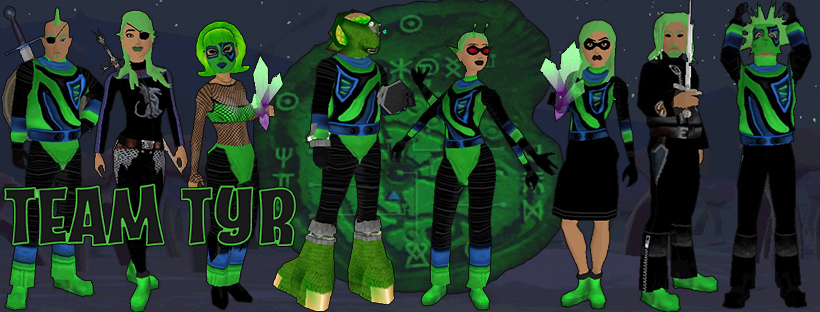
Once you pledge your allegiance to a base camp. Purchase a PAZ from Shop Central and drop it the environment of your choice. You can then decorate your campsite with items from Auctions. Search for Tyr and Saja themed decorations.

The Engee Skyway Raceway and Light Lanes FunZones located in the land of Saja are available for open hosting events during the battle event. Event Hosts are also welcome to schedule events at Pocket’s Paintball Park, Venue Vash and the Templar on the mysterious island of Tyr. Check out the list of FunZones available for open hosting events.

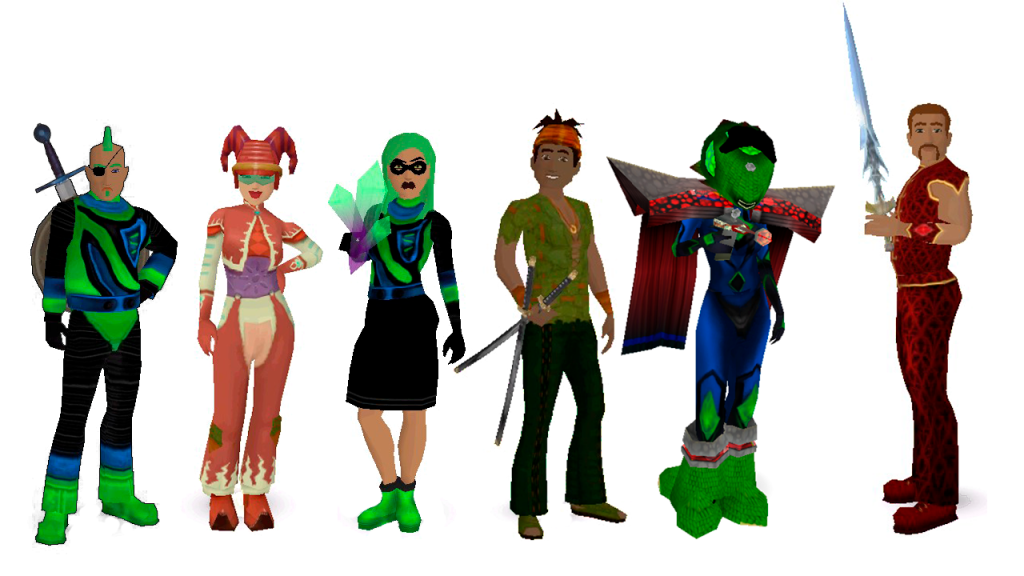
Dress the part and find Sajan and Tyrian clothing available in the Auctions. You can also search for elf, fairy, knight, medieval, renaissance fair and other fun costumes in Auctions.


Technically, you don’t have to pick a side. If you feel like dressing up as a mystical fairy from the land of Saja on a Tuesday and then switch up your look to be a dark overlord from Tyr on a Friday, go for it. It’s all about having fun and participating in online themed events in There. Most of the events scheduled during Saja vs Tyr are regular weekly events and members are encouraged to dress up. A couple of the events are competitive Saja versus Tyr events. Pick and choose a battle event that works best for you.
April 2nd at 4:00 pm Pacific join your host NellieRachel for Saja vs Tyr no elimination Gin and win prizes. Sajans and Tyrians will battle it out for the supreme card player.
April 4th at 1:00 pm Pacific enter the Saja vs Tyr Cross Country Race across Saja. Grab your favorite vehicle and race through a mystical realm where towering beanstalks and floating islands create a breathtaking course high above the clouds. Glide up paths as you chase clues in this ethereal adventure.

Are you team Tyr or Saja? Dress up to show your alliance and meet with your Host LadyMisty for a round of Dragon Rider’s Gin. Special dice roll for a prize. Battle of the cards starts at 4:00 pm Pacific April 5th.
Grab your partner and join LadyMisty for a special game of Saja Spades on April 6th at noon Pacific. Dress to celebrate the land of Saja – the wonderful world draped in shades of orange, brown and green. If you come dressed as a Sajan you’ll be entered into a special dice roll for a prize.

On Tuesday, April 8th at 7:30 pm Pacific join your host with the most Francis_7 for a game of Tiki Trivia Tyr vs Saja. Head over to the stage to root for team Tyr or team Saja. This is a Voice chat required event. Tyrians sit in the red seats and Sajans sit in the blue seats.
Get ready for another round of Saja vs Tyr Gin with your Host NellieRachel on April 9th at 4:00 pm. Read the rules upon entry at this weekly Gin event. Dress up as a Sajan or Tyrian to show your alliance. Play a good hand of cards and you can win a prize.

On April 11th at 1:00 pm Pacific join the Cross Country Race around the dark side of Tyr where giant dragon bones and eerie green-glowing crystals light your path path, uncovering clues buried in the shadows of this mysterious and treacherous island.
Join your host LadyMisty for a round of Tyr Spades on April 13th at noon Pacific. This event celebrates team Tyr in all of their dark and spooky glory. Wear black or green to be entered into a special dice roll for a prize.

 There Blog