There.com Beta Test Invite

This Beta removes the Virtual World There client dependency on Flash and supports Microsoft Edge as its internal browser. We have released a Beta test client with the new updates and would like to invite the Thereian Community to test it out.
If you’d like to participate in the Beta test, click on the Help Article to find the instructions and installer. Please report the outcome of testing to us at Feedback@thereinc.com. Title your subject line as There Edge Testing. Include the type of operating system you are using and please make sure to include your avatar name.
The Beta test client uses open-source products from a number of sources, including, but not limited to:
Is my operating system supported?
The Beta test client supports Windows 8.1, 10 and 11. We’d like to gather feedback from members using Windows 7 and 8 to find out if there are limitations.
How do I install the Beta test client update?
Read the Beta Help Article and click on the Installer. Download the Installer and open it. Click YES to allow the Beta client to make changes to your machine. Wait for the process to initialize. The destination folder will be named c:\Makena\There-Beta. Click continue. Once the install is complete click on the There Beta icon on your desktop to launch the test client.
Can I go back and forth between the current production client that uses Flash/IE and the Beta test client that uses Edge/HTML5?
Yes, as long as you saved the Beta client under a different file name such as c:\Makena\There-Beta. You’ll see the Beta client and the Production client icons on your desktop.
Can I uninstall Adobe Flash?
If you want to keep the current production client that is dependent on Flash, you will need to keep it installed on your machine. The new Beta client is not dependent on Flash and you can go ahead and uninstall it for security reasons. Adobe has provided instructions on how to uninstall Flash.
Can I uninstall Internet Explorer?
If you want to keep the current production client that uses Internet Explorer for webapps, you will need to keep it installed on your machine. The new Beta client is not dependent on IE and you can go ahead and uninstall it. Microsoft has provided instructions on how to uninstall IE.
I like my current browser. Do I have to update to Edge?
No, you can use your preferred browser outside of There. Please note, IE11 will go out of support soon so if you’d like to update your external browser you can choose Edge as an option.
What should I test in the Beta client?
Action Bar
All Card Tables
Change Me
Communicator
Compass
Fun Finder
Message Notifications
Accepting Therebucks
Accepting Items
Change Layout
Clear Layout
Coin
Dice
Events
Instant Messages
Shortcut Bar
Teleport Screen
Trade Window
Volume Controls
KNOWN ISSUES
Shoutcast – We are aware of the issues with Shoutcast. A fix for it has not been included in the Beta.
ChangeMe – There are issues with the cursor not staying in the type box, so when you try to save a new clothing outfit your text will show up in chat bubbles. To fix this, move the Change Me window around and then place your cursor in the text box to type.
Cracked Tables- There are issues with the cursor not staying in the text box of the game hud. To fix this click on the hand icon to move the game hud window around. Once you have moved it, you should be able to put the cursor in the text box and type normally.
Please remember to send your Beta test results to us at Feedback@thereinc.com.
ThereCon Returns From the Great Beyond
ThereCon returns to the Virtual World There.com June 25th through July 1st. Celebrate science-fiction, the future and all things out of this world with your host Francis_7.
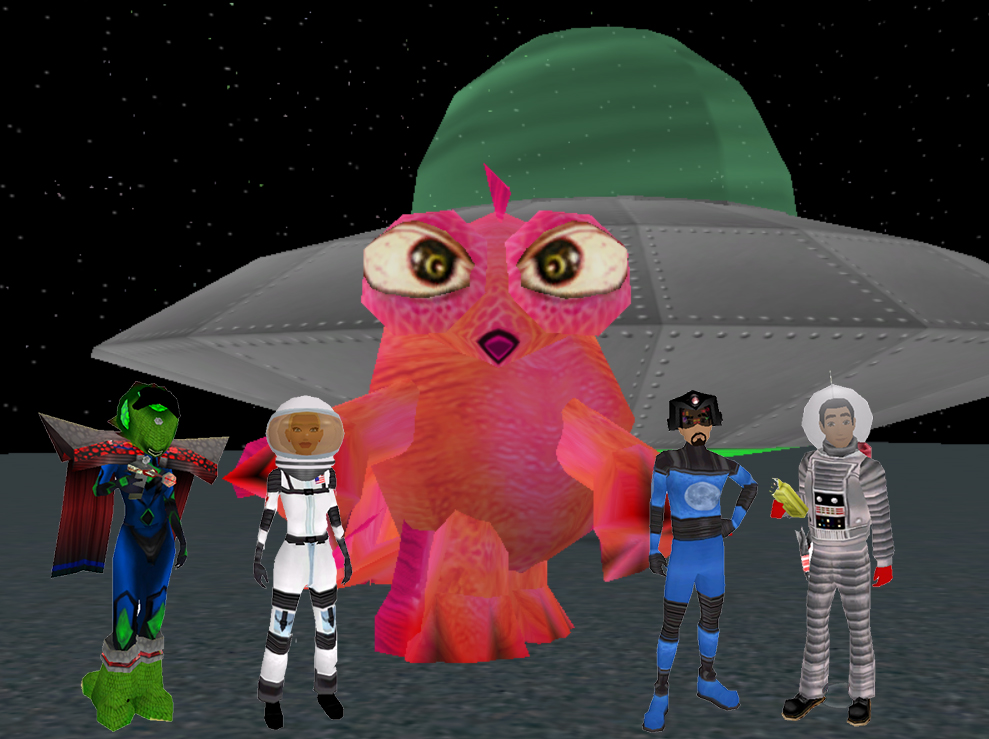
We are searching the great beyond for sci-fi Event Hosts to schedule fun activities during the seven-day event. Use the keywords ThereCon or TCon to schedule your out of this world activity. Hosts are welcome to schedule events in the Therriote Hotel Convention Center at Mircale Pictures Studios, at the open-hosting There Spacehood or at any of the sci-fi FunZones located on the mysterious island of Tyr.
There Designers are encouraged to create sci-fi clothing and decorations for TCon. Past Designers are welcome to relist any science-fiction or outer space costumes, props and decorations in the Auctions.
ThereCon special events are being scheduled on the Activities Page daily. More will be added as we get closer to the event. Preview the scheduled events and sign up ahead of time.
Stay tuned to the There blog for more information about ThereCon!
Last Week of Camp-A-Palooza
Travel to the last campsite tonight for the Camp-A-Palooza event in the virtual world There.com. Grab your camping gear and your best buddy and head out on the trail with the Bay Area Boat System’s head to camp event starting at Monday night 7:00 pm PDT. If you miss out on tonight’s hike to camp, you can visit the Camp-A-Palooza headquarters and access the teleport to camp at anytime during the week.
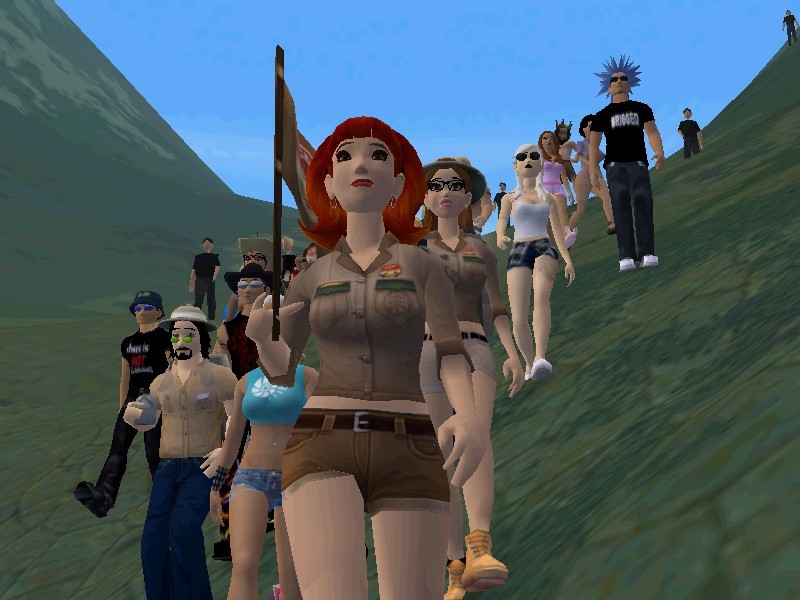
Earn badges, prizes and a new reputation at Camp-A-Palooza. Pitch your tent, park your RV, hike the mountain trails, sing camp songs, tell spooky stories around the campfire and find the elusive BIGFOOT. Your guideline is your adventurous spirit so bring and build whatever you like. Track your earned Camp-A-Palooza badges here.
Check out the camping quests and find fun at your own leisurely pace. There’s lots of fun events coming up during the last week of camp. Don’t miss out on Camp 007 Twist and Shout buggy maze, Wake n’ Bake Camp a daily activity, Camp Roundabout Gin, Camp Bike Night Bacio Style, Camp Cards, Kate’s Kampfire Stories and Songs, Thereywood Squares Camp Edition and the CCR Camp Race. These fun camp activities and more can be found on the Activities Page. Use the keyword camp.
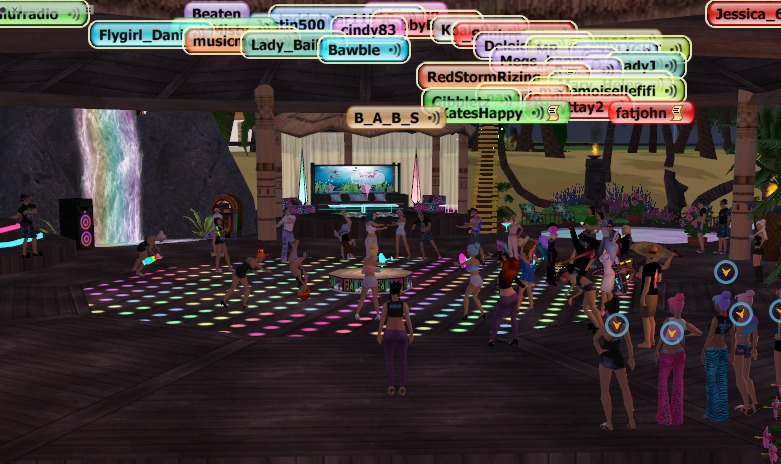
Club WOW will hosting the Camp-A-Palooza closing party with special guest DJ XCAL and Cindy83 pumping the jams to keep you dancing all night. Sign up for the camp blow out party Saturday, April 23rd at 7:00 pm PDT.
There Developer Program Updates

ANNOUNCEMENT- There.com has updated their Virtual World Developer Submission Guidelines and created new Peer Review Guidelines and rules. The Developer Program updates for Designers and Product Peer Reviewers are effective immediately. Please review an outline of the summary of changes to the Developer Program documents below.
Developer Submission Guidelines
- Updated list of inappropriate content added.
- Minimum coverage requirements clarified.
- Copyright infringement clarified.
- Links to copyright infringement, fair use and parody resources added.
- NEW Rule – Designer required to now cancel a submission item if it has five (5) negative reviews.
- NEW Rule – Designer is not allowed to review their own product submission with Alt Avatars.
- Updated Developer Program violation outcome.
- Peer Review resource links added.
- Developer Frequently Asked Questions added.
The Peer Review System help article was updated with newly created Peer Review Guidelines.
- Peer Review System rules instated.
- Review requirements clarified.
- Product Review education added.
- Review types clarified.
- NEW canned comment reesponses added for use in Peer Reviews.
- Peer Review System violation outcomes added.
Peer Review FAQS Added
- Outline of offenses updated.
- Complaint policy updated.
- Complaint process updated.
Product Review Submission Listings Page Updated
- Peer Review System rules posted.
- Links added to Submission Guidelines & Peer Review Guidelines.
Individual Product Submission Page Updated
- How to review a product education added.
- Handy summary of Submission Guidelines shown.
- Peer Review resource links added.
The There.com team appreciates our community taking the time to read the new and updated Developer Program documents. We ask our There Developers and Peer Reviewers to get familiarized with the most current and up-to-date Product Submission Guidelines and Peer Review Guidelines. Please note the addition of rules for Developers to follow in the Peer Review System.
There.com Flash Update
In January 2021, Microsoft discontinued security updates and support for Adobe Flash Player. The 3-D virtual world There is a Flash-based game. Microsoft released an update containing a kill switch for Flash resulting in the loss of several game features in There. To enjoy full gameplay in There, a member can download Flash 10.1 and the missing game features will return to normal. The user must understand the security risks involved with the continued use of Adobe Flash.
What are the game features that no longer work in There with the loss of Flash?
- Action Bar
- Card Tables
- Change Me
- Communicator
- Compass
- Fun Finder
- Message Notifications
- Accepting Therebucks Confirmation
- Accepting Items Confirmation
- Change Layout Confirmation
- Clear Layout Confirmation
- Coin Outcome Display
- Dice Outcome Display
- Event Notification
- Instant Messaging
- Shortcut Bar
- Teleport Screen
- Trade Window
- Volume Controls
How can I get the Flash features to work again in There?
Microsoft’s update removed Flash from the user’s system. Thereians will need to reinstall Flash in order to gain access to all of the game features in the virtual world. Members will need to understand the security risks involved with using Flash now that Microsoft no longer offers security updates and support. Flash version 10.1 is the suggested replacement. The recommended version 10.1 is an older version of Flash that is compatible with all of the game features in There and does not include the kill switch update. It is recommended to run the Adobe Flash uninstaller prior to installing Flash 10.1.
How do I uninstall old versions of Flash on my computer?
There is a possibility that old versions of Flash may still be on your computer even after Microsoft’s update to remove Flash. It is important to remove any trace of other versions of Flash from your computer prior to installing Flash 10.1.
How do I uninstall Flash 10.1 on my computer?
- Stop any running programs which use Flash, including Internet Explorer.
- Use Firefox or Chrome to Download and run the Flash Uninstaller
- Follow the uninstaller instructions
- Reboot your computer
How do I install Flash 10.1 on my computer?
- Stop any running programs which use Flash, including Internet Explorer
- Use Firefox or Chrome to Download and run the Flash 10.1 Installer
- Follow the installer instructions
- Reboot your computer
- Log into There and enjoy all of the Flash-based game features
Please report any technical bugs or segmentation violations to Staff by emailing Feedback@thereinc.com. Include your Avatar name, description of the issue and attach any crashdump files to your email.
Flash Fix For Virtual World There
ANNOUNCEMENT: On December 31, 2020 Microsoft will remove the ability to run Adobe Flash in Edge and Internet Explorer. The Virtual World platform There.com will be affected by the removal of Flash.
Flash currently runs several key controls in There like the MessageBar, ChangeMe, the Compass and all of the card games. With the removal of Flash, an Avatar may not be able to use the features mentioned or be able to answer Instant Messages or accept a teleport summons.
The Engineering Staff at There is currently working on an alternative that will allow users to continue playing one of the oldest virtual world platforms despite Microsoft discontinuing Flash. In the new year, Flash will stop working in browsers, but most likely will continue working in-game. The main problem will be with the 2-D web pages. Currently, our Engineers are considering this issue a bug and will most likely be able to create a fix for it.
With so much uncertainty in the real world at this point in time, the Thereian community can look forward to playing There in 2021 and beyond. Moving forward in the new year, users are encouraged to contact Customer Service via email at Feedback@thereinc.com to report any technical issues or bugs related to the removal of Flash.
PAW-Parazzi Photo Contest Awards
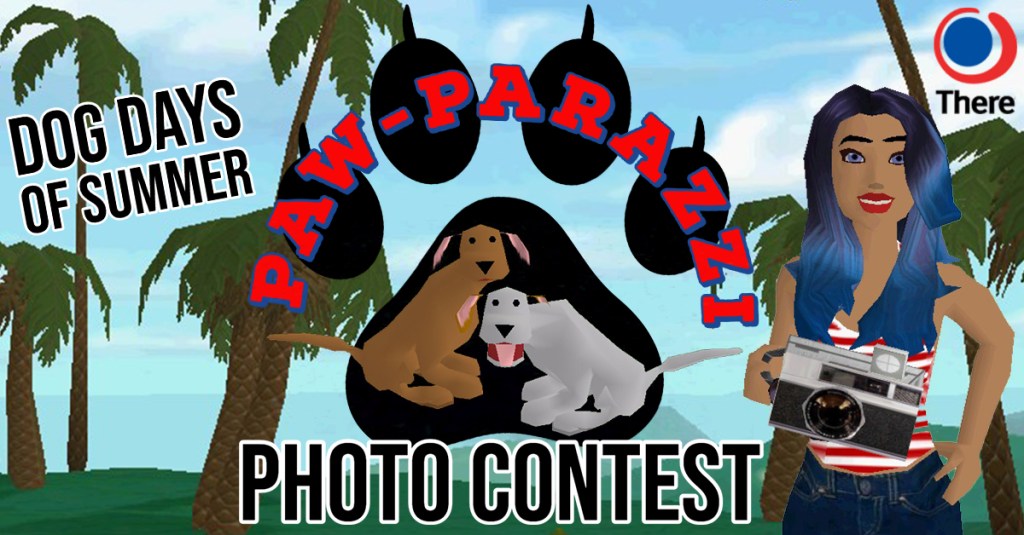
Thanks to all of our PAW-Parazzi Photo Contest participants who captured photos of their puppies during the Dog Days of Summer event. The PAW-Parazzi Photo Contest winners will be announced at the Puppy Photographer Party on Thursday, July 30th. The party and award ceremony will be held at the Paiz Puppy Park in the Virtual World There. Participants and winners do not need to be present at the party to collect their gifts and prizes.
Dog Photo Contest Categories
Best In Breed Labradors
Best In Breed Dachshunds
Best In Show
Most Photogenic
Grumpiest
Most Dapper
Furry Friends
Man’s Best Friend
Darn Dog
Curious Canine
The PAW-Parazzi photo contest allowed for a total of ten entries per participant. Each entry was reviewed by Staff and added to one of the ten contest categories. Staff then reviewed each category and picked the winning photographer. The winner of each category will be called up at the Puppy Photographer Party on Thursday to roll the dice for a chance at the grand prize. The photographer with the highest dice roll will win a rare dog of their choice. One of our photographers may have won more than one category and they will be given a chance to roll the dice for each category they place in.
1st Place (Top Dice Score)
-Choice of Rare Dog Chester, Irving or Santos
2nd Place (Second Highest Score)
– 2020 Dog Days of Summer Buggy
3rd Place (Third Highest Score)
-Veterinarian Office
All PAW-Parazzi Photo Contest participants will receive a Top Dog Puppy Pal prop and a dog treat from the There Pet Shop. Prizes for the 2nd and 3rd place winners will be passed out at the Puppy Photographer Party. The first place winner will need to choose which rare dog they’d like to take home and it will be deposited to their Avatar’s account within 72 hours after the end of the party. If you are unable to attend the event we will gift/deposit the prizes to your Avatar account.
Here’s a peek at a few honorable mentions from the contest. The winning dog photo category pictures will be posted in a separate winner announcement after the end of the Puppy Photographer Party. Check back on our blog to see the winning photos!
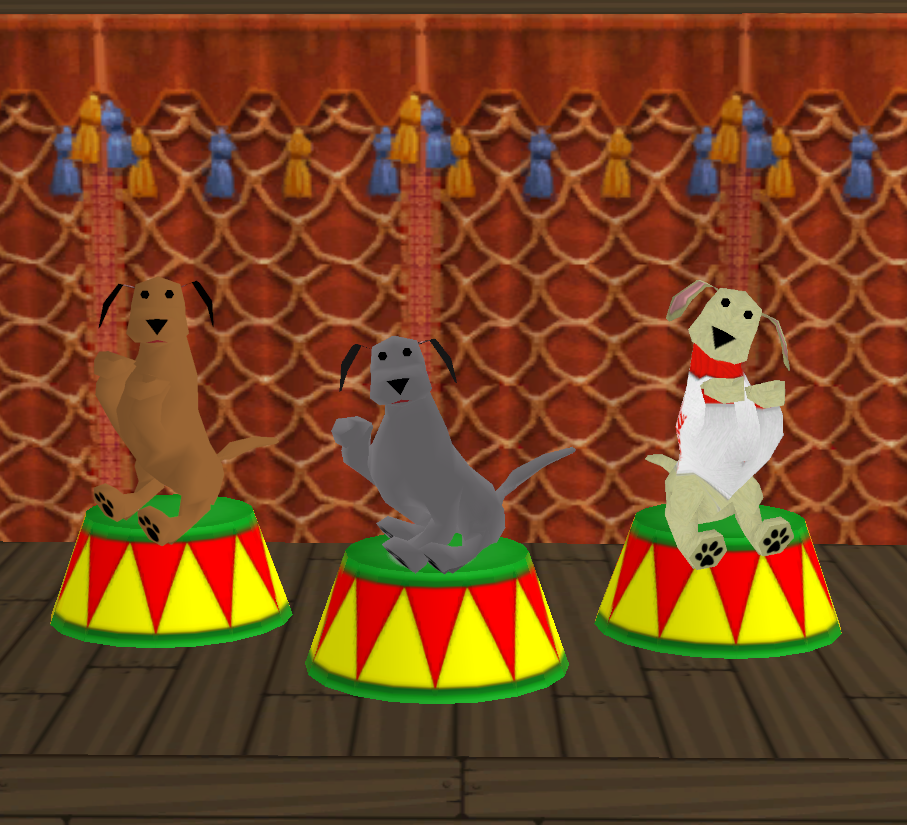
Photo submitted by Delight
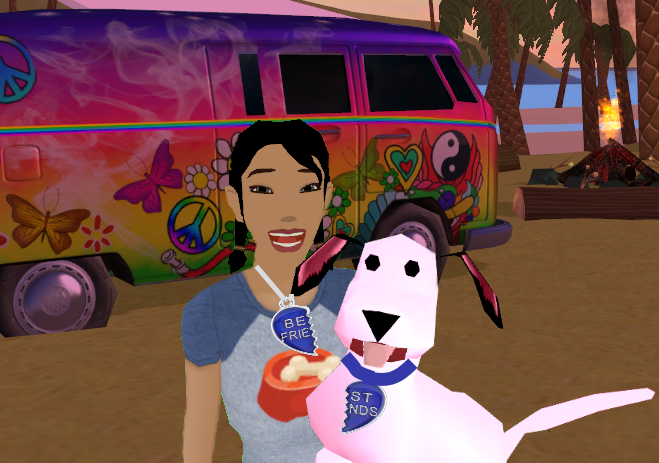
Photo submitted by B_A_B_S
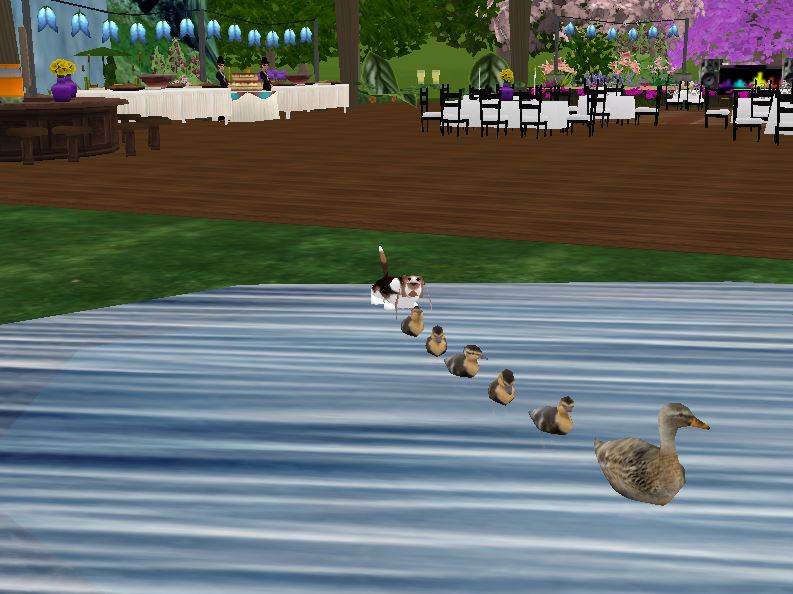
Photo submitted by BlueAnn
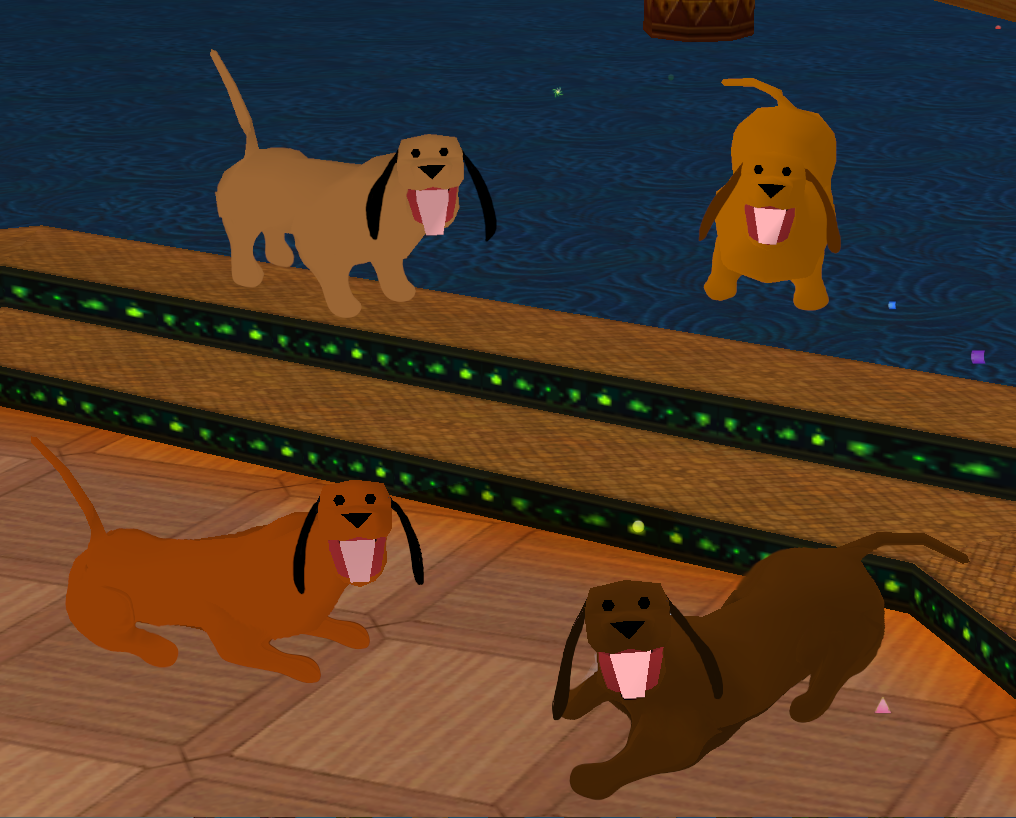
Photo submitted by Delight
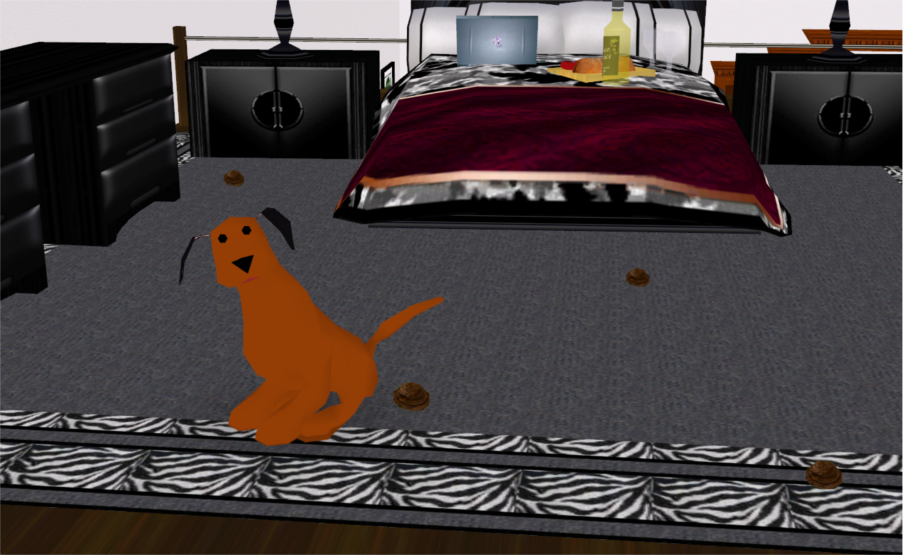
Photo submitted by FatJohn
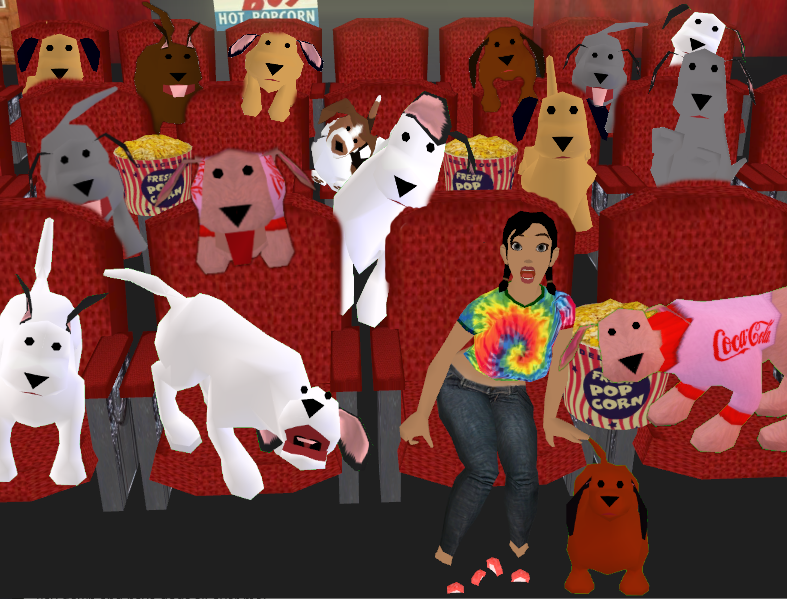
Photo submitted by B_A_B_S
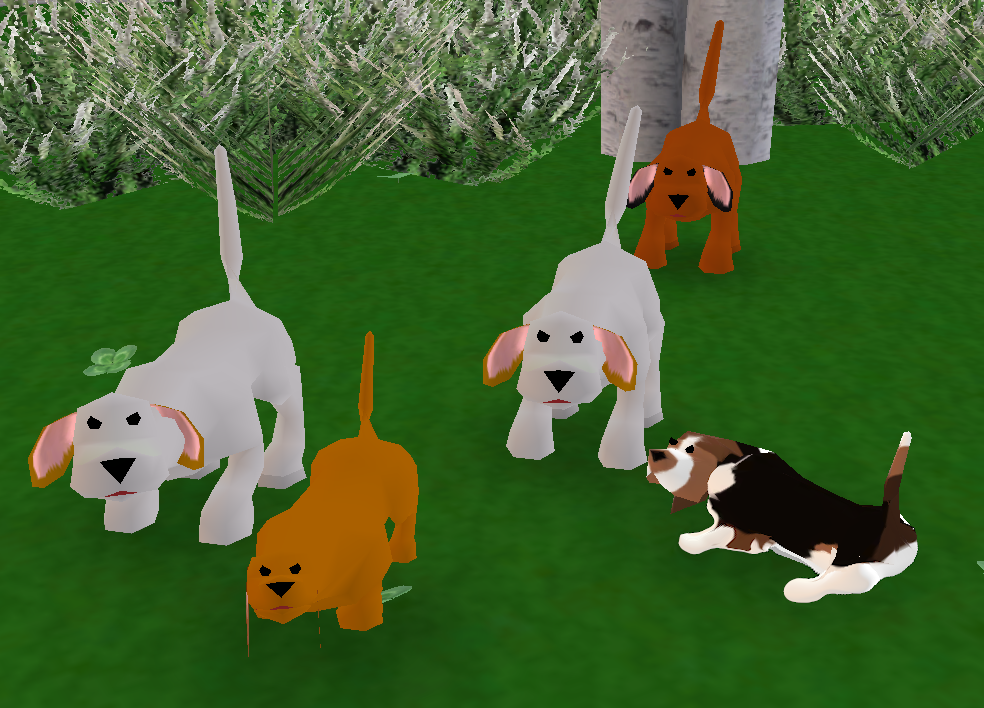
Photo submitted by Delight
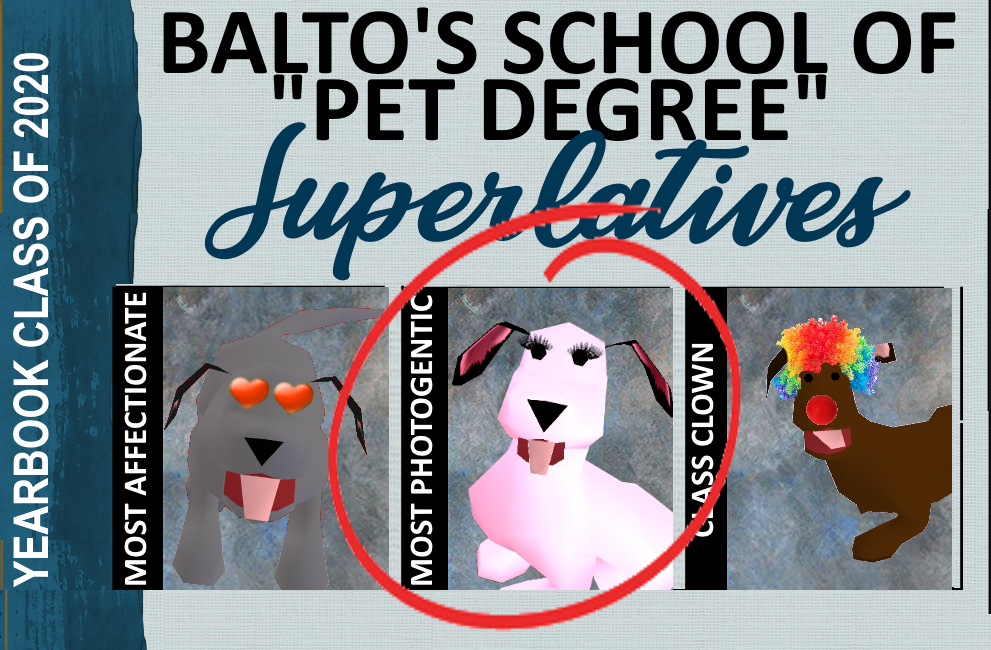
Photo submitted by B_A_B_S
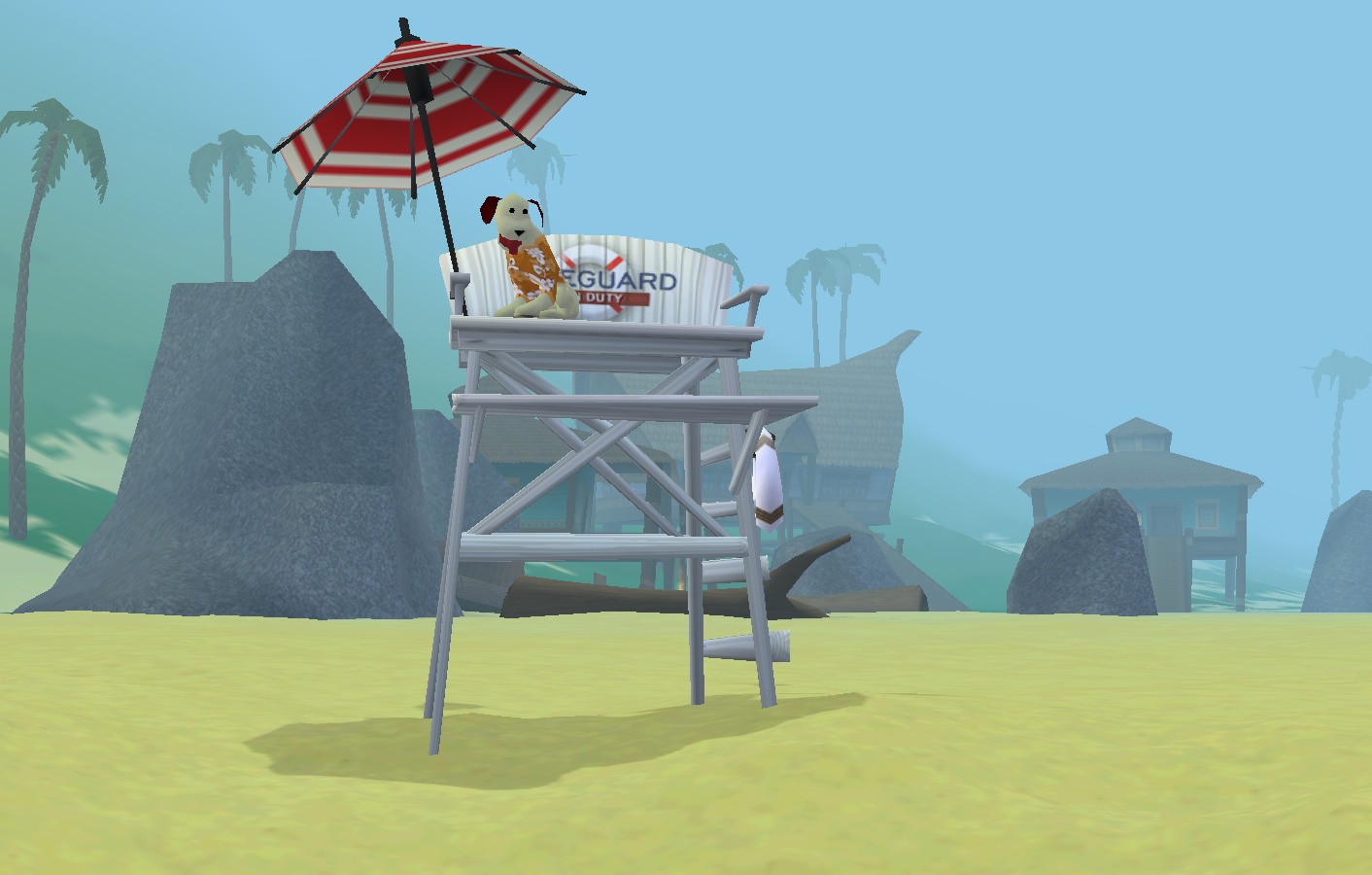
Photo submitted by Orielle
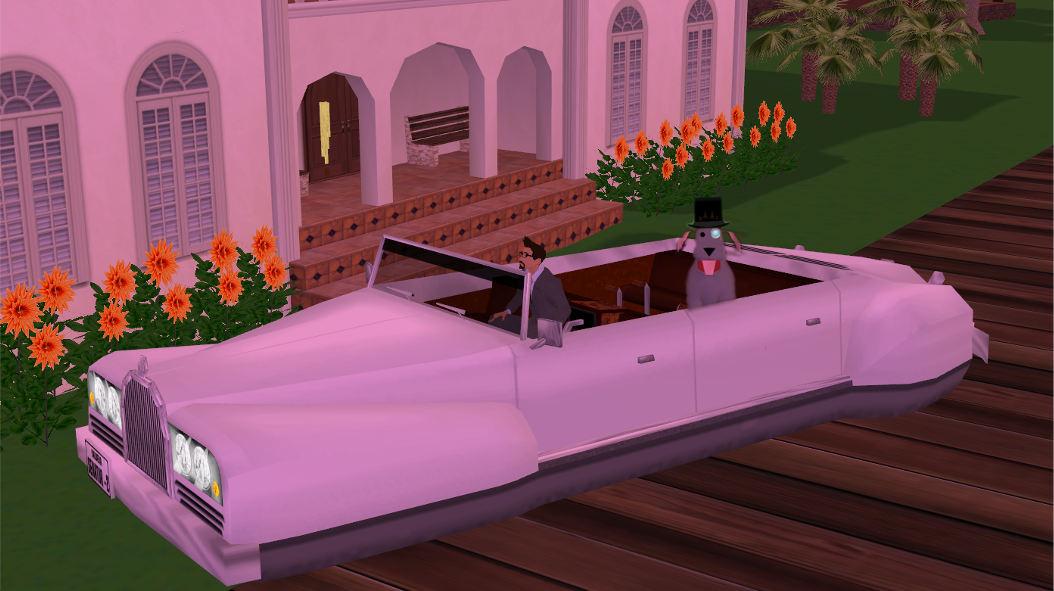
Photo submitted by FatJohn
The PAW-Parazzi Photo Contest was brought to you by the Dog Days of Summer event in the Virtual World There.
Pupcation Postcard Awards
Thanks to all of our participants and their dogs who entered the Pupcation Postcard Photo Challenge. We received so many great photos of dogs and their owners playing and having fun throughout the different island locations in There. We are looking forward to to releasing the postcard entries a few at a time to the official There Facebook page over the next several weeks. Keep an eye out for all of the fantastic virtual vacation photos. We hope you’ll give your favorite pupcation postcards a like or a share.

The Pupcation Postcard Challenge winners will be announced at the Puppy Photographer Party on Thursday, July 30th. The party and award ceremony will be held at the Paiz Puppy Park in the Virtual World There. Participants and winners do not need to be present at the party to collect their gifts and prizes.
The Pupcation Postcard Challenge allowed for a total of five entries per participant. Each entry submitted was awarded a random number between 1 and 20. Scores for each entry were added together and the challenger with the most random points was chosen as the grand prize winner. We received so many fantastic postcard entries that we added prizes for first-runner up, second place and third place winners.
Grand Prize Winner
-Choice of Rare Dog Chester, Irving or Santos
-Fifi or Fido Top Dog Puppy Pal Prop
-Dog Trophy
1st Runner Up
– 2020 Dog Days of Summer Buggy
-Fifi or Fido Top Dog Puppy Pal Prop
-Dog Trophy
2nd Place
-Veterinarian Office
-Fifi or Fido Top Dog Puppy Pal Prop
-Dog Trophy
3rd Place
-Big Dog Surfboard Prop
-Fifi or Fido Top Dog Puppy Pal Prop
-Dog Trophy
All challengers will receive a PAWS For A Cause t-shirt and a dog treat from the There Pet Shop for participating. Prizes for 1st runner-up, 2nd and 3rd place winners will be passed out at the Puppy Photographer Party. The Grand Prize winner will need to choose which rare dog they’d like to take home and it will be deposited to their Avatar’s account within 72 hours after the end of the party. Top Dog Puppy Pal Props will be given out to the Grand Prize, 1st runner-up, 2nd and 3rd place winners at the party. If you are unable to attend the event we will gift/deposit the prizes to your Avatar account.
It has been great to see so many Thereians out exploring the islands with their dogs. The Pupcation Postcard Challenge created so many cute puppy pics and we can’t wait to share the best postcards to our Facebook page over the next several weeks.
Prizes for the photo challenge were awarded based on luck and not photographer skill. Here’s a small sample of the pupcation photos received during the challenge.
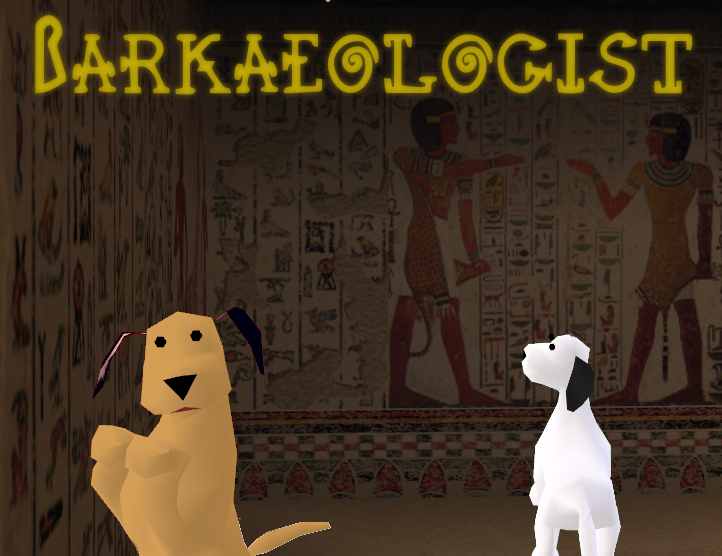
Photo submitted by B_A_B_S
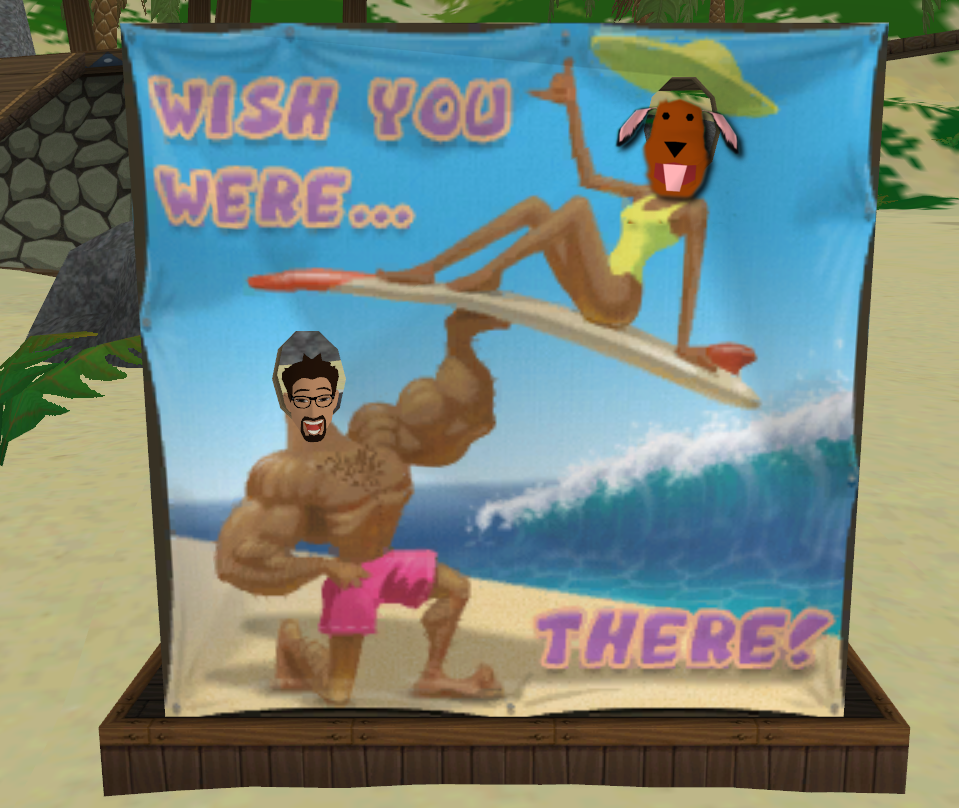
Photo submitted by FatJohn
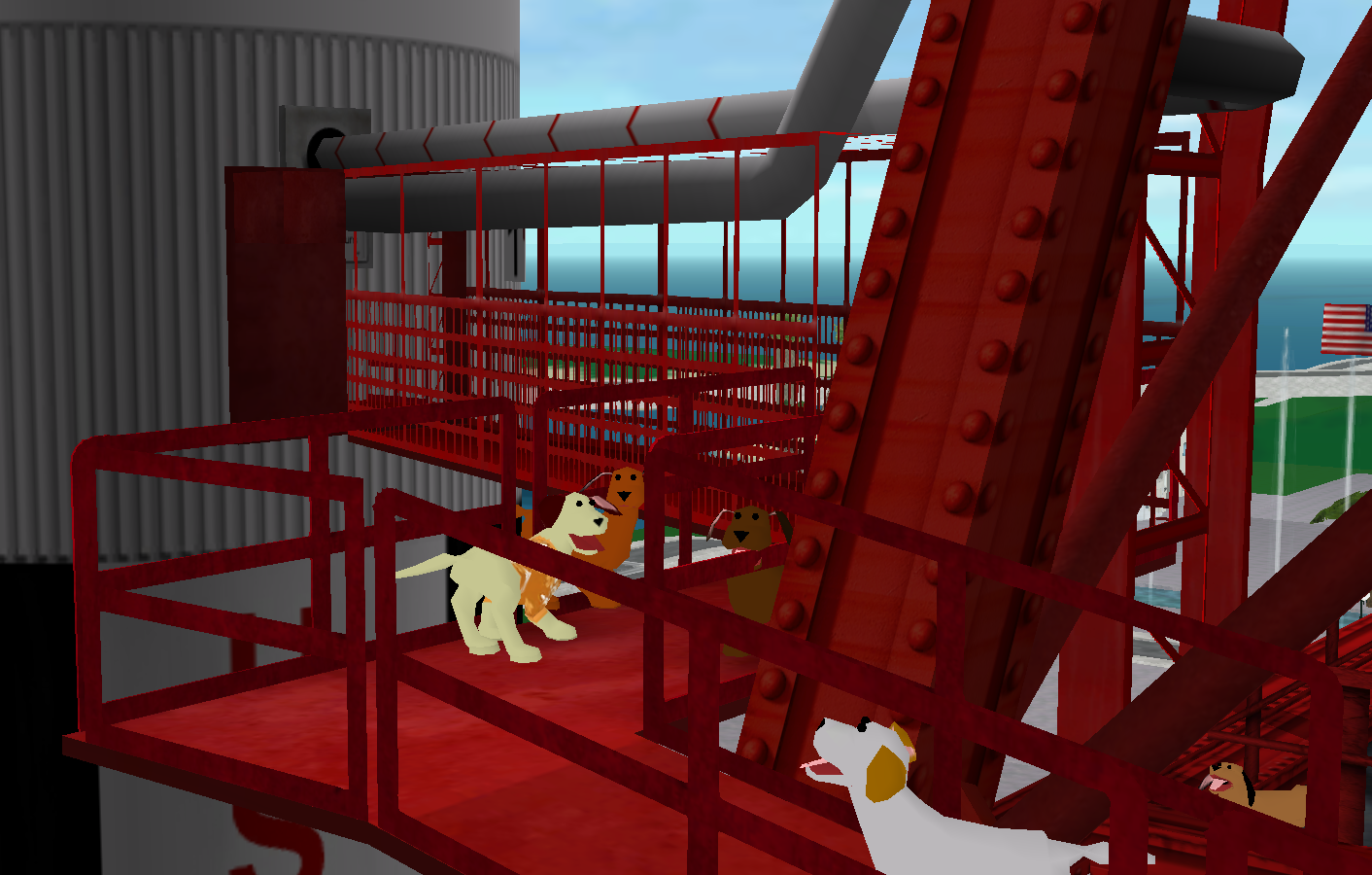
Photo submitted by Orielle
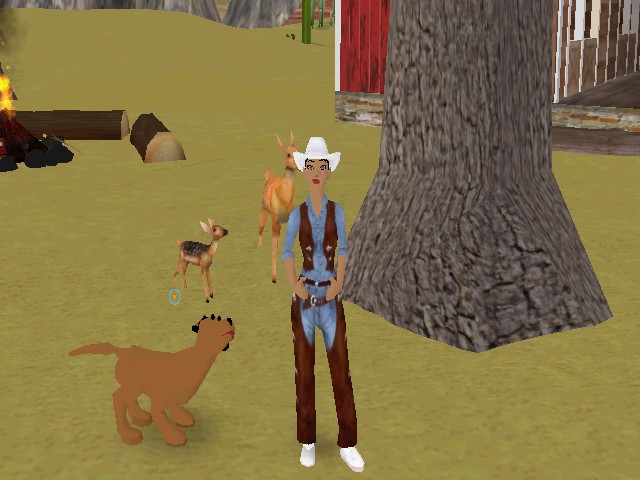
Photo submitted by LadyMisty

Photo submitted by Coolnet560

Photo submitted by RobbyBoy
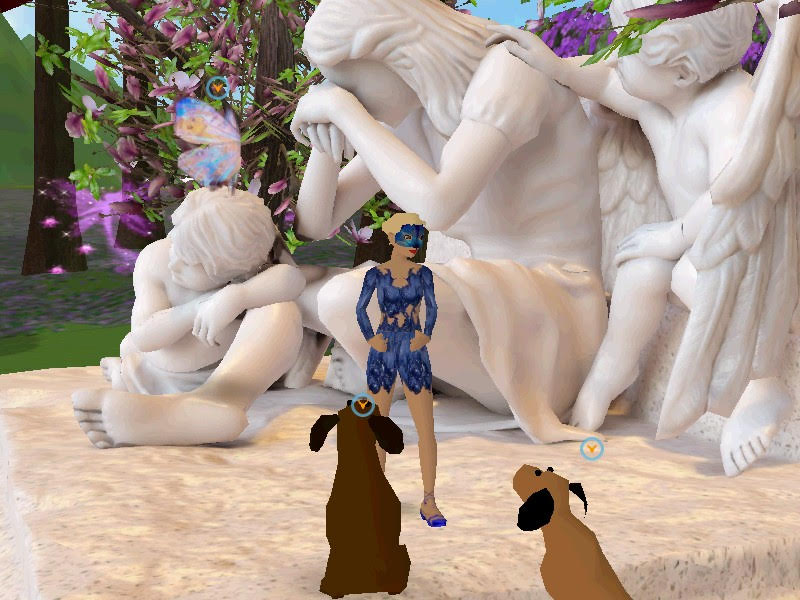
Photo submitted by VeryKerry
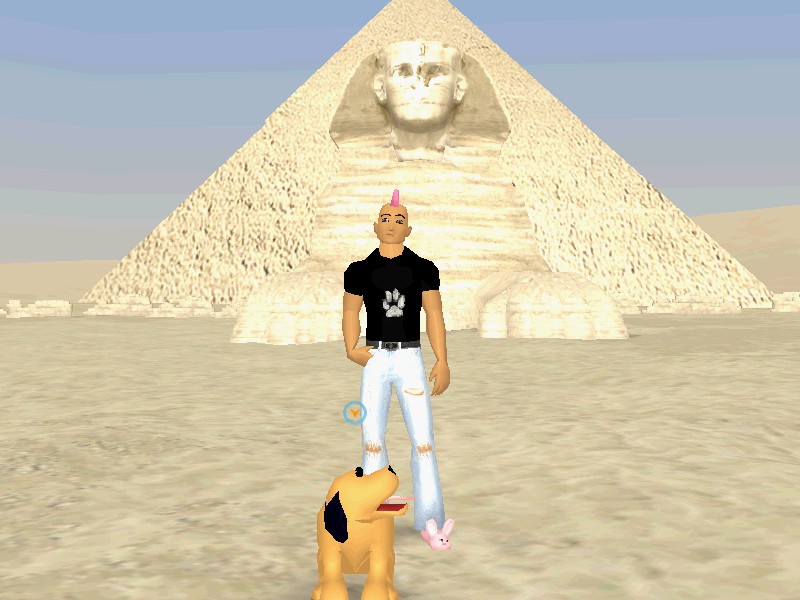
Photo submitted by Rock_Star_Dude
The Pupcation Postcard Challenge was brought to you by the Dog Days of Summer event in the Virtual World There.
Animal Style Fashion Show
Dress your Avatar up in your favorite animal costume and hop up on the runway to win Dog Days of Summer gifts. Join other fashionistas in the Virtual World There on Sunday, July 25th at the Animal Fashion Show.
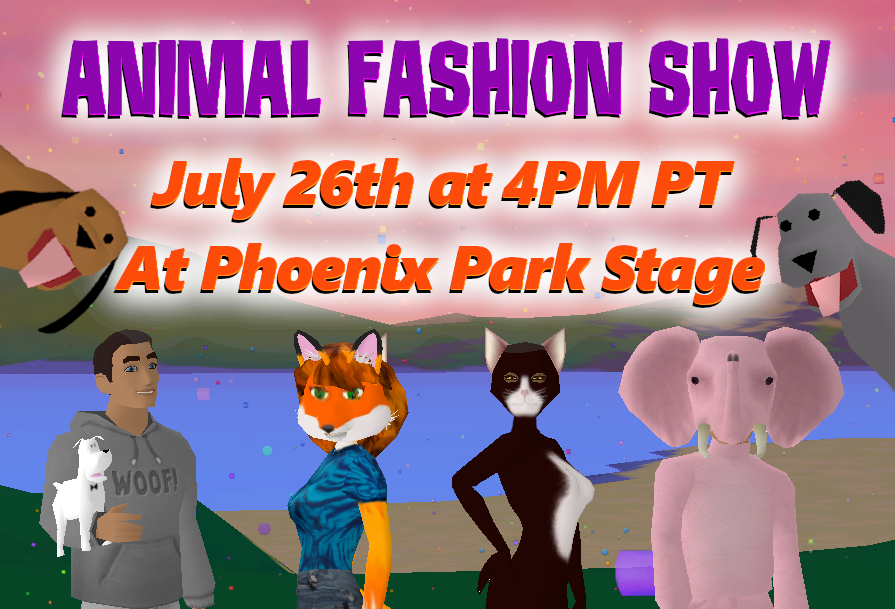
The Animal Style Fashion Show will start at 4:00 PM Pacific on Sunday afternoon. Arrive at the event and read the rules. Change into your animal costume and walk the fashion runway when the Emcee calls your name. Emote, twirl or sit and look pretty as you tell the audience about your animal outfit of choice. As you exit the fashion stage roll the dice to be entered to win several fun animal prizes.
Models and spectators are welcome at the event. Models take a seat in the front row of the fashion stage. Spectators can cheer folks on from the second row.
Sign up for the Animal Style Fashion Show in There during the Dog Days of Summer event.
Pups In The Pool
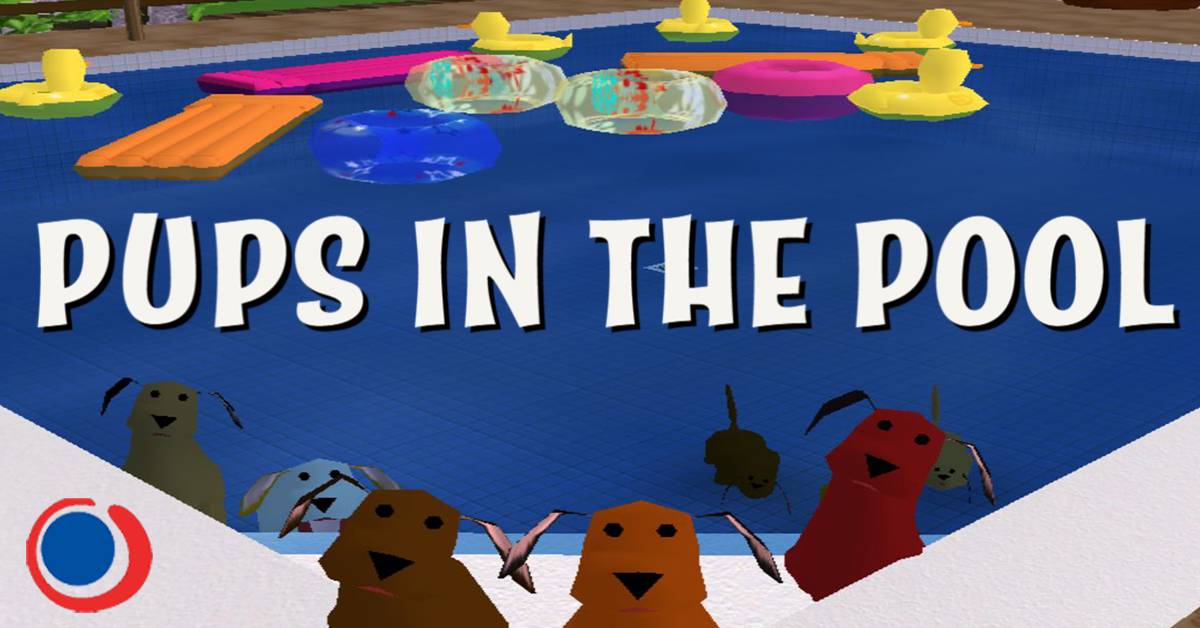
The Dog Days of Summer are H-O-T in There.com! A wild pack of canines have invaded a backyard pool in the Mahalo Neighborhood to cool off. They’ve been living it up having fun swimming and splashing around while the homeowner was away on vacation in the Tiki Islands.
Upon returning, the homeowner discovered the doggy disaster in their backyard. As you can imagine, the pool filtration system started backing up from all of the dog fur. Their efforts to coax ten pups out of the pool in order to clean it were unsuccessful. The homeowner frantically called all of the local pool cleaning services in the Virtual World There and left several messages for an emergency pool appointment. Your boss at Wicked Clean Pool Service has contacted you to take the cleaning and dog removal appointment on Thursday, July 16th at 6:00 PM Pacific.
The pool cleaning service you work for will not be the only local Thereian pool company to show up for the job. You’ll have to go up against other pool boy/girl competitors to win the job site bid. The customer expects the job to be done quick! If you can remove all ten pups from the pool in 60 seconds or less you’ll receive a Top Dog Puppy Pal prop as payment for a job well-done. The pool boy/girl who can coax all ten dogs out in the fastest amount of time will win a special 2020 Dog Days of Summer buggy.
Only twenty-five pool boys/girls will be able to compete for the job site. Spectators are welcome to lounge in the patio furniture on the deck and watch the shenanigans unfold. All competitors will receive a special gift. Read the rules at the start of the event and listen to the instructions from the Event Host and Co-Hosts.
Pups in the Pool has been brought to you by the Dog Days of Summer Events.
 There Blog