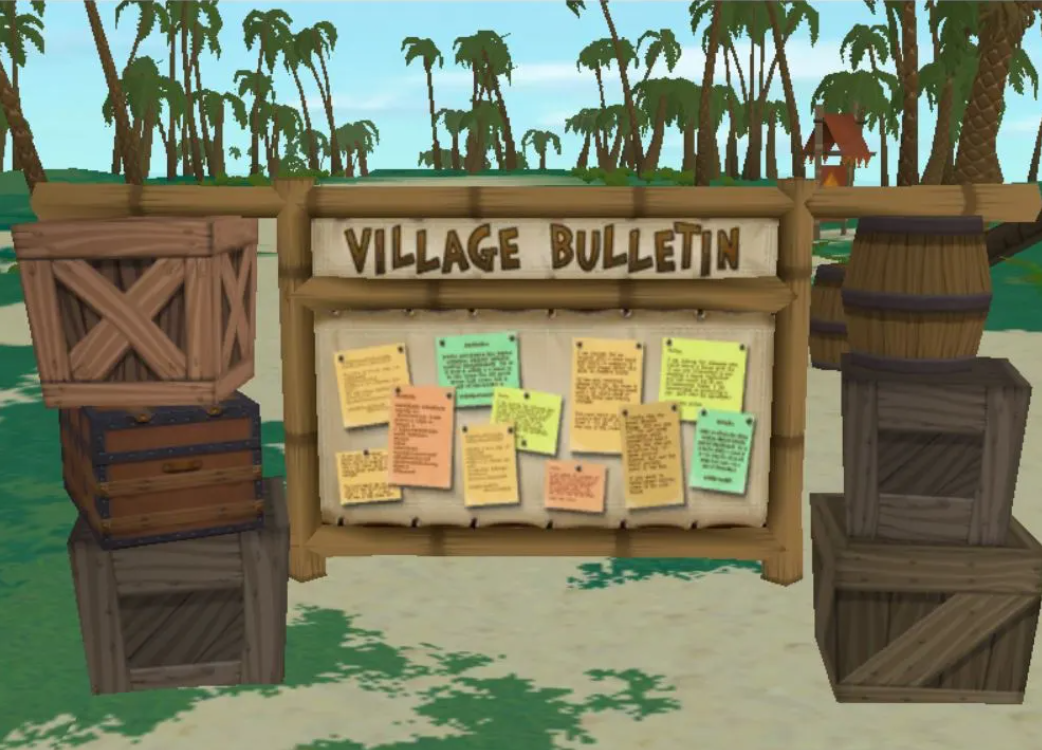
The Virtual World There.com will be temporarily closed for scheduled maintenance on Monday, October 12, 2026, while our team rolls out a new client and server release. This update includes improvements to the Quest system, a fix for certain types of ThereQuakes, and an important Paintball bug fix.
Scheduled Maintenance Window:
- Date: Monday, October 12, 2026
- Pacific Time: 12:00 PM – 2:00 PM (PDT)
- Eastern Time: 3:00 PM – 5:00 PM (EDT)
During this maintenance window, members will be unable to access the Virtual World.
What’s Included in This Update?
Quest Improvements – New Test Mode
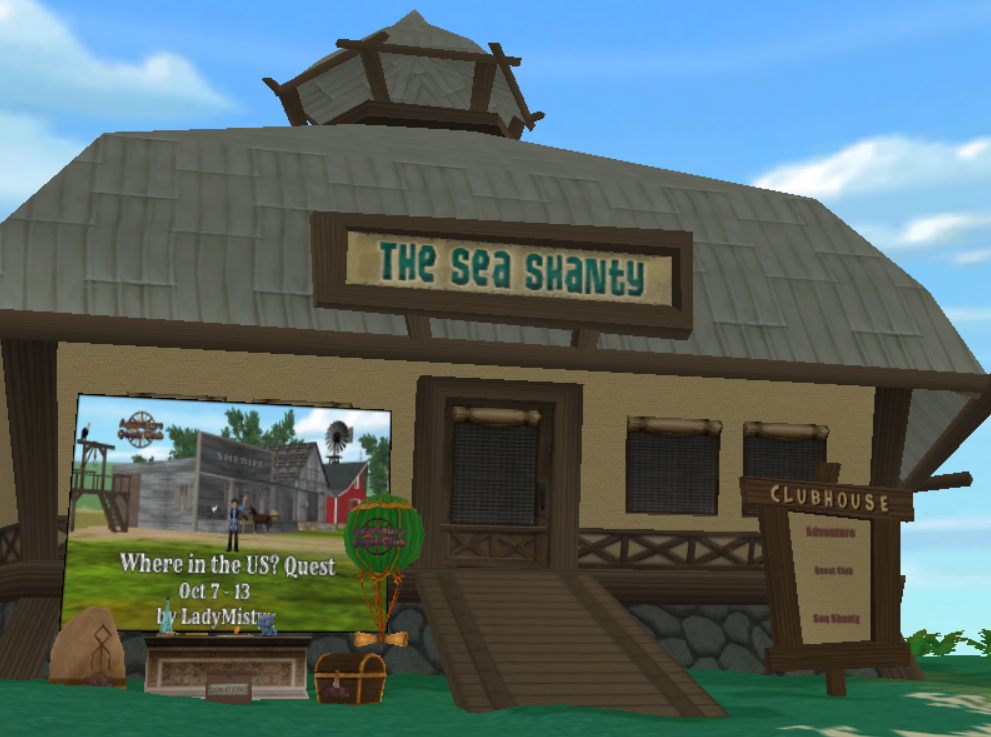
We’re introducing a new Test Mode for Quest authors! This feature allows creators to run through and test their Quests without being interrupted by an endless stream of pop-up messages. This improvement will make testing Quests a smoother and more enjoyable experience for our creative community.
Server Improvements – Reducing ThereQuake Disruptions
Our team is implementing a server-side fix designed to lessen the impact of certain types of ThereQuakes. While this update won’t eliminate every ThereQuake, it should help reduce disruptions caused by a particular type of server issue and improve the overall experience for members.
Paintball Fix – Protecting Infinite-Capacity Paintguns
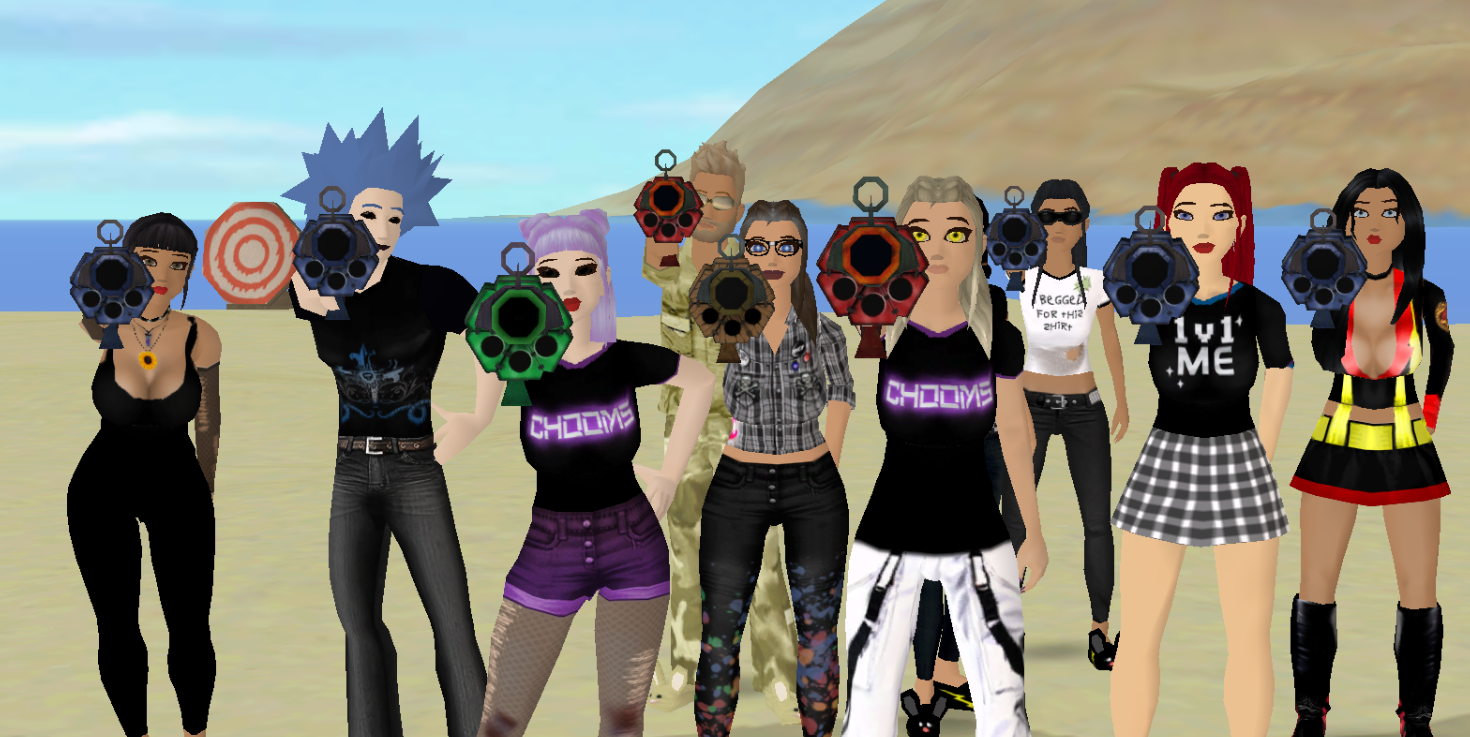
We’ve addressed a bug affecting certain rare infinite-capacity paintguns during Free Paintball Thursday sessions. Previously, crossing a sector boundary while using one of these paintguns could occasionally cause the gun to become “damaged.”
This release includes improvements to the Free Paintball system to prevent this issue from occurring, allowing members to enjoy their paintball adventures without worrying about this particular bug.
Important Reminders After Maintenance
Following a client and server release, it can take up to 12 hours for all decorations and other in-world items to fully reload. If you log in after maintenance and notice that decorations in your Neighborhood, PAZ, ThereHouse, or favorite hangout appear to be missing, please don’t panic! Your items may simply need more time to reappear as the world finishes loading.
Occasionally, a ThereQuake following a server or client release may also cause decorations or other items to shift out of position in your saved layout. If you notice that items are no longer where you originally placed them, you can try clearing your current layout and redeploying your saved layout. This should restore your items to their previously saved positions.
We encourage members to allow sufficient time for the world to finish reloading before reporting missing decorations. Thank you for your patience as everything settles back into place!
Reporting Issues After Maintenance
Our team continues to work on improving the There experience, and we appreciate the community’s patience and feedback as we roll out new features and fixes.
As with any client or server update, unexpected bugs or technical issues may occur. If you encounter a problem after maintenance, please report it to feedback@thereinc.com.
When submitting a report, please include:
- Your There username.
- A detailed description of the issue.
- The exact steps you took leading up to the problem so we can attempt to reproduce it.
- Screenshots of the issue, if possible.
- Your There.log file, when applicable.
If you experience missing decorations immediately after maintenance, please allow up to 12 hours for items to reload before submitting a report.
Thank you for your patience and understanding while we work behind the scenes to keep There running smoothly. We look forward to welcoming everyone back into the Virtual World once maintenance is complete!

